
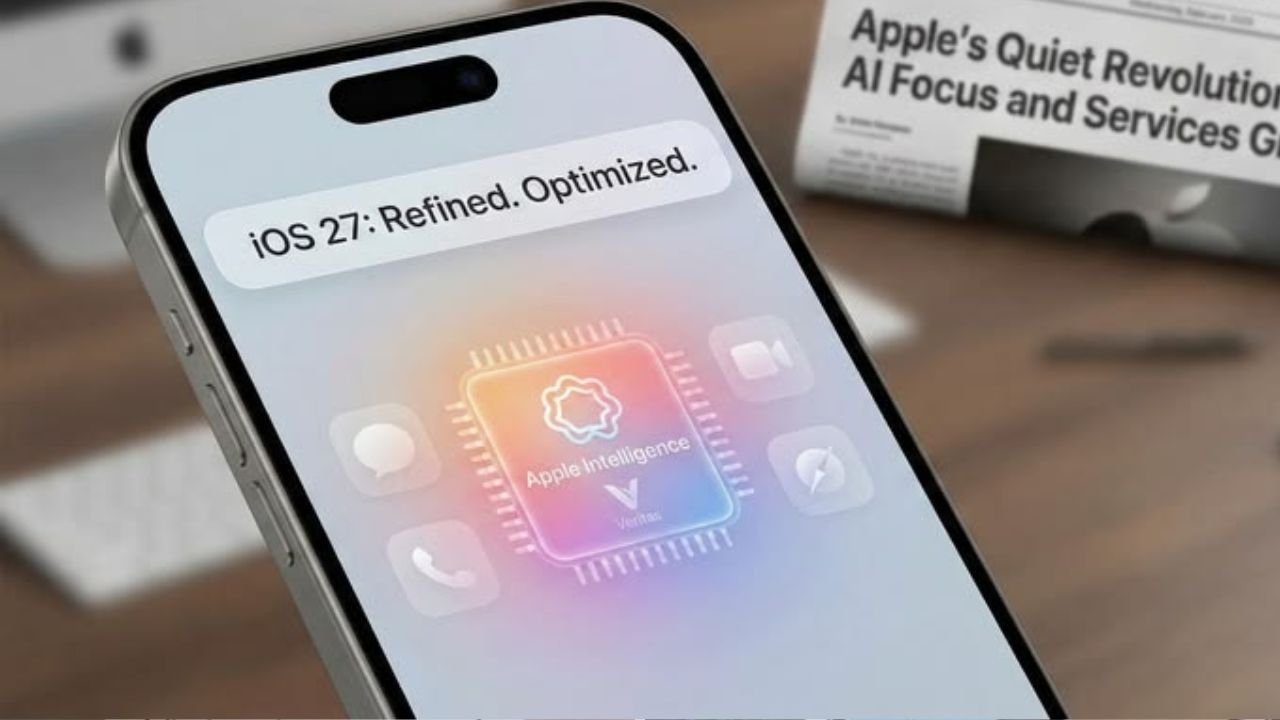
Apple WWDC 2026: How to download iOS 27 update in iPhone? Follow this process step by step

- To download the iOS 27 developer beta, you need to register from the Apple Developer app and go to the Software Update section.
- If you don’t see the update, you need to check for the update again by turning on developer mode from the privacy and security section of the settings.
- A data backup, more than 50% battery and a stable WiFi connection are required before installing the beta version.
Tech giant company Apple during the WWDC 2026 event iOS 27 is presented. Along with this, the company has also released the developer beta version of this OS update. In that case, if you want to experience the new iOS 27 features before the official launch, you can install the developer beta on your iPhone. For this you have to follow some process. But keep in mind that some bugs may be found in the beta version. So before installing new update in iPhone backup all data.
Apple WWDC 2026: New macOS 27 Golden Gate unveiled at event! Mac users experience will change, know the special features
Follow these steps to download iOS 27 Developer Beta
- First, open the App Store and download the Apple Developer app.
- Now open the app and sign in with your Apple ID.
- Enroll yourself in the Apple Developer Program now.
- Now open iPhone settings.
- After that tap on General and open Software Update.
- Now select Beta Updates option.
- Now click on iOS 27 Developer Beta that appears in the list.
- Now tap on Download and Install and start the installation process.
- This is how you can download iOS 27 Developer Beta in your iPhone. (Photo Courtesy – Pinterest)
What to do if the update does not appear”bullet-text”>Many times the iPhone does not show the developer beta. In that case you have to follow some extra steps to download iOS 27 developer beta in iPhone.- First open the settings.
- After that select Privacy and Security option.
- Now turn on developer mode.
- Now again go to software update section and check for updates.
- Now install the new update in your iPhone as per the above mentioned process.
Apple WWDC 2026: The tech company introduced the new iOS 27! Will your iPhone get the latest update? Read the list
Keep these things in mind before installing iOS 27
If you are also going to download iOS 27 Developer Beta in your iPhone then first of all backup all data. Also make sure the iPhone battery has at least 50 percent charge. A stable WiFi connection is required while downloading the update. The developer beta may have issues like bugs or apps crashing, so be careful. If you want stable and better experience then you can wait for iOS public beta.

Comments are closed.