
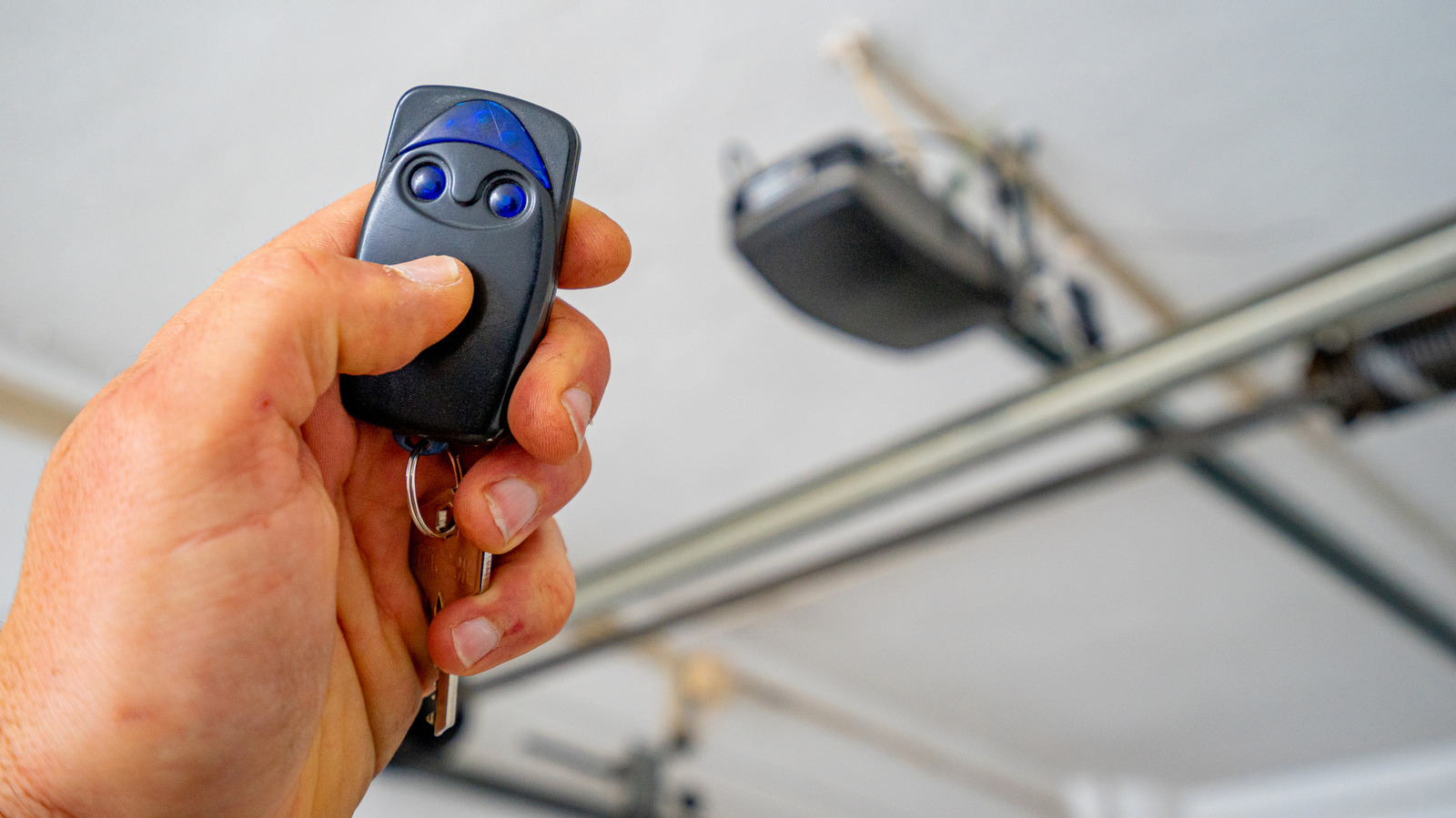

In the old days, when you got home from work or running errands, you had to get out of your car and manually lift the garage door up, then pull it down again by hand after you parked. Then, when the motorized garage door was invented, a wireless controller allowed you to open and close your garage door remotely without leaving the car.
Garage door remotes are simple machines that use radio signals to activate the motor. Once you press the button, the remote sends a radio signal with a code, the motor checks the code to make sure it’s correct, then opens or closes the door. Older remotes had fixed codes while newer ones use rolling codes which change periodically, so it’s more difficult for someone to duplicate your remote and gain access to your garage. Some garage door remotes clip to your keychain, and most have a single button, but other remotes have multiple buttons.
If you have a three-button garage door opener, odds are that you only use one of the buttons to open and close your garage, while the other two go unused. If you happen to have multiple garages, you can program each button to open a different door, but if you’re in a single garage home, there are still some handy things you can do with those two extra buttons.
Turn garage light on and off
This function is pretty straightforward. Your motorized garage door opener is purpose-made for controlling your garage. In addition to moving the door up and down, the remote can also turn your opener’s overhead light on and off using one of the other buttons.
If you have a three-button garage door remote, you can use one of the spare buttons to control the light. That way, if you’re pulling in at night, you can illuminate your way, then turn it off again before you go inside. The precise steps for how to program your remote may differ based on the brand of your opener and remote.
To make this work, you need a multi-function door control (the bit that’s on your wall) in addition to a three-button remote. With the garage door closed, press and hold the button on your remote that you want to designate for controlling the light, then press and hold the light button on the door control. While still holding the light button, press and hold the lock button on your door control. The opener lights should flash, or you should hear a click, indicating that the signal was received and programming was completed. Then, you can release all the buttons and the light controls on your remote should be activated. If you run into any trouble, refer to your garage door opener’s manual.
Opening and closing a gate
If you live in a gated community or have a gate in front of your driveway, you may be able to program your remote so that one of the buttons opens and closes the gate. Once programmed, one remote gives you total control over getting out of your garage and out of your neighborhood.
In order for this to work, your gate has to be compatible with your garage door opener, operating in the same band of frequencies. Some gates may use different and incompatible technologies, so check to make sure your personal gate or community gate is compatible with your remote before you get started. The steps are the same whether you’re programming your remote for a personal gate or community gate, but if you’re programming for a community gate, you may need to work with your HOA or property manager to get the remote and the gate to talk to one another.
You’re going to need access to the gate receiver to program gate control. Once you locate the gate receiver, press and release the Learn button. A light should turn on or flash to let you know it’s in learning mode. Press and hold the button on your remote that you want to program and wait for the receiver light to blink again or turn off, letting you know programming was successful. Finally, release the button on your remote and test to make sure it works.
Smart home automation
Garage door openers are a mature technology that has been around for decades, while smart home tech is relatively new. Many people assume they are from different technological worlds and can’t work together, but tech manufacturers always find a way. Meross sells a Smart Garage Door Opener kit that converts your existing garage door system into a Wi-Fi connected system.
Some of the benefits of connecting your garage to the Internet of Things is that you’ll be able to open and close your garage remotely from anywhere using a smartphone app, and you can get notifications when your garage is opened or closed.
The kit is compatible with most garage door openers made in the last few decades, and you can continue to use your existing garage door remote. For the best results, your Smart Garage Control hub needs to be close to your router. If it’s farther away, you may need to use a Wi-Fi relay to expand your home wireless network. Perhaps the best function is that you can integrate your garage door into your smart home system and use it to trigger routines. Use your smartphone to design your desired routine and then use your three-button remote to open the garage and trigger it.
Secret doors and electric locks
Your three-button remote is designed to be able to talk to multiple garage door openers, so you can open up to three doors with a single device. But who says a garage door opener has to be connected to a garage door? While there is some variation across manufacturers, a garage door typically opens using a belt drive or chain drive. The motor in the drive unit box on the garage ceiling controls the chain, which pulls the door up and along the horizontal track, opening it.
You can use it to open other doors, including the secret bookcase door you’ve always wanted, or to control electronic locks on your other doors. You can create movable barriers between parts of your house or create a rising storage platform controlled by remote. Pretty much anything that connects to the receiver can be controlled with a button on your garage door remote.
You’ve got a ready-made system capable of moving heavy objects and a remote controller. You are limited only by your imagination and a healthy respect for safety. Alternatively, you can use your garage remote to lock and unlock doors. LiftMaster offers automatic deadbolts intended to make your garage door more secure. They can be installed on your garage door, the interior door to your home, or anywhere else you want some added security.

Comments are closed.