
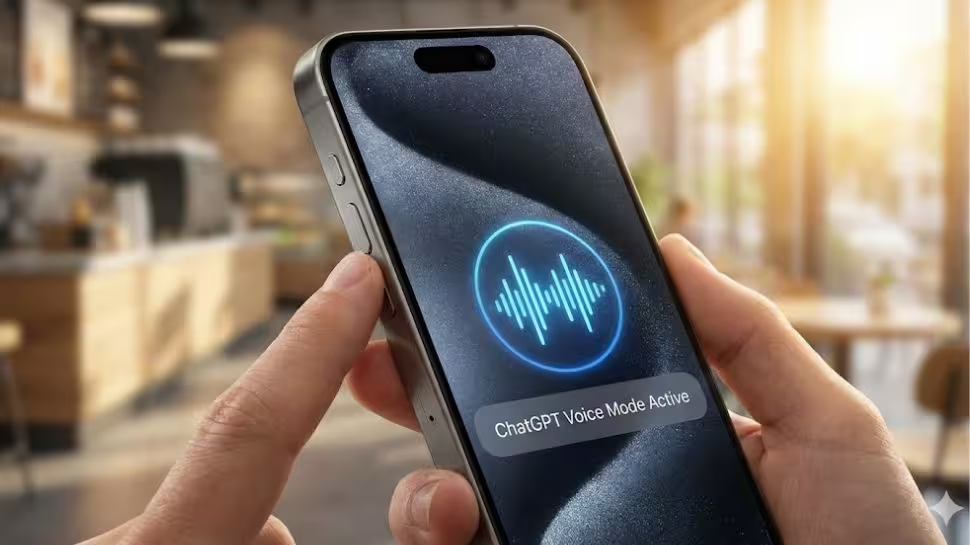
ChatGPT Voice Mode Now Available On iPhone 15, iPhone 16, and iPhone 17 Pro With Action Button; Check Limitations And How To Set Up | Technology News

ChatGPT On iPhone Action Button: In the world of fast-paced technology, many iPhone users have always wanted to open Open AI’s ChatGPT as easily as they open Siri by just pressing a button. Cupertino-based tech giant Apple doesn’t let anyone replace Siri, but there’s a clever trick that makes it possible. This trick works on the iPhone 15 Pro and newer models like iPhone 16, iPhone 17 Pro and more.
These iPhones have a special Action button that can be customized. Instead of using it for the camera or flashlight, you can now set it to open ChatGPT’s voice mode. With a small change in the settings, the Action button becomes a shortcut to ChatGPT. Press and hold it, and ChatGPT starts instantly, ready to listen and talk. There’s no need to open the app or search for it.
With the recent updates in OpenAI’s iOS app, the action button now lets users start real-time, hands-free conversations with ChatGPT. However, Apple’s Siri is still the main assistant, this simple trick gives your iPhone a faster, smarter, and more conversational helper at the press of a button.
Add Zee News as a Preferred Source
How To Set Up ChatGPT On iPhone Action Button
Step 1: Open the App Store and install or update the ChatGPT app from OpenAI. Log in with your account if needed.
Step 2: Go to Settings on your iPhone and tap Action Button at the top.
Step 3: Swipe left or tap the arrows to open the Controls menu. Scroll or search for ChatGPT in the app list.
Step 4: Tap ChatGPT, then choose Open ChatGPT Voice. Allow microphone access when asked.
Step 5: Press and hold the Action Button on your iPhone. ChatGPT in voice mode will open immediately, ready to talk.
ChatGPT Voice Mode: How It Works
The app opens directly in voice mode. ChatGPT listens to you, understands what you say, and replies out loud, while also showing the text on the screen. Any images or visuals created by the AI appear right next to the conversation, keeping everything clear and connected. (Also Read: What Is Cloudflare? Global Outage Disrupts Zerodha, Groww, Instagram And LinkedIn; Services Now Restored; Check Services It Offers)
Limitations Of ChatGPT On iPhone
While ChatGPT can chat, answer questions, and generate visuals, it cannot handle system-level tasks on your iPhone. Actions like setting alarms, changing device settings, reading your calendar, or sending messages through iMessage are still reserved for Siri. So, even with the Action button shortcut, Siri remains the assistant for core phone functions.

Comments are closed.