


Highlights
- Generative AI turns pro-grade AI photo editing into fast, one-tap actions for anyone.
- Tools like Photoshop’s Generative Fill and Canva’s Magic Edit blend text prompts with quick brush selections for realistic results.
- Mobile-first apps such as Lensa, Picsart, and Photoroom specialize in avatars, social content, and e-commerce visuals.
- The benefits come with risks—deepfakes, bias, and privacy issues require careful, transparent use of these tools.
If anyone has daydreamed about making phone pics look professional, yet never had the gear, imagine erasing random folks from shots just by tapping once. Users are hitting that sweet spot where fantasy meets real life now. Lately, smart algorithms escaped tech vaults, landing straight into apps we use daily, reshaping how fast and easy image tweaks can happen. No expertise? Not an issue. Fix faces, delete stuff, drop in new scenes, paint visuals differently, all without sweating the details.
What one-tap AI photo editing actually means
When folks mention“one-tap” editsthey are talking about turning lots of steps into something quick, like tapping a button, swiping with a tiny brush, or typing a brief command. Underneath that ease, the software’s actually juggling multiple complex tasks at the same time.
Trying to fix a portrait? It scans face details, tweaks skin colour, smooths texture, balances light, erases spots, and makes eyes look more awake. Maybe swapping backgrounds? The tool cuts people and items out from their original setting, then drops them smoothly into fresh environments.
It removes any unrequired stuff by guessing what should go behind it, matching texture, lighting, and angle. Instead of adding objects, it paints them in so they fit naturally into the photo’s look. To change styles, it tweaks colors, adds fuzzy textures, or redraws scenes to mimic paintings or vintage pics.
Some tools even understand casual phrases like “turn clouds pink” or “swap the dog for a cat.” With just one touch, multiple smart actions kick in without slowing things down. Each action blends checks and adjustments to keep edits smooth.
A quick look at top apps
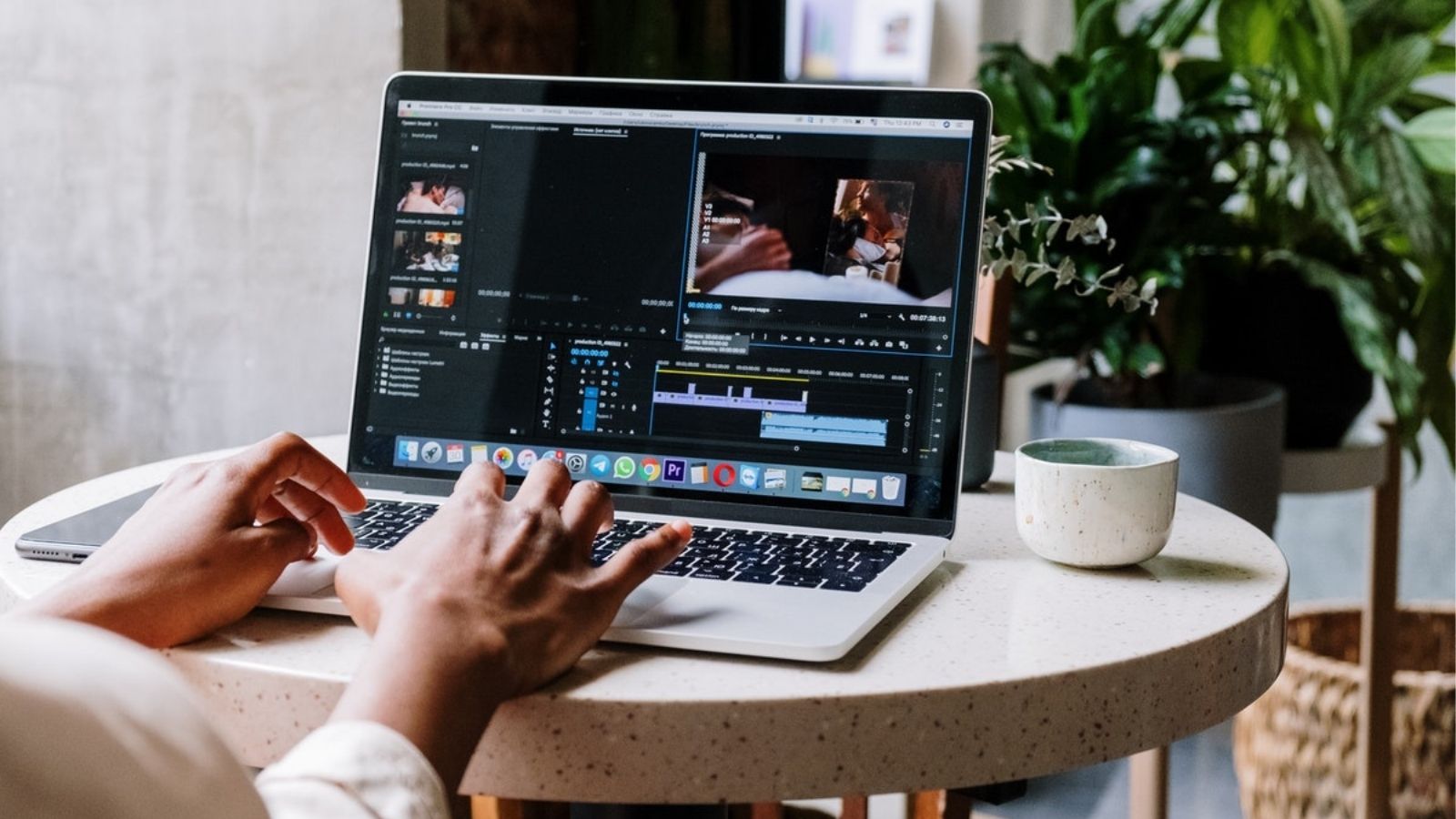
Adobe focuses on pros, blending smart creation tools right into its trusted apps. In Photoshop, editors can use everyday words to insert, erase, or tweak items, thanks to Adobe’s own tech, all while staying precise and in charge. The setup works well for experts who demand clean, adjustable outcomes inside routines they already know, letting skilled hands fine-tune every bit.
On the flip side, Canva opens doors for everyone, making design fast and good-looking for those who do not want to spend ages learning. Its Magic Edit system uses a basic brush setup along with brief commands to create blended or styled images: great for marketers, solo entrepreneurs, and online content makers needing quick, clean results.
Instead of broad features, Lensa zeroed in on face-focused edits and avatars, pushing AI-powered look-alike photos into the spotlight through fun, intuitive presets and touch-ups built just for facial details.
Picsart works like a Swiss army knife, it pairs cleanup functions such as erasing items or swapping backgrounds with creative effects, plus ready-to-post layouts and decals, perfect for people chasing speed and flair alike.
On another track, tools like Photoroom target specific needs, simplifying product shots by auto-cutting out backdrops and repositioning items so shop owners can build pro-level catalogues minus expensive gear. Every one follows its own path: top-tier editing software, open-access creativity hubs, light-hearted selfie studios, do-it-all posting aids, and lean, sales-driven helpers.
What is behind the trick?
Beneath smooth screens, we can often find similar tech pieces at work. First up, separation and refining. It’s where software picks which bits of a picture are main subjects versus backdrop, so changes stick to the right spots. Instead of just wiping things out, tools rebuild missing parts using smart guesswork that matches shadows, patterns, and surfaces nearby.
Tweaking vibes or looks happens through hidden math zones inside models, shifting images toward painterly or movie-like feels without breaking realism. Lastly, turning prompts into images means basic word cues become visual changes, so people can just describe their idea rather than tweak complex settings. It looks straightforward on screen; however, behind the scenes, it is vigorously studying shadows, angles, and distance while building new pixels meant to fit naturally alongside existing ones.
Red signs along the way
Even though they are helpful, generative editing tools come with real risks. Since these systems mimic reality so well, it makes folks wonder what is genuine; changes that twist a photo’s message cause big issues in news reporting, documentaries, or anywhere honesty matters most. These tools learn from massive collections of data, data that might include unfair assumptions, affecting how different bodies, identities, or traditions appear, possibly leading to distorted or offensive outcomes.
Sharing personal images online brings up concerns too: once uploaded, pictures could get saved, studied, or reused without permission to improve future versions of the tool, something people need to know before posting private shots. From a tech side, major alterations or ones involving intricate details do not always go smoothly with odd glitches showing up now and then, like warped reflections, messy shadows, or wonky shapes that just do not look right.
Lastly, better features often need a paid plan, while closed systems might trap any user into one platform, limiting where edits work later. Developers know this in particular is tricky, so they are tossing in safeguards like rules, visible marks, or tighter settings, but folks still ought to watch their step when tweaking and sharing pics.
See improvements quicker by doing things differently
To get better results, begin with a sharp, high-quality photo, as stronger starting points usually mean smoother, more believable tweaks. For accuracy, pair the tool’s text input with a tiny selection area or fine brush to limit changes and dodge unexpected glitches. Use brief descriptions and tweak step by step: when a quick phrase gives weird output, strip it down, then build up slowly instead of tossing in a wordy, tangled order.
While trying to swap backdrops, watch how light hits objects and where shadows fall, as matching these makes the edit feel real; mismatched lighting instantly reveals something is fake. Keep the untouched version safe, because this way anyone can undo tweaks or test another program down the line.
Instead of rushing, go through the application’s rules and how it handles data, just to check if files get saved or fed into training systems. Doing this stuff means users will actually get a solid mix of quick results, sharp output, and staying in charge when using these fresh editing tools.

Comments are closed.