
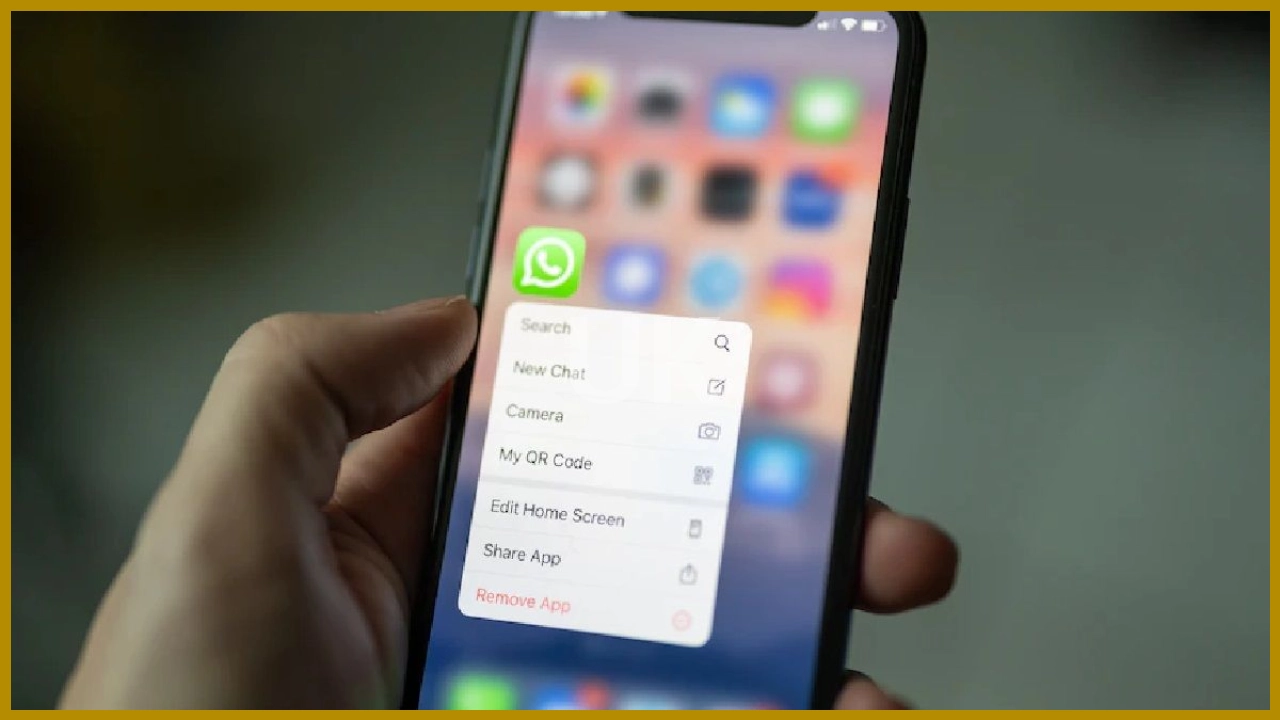

“Check if someone else has access to your WhatsApp. Here’s how. 22 Dec 2025. Photo: Unsplash.”

“Do you think someone else is reading your WhatsApp messages? You can easily find out. Is anyone else using it? Photo: Unsplash”

“WhatsApp is a popular instant messaging platform worldwide. This platform offers several unique features that are known to only a few. Photo: Unsplash”

“One such feature is WhatsApp’s Companion Mode. With this feature, users can use the same WhatsApp account on multiple devices. Photo: Unsplash”
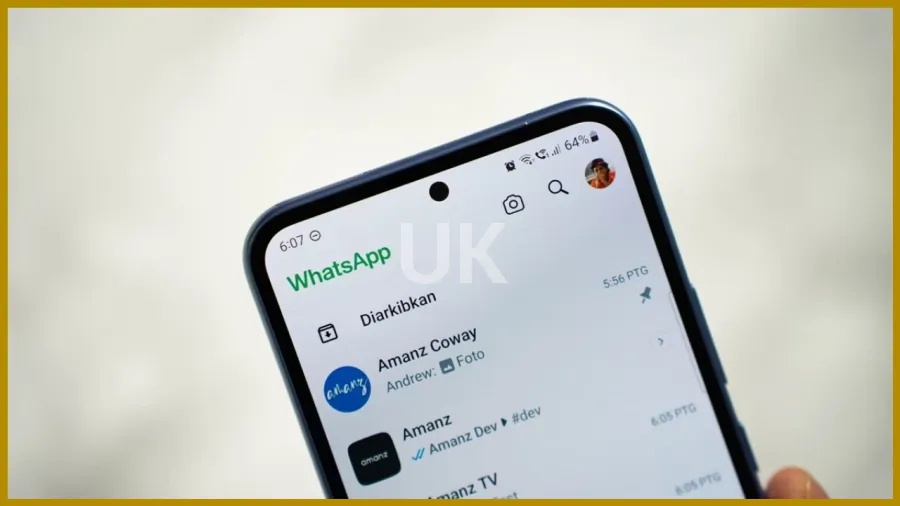
“If you believe that your account is active with someone else, you will easily be able to find out about it. Photo: Unsplash”

“First, you need to open WhatsApp. Here, you should click on the three dots located at the top right corner. Photo: Unsplash”
“You will find the option for Linked Devices here. You need to click on it. Once you do that, you will receive a list. Photo: Unsplash”
“This list will include the devices on which your account is active. Here, you can see which devices your WhatsApp account is active on. Photo: Unsplash”
“If you notice any unknown device, you can easily remove it. Photo: Unsplash”

“To remove the account, you need to click on the option for that device. Here, you will find the option to remove. Photo: Unsplash”

Bhupendra Singh Chundawat is a seasoned technology journalist with over 22 years of experience in the media industry. He specializes in covering the global technology landscape, with a deep focus on manufacturing trends and the geopolitical impact on tech companies. Currently serving as the Editor at Readhis insights are shaped by decades of hands-on reporting and editorial leadership in the fast-evolving world of technology.

Comments are closed.