
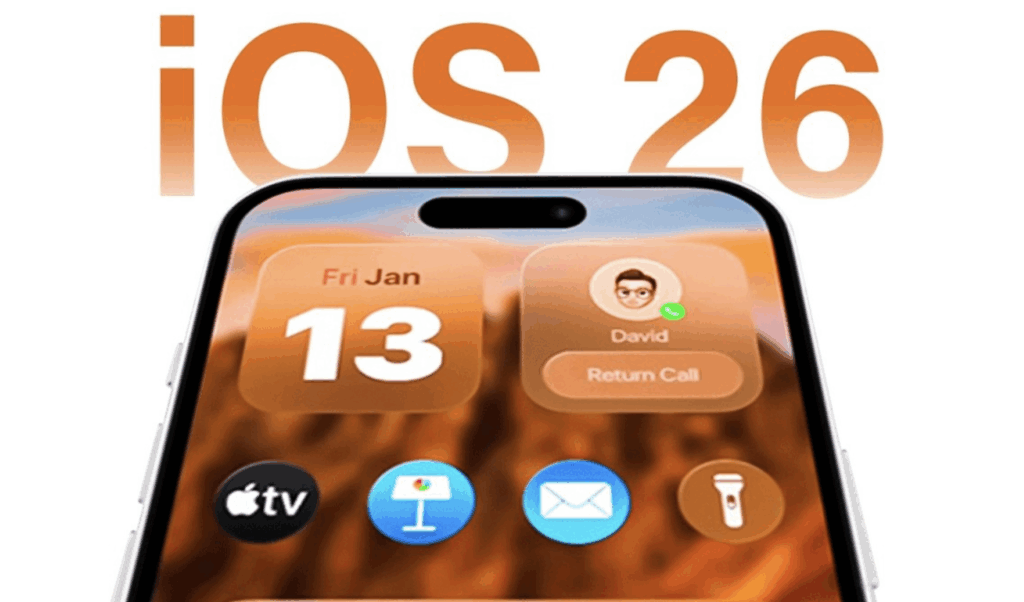

Apple has introduced a significant change to its iPhone software update policy with iOS 26. The company will no longer allow users to downgrade once they update their devices to the new version. This marks a departure from previous practices where users could revert to an older iOS version for a limited time after a major update.
What Changed With iOS 26
With the release of iOS 26, Apple will stop signing older software versions entirely once the new update is released. In practical terms, this means that after a device installs iOS 26, it cannot be rolled back to iOS 25 or any earlier software — even if the user encounters bugs or performance issues.
In the past, Apple continued to sign older versions for a short period after each major update. This signing allowed users to downgrade when the new release had compatibility problems or other bugs. Now, that safety net is gone.
Why Apple Is Making This Decision
Apple’s rationale appears to be focused on security, consistency, and ecosystem stability. By keeping all compatible devices on the latest software, Apple believes it can ensure that users benefit from the newest security patches and features without fragmentation.
The move also simplifies support for developers, who no longer have to account for multiple recent iOS versions when building and testing apps. Apple aims to maintain a uniform experience across the iPhone user base, reducing vulnerabilities related to outdated software.
User Concerns and Reactions
This shift has sparked mixed reactions among users and tech enthusiasts:
- Performance and compatibility worries: Some users prefer to stay on older iOS versions when new updates cause unexpected slowdowns, battery issues, or app incompatibilities. Without the option to downgrade, they feel “locked in” to a version that might not work well on older devices.
- Security arguments: Others appreciate the emphasis on security and regular updates, arguing that outdated software can expose devices to threats.
- Developer implications: App developers may benefit from a more streamlined environment, but some argue they lose flexibility in testing across versions.
What This Means for iPhone Users
Going forward, iPhone owners should be more cautious before updating to iOS 26. Since there’s no rollback option, users are encouraged to:
- Review early feedback before updating
- Ensure key apps and hardware accessories are compatible
- Back up devices thoroughly before installation
For many, the change will be a matter of adapting habits and expectations around iOS upgrades.
Conclusion
Apple’s decision to lock iPhones into iOS 26 with no downgrade path represents a new chapter in its software strategy. While it promises benefits in security and uniformity, it also limits user flexibility and places a premium on update confidence. Only time will tell how users and app developers adjust to this permanent upgrade model.

Comments are closed.