
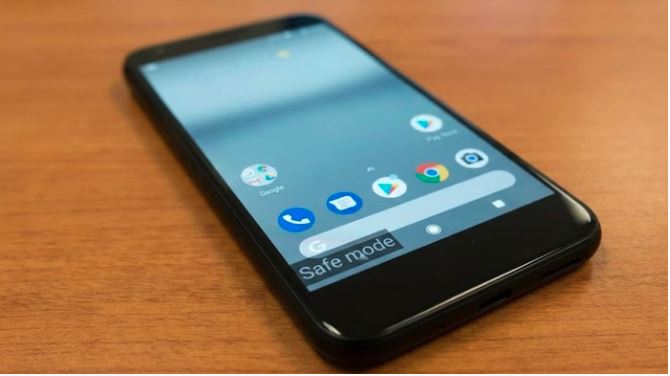

New Delhi. Safe Mode is a special boot mode of Android phones. In this, the phone starts with only the essential system apps, while all the third-party apps installed by the user are automatically closed. Its purpose is to run the phone in a safe environment and find out whether the problem is due to the system or due to some app.
Read :- Samsung latest processor: Samsung introduced Exynos 2600, the world’s first 2nm smartphone processor.
What is revealed?
If the phone starts working properly in safe mode without any problem, then it is a clear indication that the problem is due to some third party app. However, if the problem persists even in Safe Mode, then the issue may be related to system software.
When should it be used?
When the phone suddenly becomes slow, hangs repeatedly or starts restarting without any reason, then safe mode should be tried. Additionally, if your phone starts glitching after installing a new app, your battery drains rapidly, or your screen freezes, Safe Mode is the first feature to use.
Read:- Smartphone sales: Sale of these 3 new smartphones will start this week, know the model and price.
How does the phone work?
In this mode the phone runs with limited features. Calling, messaging, settings and essential system apps work, but social media, games and other downloaded apps do not remain active. Because of this, the performance of the phone remains more stable and the problem becomes easier to identify.
Know its benefits?
The biggest feature of Safe Mode is that through it the problem of the phone can be understood without doing a factory reset. If the phone runs fine in Safe Mode, the user can uninstall suspicious apps one by one. This also keeps the data safe and the phone starts working normally again. For this reason, Safe Mode is considered the most reliable troubleshooting feature of Android phones.

Comments are closed.