
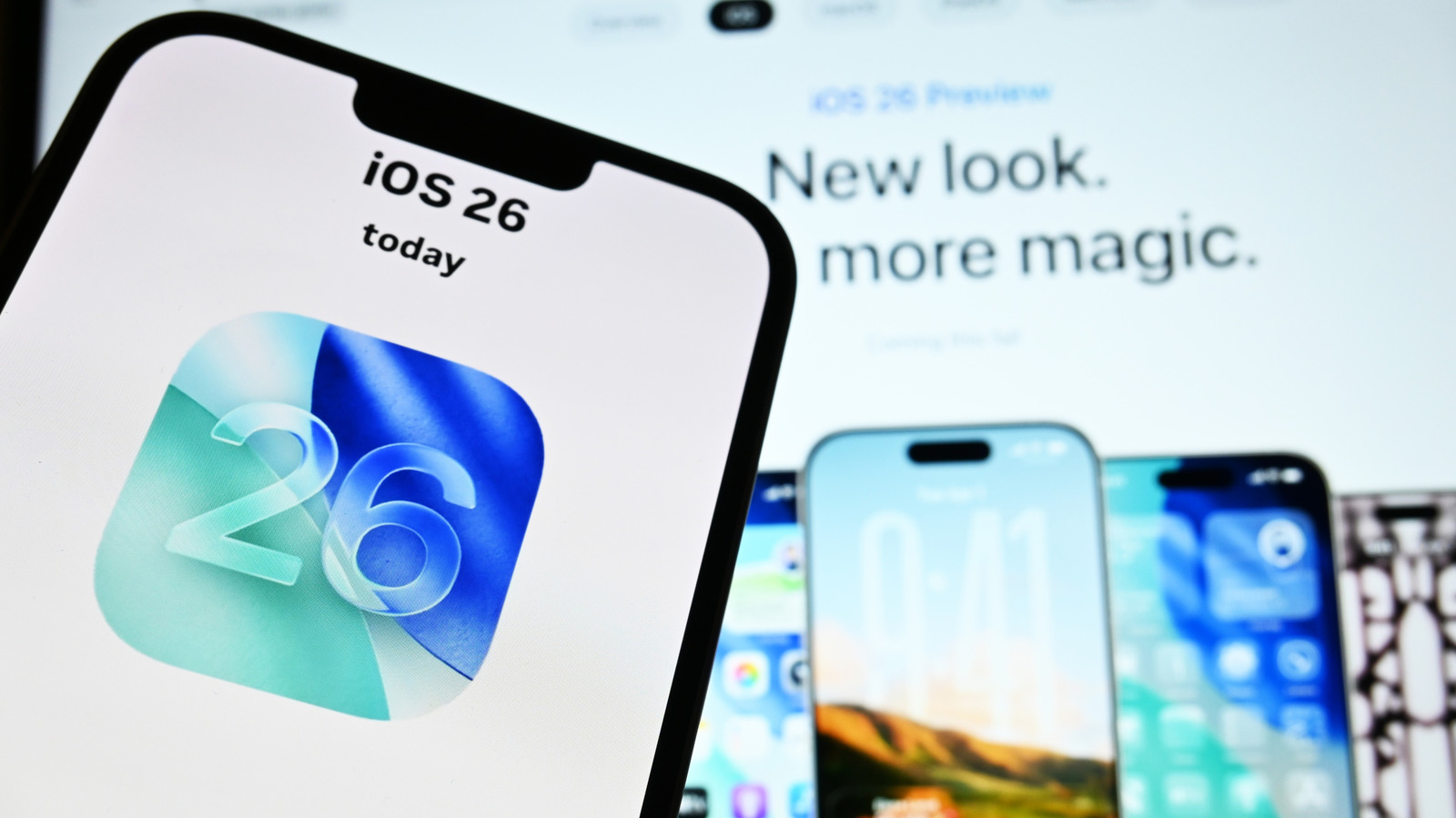

Many iPhone users have complained about iOS 26 since it first launched in the fall of 2025. Glitches, bugs, and spotty performance have users looking for ways to fix the system’s new features. Some are even searching for ways to jailbreak or remove the limits that exist on iOS 26. It’s important to know that Apple doesn’t officially support jailbreaking. Trying to go around this and change your iPhone’s operating system can void your warranty. So if your phone malfunctions as a result of a jailbreak, you may be on your own, as Apple can actually refuse to help.
There are a couple of online tools, including Palera1n, that claim support for jailbreaking iOS 26. The problem is, this tool may or may not work universally across all iPhones. Another tool, nekoJB, also appears to provide a jailbreak for iOS 26. However, independent testing by Corellium found that the online version only installs profiles and shortcuts, without giving real system access. This can lead to unexpected security risks. As of this writing, according to a report from ONE jailbreak, a verified, stable public jailbreak for iOS 26 does not exist.
While these services exist and both suggest jailbreaking iOS 26 is possible, the overall success of the process depends on the reliability of the tool itself and your specific device. But if you’re determined to try jailbreaking, do your research, read reviews, and know what you’re getting into. That’s the best way to figure out if the risk is worth the reward.
Alternatives to jailbreaking iOS 26
iPhone users unhappy with iOS 26 still have options without risking a jailbreak, including turning off some of its more annoying features. Apple offers various ways to tweak your iPhone’s appearance, from moving widgets to changing wallpapers, and more. You can even rearrange your Home and Lock screens. These tools allow you to customize your phone’s display and function. While these options don’t give you system-level access, they can safely address any usability issues you may have.
You can also install apps that aren’t in the App Store using tools from Apple’s developer system. This is possible through the use of sideloading tools like AltStore, which uses Apple’s own developer tools to install apps to your phone. There’s also SideStore, which allows you to sideload third-party apps, wallpapers, and more. Neither one requires a jailbreak, but there is a risk of malware, so proceed with caution.
If you’ve weighed the pros and cons of iOS 26 and want to get rid of it, you’re out of luck. Apple controls which software versions are available and can be installed on your phone. After releasing iOS 26 in the fall of 2025, Apple flipped the switch on the previous system, iOS 18.6.2, essentially shutting it down. If you happen to still be running that version on your iPhone and you’re happy with it, you can stay where you are. But if you decide to upgrade to iOS 26, you won’t have a way back.

Comments are closed.