
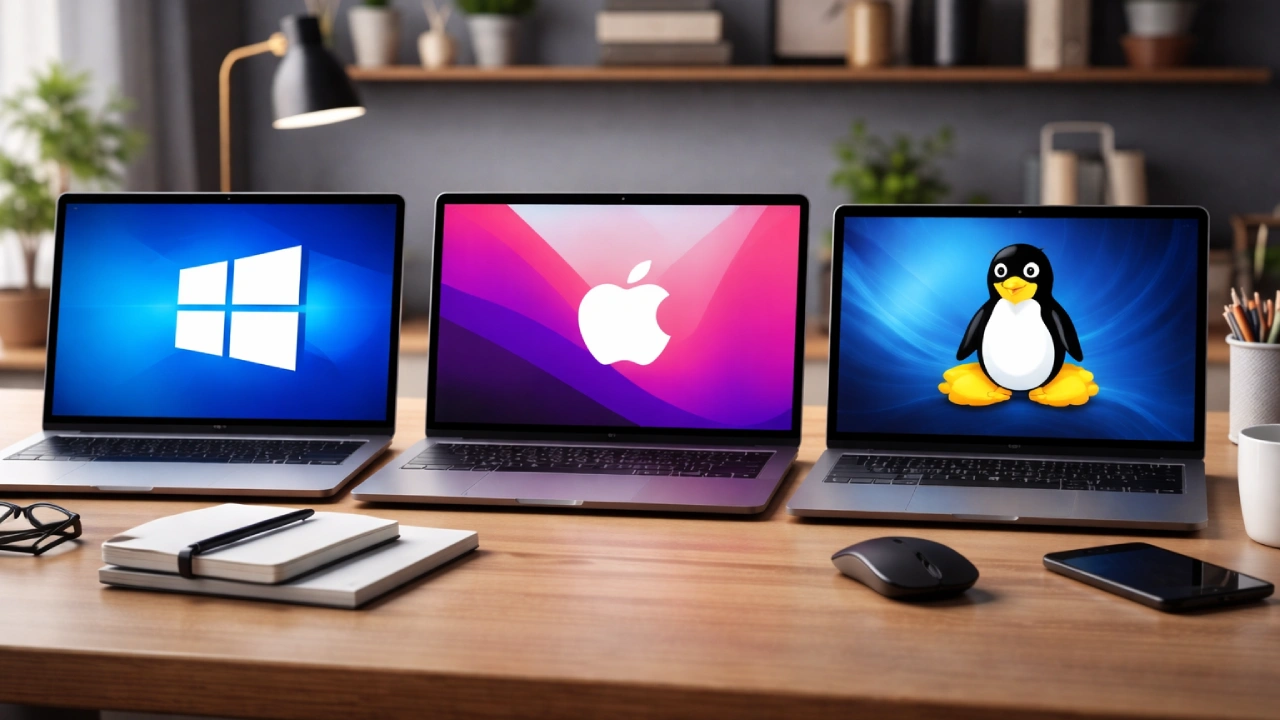

Highlights
- Windows vs. macOS vs. Linux: compatibility, security, performance, and user experience.
- Describes the best use cases for gamers, professionals, creatives, developers, and regular users.
- Breaks down important decision factors like software requirements, budget, hardware flexibility, and ease of learning.
- Guides readers to make confident choices by outlining the strengths and weaknesses of each operating system.
Choosing the right operating system (OS) is one of the most important decisions a user makes when setting up a laptop or desktop computer. Each major OS—Windows, macOS, and Linux—has its strengths, limitations, and unique user experience. The best choice depends on personal or professional needs, preferred workflow, budget, and comfort with technology. This guide provides a clear overview to help users understand the differences and choose the OS that suits their needs.
Understanding the Core Differences
Before getting into specific scenarios, it’s important to recognize the basic differences between the three operating systems. Windows, developed by Microsoft, is the most widely used OS in the world, known for its flexibility, broad compatibility, and user-friendly interface. macOS, designed by Apple, integrates tightly with Apple hardware, offering a polished, secure, and seamless experience. Unlike the other two, Linux is open-source, community-driven, and available in various distributions, allowing for extensive customization.
These fundamental distinctions affect everything from software availability and system performance to security, user control, and price. Understanding these key points helps users evaluate each OS more clearly based on what matters most to them.
Windows: The Versatile All-Rounder
Windows remains the top choice for those seeking a versatile and compatible system. Its biggest advantage is its broad software support. Almost every mainstream application, from productivity suites to engineering tools and AAA video games, runs smoothly on Windows. This makes it an ideal option for students, office workers, gamers, and those who need specialized applications like AutoCAD, MATLAB, or Microsoft Office.
Another advantage is hardware flexibility. Windows can run on devices across all price ranges, from budget laptops to high-performance workstations. This makes it accessible for many users. The ease of connecting peripherals also contributes to its user-friendliness.
However, Windows has its drawbacks. It generally requires more system resources, which can slow down performance on older devices. It is also more susceptible to malware attacks compared to macOS or Linux, due to its larger user base. Microsoft continuously updates its security measures, but users still need to be cautious and use reliable antivirus tools.
In summary, Windows is best for those who need maximum compatibility, gaming options, professional software access, or flexible device choices.

macOS: The Seamless and Reliable Ecosystem
macOS is often preferred by users who value design, security, and integration within the Apple ecosystem. Apple’s controlled hardware-software environment ensures that macOS provides consistent performance and stability. For creative professionals in graphic design, video editing, music production, and animation, macOS offers unmatched reliability and industry-standard applications like Final Cut Pro, Logic Pro, and the full Adobe Creative Suite.
One of macOS’s biggest strengths is its ecosystem. When used with iPhones, iPads, and other Apple devices, macOS allows for seamless syncing and productivity features like AirDrop, Handoff, iCloud, and Universal Clipboard. This connectedness enhances workflow efficiency for users already invested in Apple products.
Security is another key advantage. macOS is based on Unix, providing strong protection against malware and attacks. Apple also regularly updates the software and maintains strict app-security measures through its App Store.
The primary limitations of macOS are its cost and restricted hardware options. It only runs on Apple devices, which are usually priced at a premium. Users who prefer custom-built PCs or a wider range of hardware may find this limiting.
macOS is therefore ideal for creative professionals, Apple ecosystem users, and those seeking a stable, secure, and polished computing experience.
Linux: The Customizable Powerhouse
Linux is different from Windows and macOS because it is open-source. Users can modify, inspect, and freely distribute the software. For those who are tech-savvy or seek control, Linux provides unmatched customization. It offers numerous distributions (or “distros”), such as Ubuntu, Fedora, Debian, Linux Mint, and Arch Linux, each tailored for different uses and experience levels.
One of Linux’s major advantages is its efficiency. It can operate well on both new systems and older, low-spec machines, making it a good choice for users looking for lightweight performance. It is also highly secure due to its permission-based system and smaller target audience for malware. Linux is popular in software development, cybersecurity, cloud computing, and server environments because of its stability, scripting capabilities, and powerful command-line tools.
However, Linux has a steeper learning curve, especially for those unfamiliar with terminal commands or system configuration. Software availability can also be an issue. While there are many open-source alternatives, such as LibreOffice, GIMP, and Blender, certain commercial applications like Microsoft Office or Adobe Creative Suite are not supported natively. Although gaming on Linux is improving with platforms like Steam Proton, it still doesn’t match Windows in terms of performance and compatibility.

Linux is the best option for developers, programmers, tech enthusiasts, and users looking for complete control over their OS or who want to revive older hardware.
Key Factors to Consider When Choosing an OS
When choosing between Windows, macOS, and Linux, users should consider their needs based on a few key criteria:
The most impactful factor is what the user plans to do. Gamers, engineers, and business professionals may prefer Windows, while creative artists and Apple users may find macOS more beneficial. Developers and system administrators often choose Linux for its command-line strength and flexibility.
- Budget and Hardware Options
Windows and Linux provide a wide range of hardware choices, including affordable options. macOS, linked to Apple hardware, requires a larger investment but offers high quality. Linux is ideal for maximizing older or budget systems.
Users should check if their essential software works well on the chosen system. Windows has the most extensive library, while macOS excels in creative tools, and Linux offers open-source flexibility.
macOS and Linux offer strong built-in security due to their Unix foundations, while Windows requires more vigilance. Users dealing with sensitive data might prefer macOS or Linux, but Windows can be secured with the right tools.
- User Experience and Learning Curve
Windows are familiar to most people. macOS is intuitive and user-friendly, though it requires adapting to the Apple environment. Linux requires technical confidence but rewards users with deep control.
Conclusion: Choosing the OS That Fits Your Lifestyle
There is no one-size-fits-all operating system—only one that fits the user’s lifestyle, professional needs, and technical comfort. Windows excels in versatility and compatibility. macOS stands out for integration and creative workflows. Linux shines in customization, control, and efficiency.

Understanding these differences helps users make informed decisions when selecting the operating system to support their daily activities and long-term productivity.

Comments are closed.