

We may receive a commission on purchases made from links.
The ubiquitous HDMI standard has been connecting our media devices for nearly a quarter of a century. Since its introduction in 2002, it has become the default way to link our TVs, game consoles, laptops, projectors, sound bars, and just about any other digital device capable of playing media. However, this can lead to a cabling system that looks like a bowl of spaghetti, or a continual game of swap the cables, or both. This is especially the case where there are too few available HDMI ports to go around.
One solution is to resort to an HDMI switch or splitter. On the face of it, they both seem to fulfil the same function — they allow multiple HDMI connections to be managed through a single device. But the differences between the devices are immediately apparent once we look at how they work. Put simply, an HDMI switch can be thought of as a method of connecting more HDMI devices to your TV, whereas, an HDMI splitter is a way of connecting more TV screens to your HDMI device.
To add a little more confusion, the two devices also look very similar, with HDMI input and output ports that make them easy to mistake for one another. Understanding the differences between the devices and their limitations is something to be aware of before rushing out and buying a device that does the opposite of what you expect.
HDMI Splitter
An HDMI splitter does exactly what the name suggests — it takes a single HDMI input and duplicates the signal across two or more outputs at the same time. In practical terms, this allows a single device — such as a streaming box, laptop, or games console — to send identical video and audio to multiple displays simultaneously. Every connected device shows the same content, with no switching or user input required once everything is connected.
There are various scenarios where this can be useful. At home, a splitter can allow you to mirror a single device to two displays, such as sending the output from a laptop to both a TV and a projector. Away from home, splitters are often used in conference rooms, classrooms, retail environments, and digital signage. How many devices can be connected depends on the splitter; for instance, a 1×2 splitter will output to two devices, whereas a splitter like the MT-ViKI HDMI powered 1×4 splitter can output — probably unsurprisingly — to four devices. Powered splitters like this also offer more reliable connections than unpowered splitters.
However, HDMI splitters have some limitations that it’s best to be aware of. Primarily, most consumer-grade splitters negotiate the signal based on the lowest common denominator among the connected devices. For example, if one screen supports 1080p and another attached screen is 4K capable, the splitter will often downscale the signal across all outputs. Additionally, although copyrighted content normally doesn’t cause problems with splitters, content protection systems like HDCP can be problematic.
HDMI switches
While a splitter has its uses, perhaps more useful in domestic situations is an HDMI switch. Many homes now have multiple devices vying for the attention of a limited number of screens. Streaming boxes, legacy DVD players, Blu-Ray players, game consoles, and laptops are all frequently swapped in and out of HDMI ports. At best, this can be inconvenient; at worst, it can be damaging to cables and hardware.
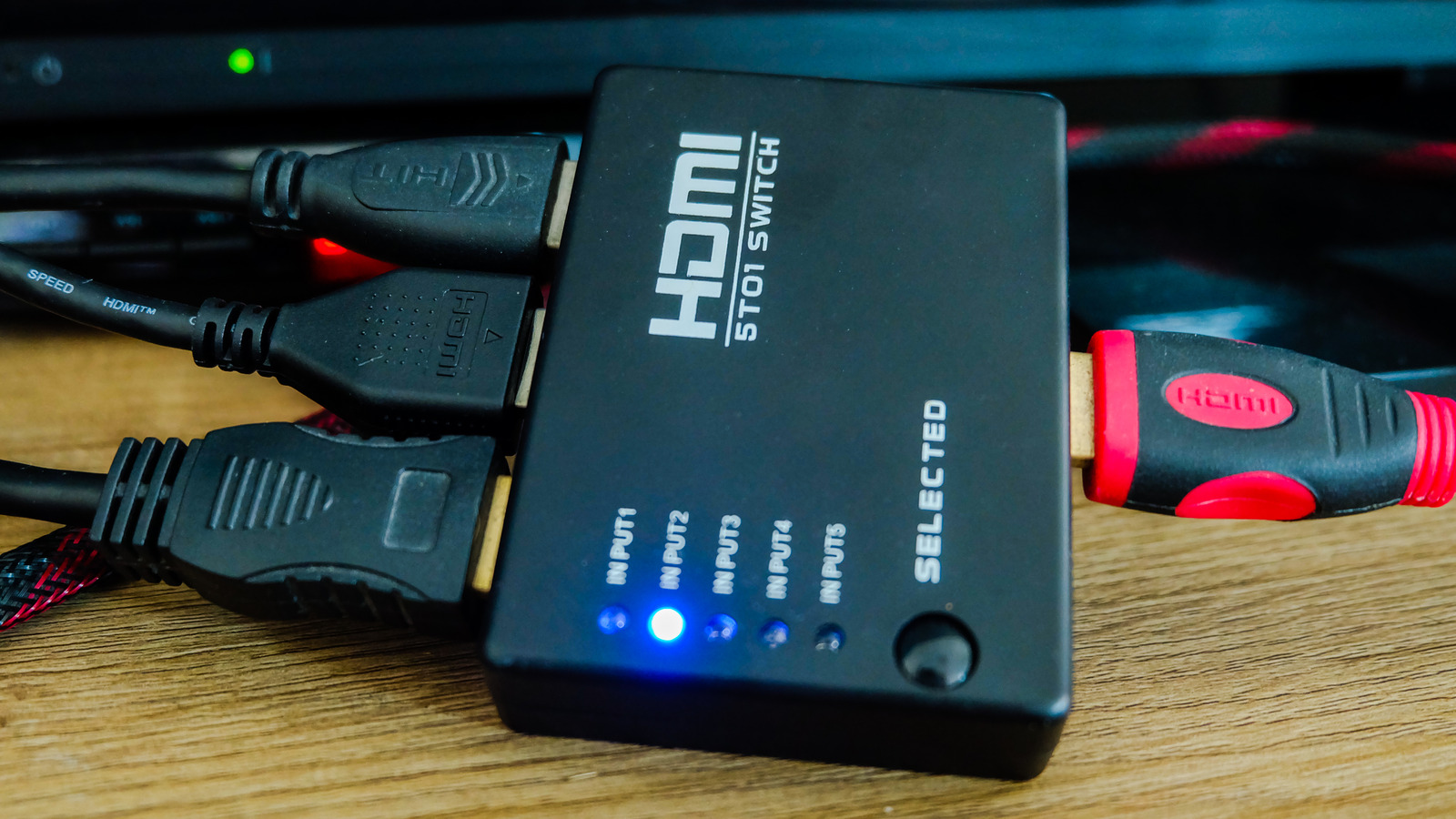
An HDMI switch addresses this problem by working in the opposite direction to a splitter. Rather than duplicating one signal across multiple output devices, a switch allows several source devices to connect to a single screen. The multiple HDMI inputs feed into the switch, which then outputs to one TV or screen. Only one source is displayed at any given time, and the user can select which device is active. Again, the number of connections is determined by the switch, with options like the UGREEN HDMI Switch allowing you to connect five devices to a single screen.
Switches also vary in how they operate and what resolutions they can handle. In terms of operation, some rely on a physical button to switch between devices, while others include a remote control or automatically detect which device is powered on. When it comes to video support, it’s important to make sure the switch matches the HDMI standard of your equipment. Older switches may be limited to 1080p, while modern 4K and HDR setups will require HDMI 2.0 or higher.

Comments are closed.