
WhatsApp Update: Better video quality even in low-light, turn on this feature in the messaging app now

- Many other benefits of WhatsApp apart from messaging
- You can use fun features during video calls
- Using low light mode will increase the quality of video calls
Messaging platform for millions of people in the world WhatsAppuse of WhatsApp is used for both personal and professional purposes. Sometimes a message is sent to tell your friends about the party location and sometimes a message is sent to inquire about the family members. WhatsApp is also used to share documents and files in the office or college. But is that all there is to WhatsApp? Social media app WhatsApp is not only used for messaging or sharing files and documents. The number of users who make voice and video calls on WhatsApp is also large.
Google’s big update! Gmail users will get AI-powered features, making emailing even easier
Use low light mode during video calls
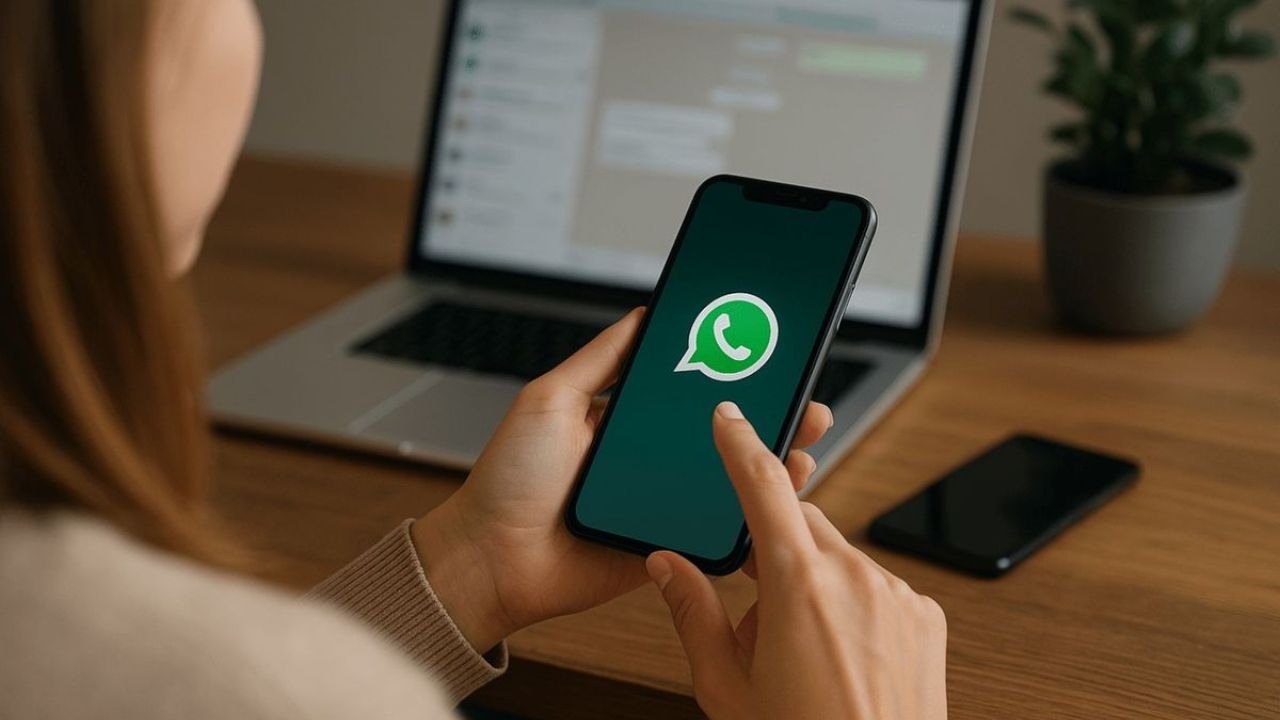
Users make voice and video calls to their family members, friends. If you also use the video call feature of WhatsApp constantly, then it is very important that you know about the low light feature available in it. The low light mode available in the app aims to improve the quality of video calls. So that you can see the person in front of you and the person in front of you can see you very clearly. There are many users who use the video call feature but still don’t know about the low-light mode. You can also use low light mode on video calls. Let’s know the process. (Photo Courtesy – Pinterest)
Follow these steps to use low-light mode on WhatsApp
- First of all open WhatsApp on your smartphone.
- Now video call any friends or family members.
- Now a bulb icon will appear in the top-right corner of the screen.
- Tap the bulb icon to turn on low light mode. Tap the bulb icon again to turn off the mode.
- Now your friends and family can see you clearly in any lighting conditions, with improved visibility and dimming.
- Currently, this feature is only available on Android and iOS phones.
Deepfake Alerts: Women and Children Beware! Deepfake technology is becoming dangerous, remember these tips for safety
Remember these important tips
This is a temporary setting, so you will have to turn this setting on every time during a call. Apart from the low-light mode, WhatsApp also offers some other video call features, such as background remover, filters and touch-up. You can change your background during a video call using the background remover feature. Using the Filters feature you can select different filters during a video call. This will make the video call more fun. WhatsApp also offers you the facility to do basic touch-ups during video calls.

Comments are closed.