
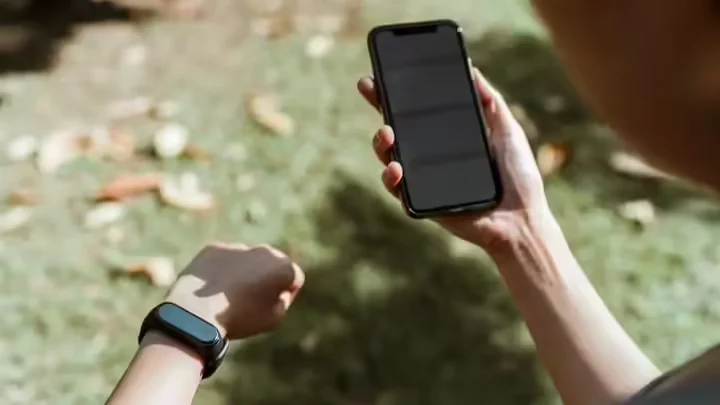

Today’s smartphones are not limited to just calls and messages, but now they have also started taking care of our health. One such useful feature is Measuring heart rate with smartphone camera. Now even in phones which do not have heart rate sensor, Google Fit app Heart beat can be checked with the help of camera and flash.
Recently Google has made this feature available for more Android smartphones and now it Apple iPhone users Is also being rolled out for. This means that now you can track your heart rate even without a smartwatch or fitness band.
How is heart rate measured with a camera?
When you place your finger on the phone’s rear camera, the camera detects the slight color change caused by blood flow in your finger. The app estimates your heart rate by analyzing these changes. Good lighting and a steady hand are necessary for correct results.
Google has clearly stated that this feature Not to diagnose or treat any disease Is. It is designed for general fitness and wellness tracking only.
Steps to measure heart rate with camera
Step 1: Open the Google Fit app
In your Android or iOS phone Google Fit app Open and make sure the app is updated.
Step 2: Select heart rate option
on home screen “Check heart rate” come on Check your heart rate Option will appear, tap on it.
Step 3: Place your finger on the camera
point your finger to the phone rear camera lens But keep it light. Be in good light or turn on a flashlight for better results.
Step 4: Keep hands steady
Message will appear on the screen:
“A pulse is being detected in your finger. Keep the hand still and apply gentle pressure.”
Step 5: Wait 30 seconds
app approx 30 second It measures your heart rate. Do not move your hands during this period.
Step 6: Save readings
After the measurement is complete you Save Measurement You can save data by tapping on the option.
Why is this feature useful?
- Heart rate check without any extra device
- Easy and fast process
- Helpful in fitness monitoring
- Data can be saved for future
things to keep in mind
- Readings may be affected by lighting and finger position
- Not a substitute for medical advice
- Suitable for general health information
Thus, this feature of smartphones is extremely beneficial for those who want to keep an eye on their health without any extra gadget.

Comments are closed.