


Highlights
- Personal data backup has been an issue ever since the digital files, photos, documents, and work data have been getting bigger and more influential in their respective areas.
- The primary nature of cloud backup is by using its advantages such as accessibility, automation, multi-device sync, and off-site redundancy.
- The traditional backup drives on the other hand, give physical control, one-time cost advantages and offline security.
- Besides that, each one of them has its own risks, for instance, cloud services might have privacy concerns while physical drives might fail to function due to hardware issues.
- Most users will be following a balanced hybrid strategy blending both cloud and physical storage in 2025.
Introduction
Personal data in 2025 has been recognized as one of the most precious possessions of the individuals. The digital lives of the people consist of family pictures, academic records, office files, creative works, financial documents, and important digital memories, and they all are in the devices. Still, many users do not take backing up of their data quite seriously until a problem occurs. A stolen device, corrupted storage, accidental deletion, or a system crash can destroy years’ worth of irreplaceable information in just a few seconds.
As a result, personal data backup has become a necessity rather than a good habit. Nowadays, users have mainly two options available and they are: either to go for cloud backup services or for traditional backup drives (external HDDs and SSDs). Both methods are efficient, but each is targeted towards a different need. Therefore, the choice of the right one will depend on convenience, cost, privacy-comfort, and usage habits.
Understanding Cloud Backups
Cloud backups involve the storage of the user’s files on remote servers which are run by companies such as Google, Apple, Microsoft, Dropbox, and specialists – cloud backup providers. Once the connection has been made, the user’s data is uploaded and kept securely online. The main advantage of cloud storage is its ease of use.
Files automatically sync across different devices, thus your pictures, papers and projects are always up-to-date without any manual work involved.
Cloud storage is one of the main factors contributing to the easy access and commutation of data. If you are overseas, using another laptop or just want to quickly pigrab that one file, your data is accessible just through your login. Moreover, cloud storage among the benefits also brings the effect of redundancy. Since, the cloud providers habitually backup your data on different servers, even if one server goes down, your files would still be there. This cost benefit is a huge advantage over physical drives.

Though, no scenario based on cloud backups can be flawless. The process of cloud backup is quite slow because it depends mostly on internet speed. Meanwhile, for bigger storage, there are additional subscription costs. Furthermore, privacy and data control are among the key issues when it comes to the use of cloud storage since users have to rely on the goodwill of the cloud providers. On the other hand, strong privacy policies, encryption and secure passwords become the first among those factors.
Understanding the Pros and Cons of Traditional Backup Drives
Traditional backup drives—external Hard Disk Drives (HDDs) and Solid-State Drives (SSDs)—are still in the market as the most used means for backing up data. The reasons behind their popularity are easy to understand: firstly, they allow the user to have full physical control over his data, and secondly, they do not have monthly fees. You pay only once for the drive, and its long-term cost is relatively lower than that of cloud payments because you can keep large amounts of data for a longer time without any extra fees for the storage.
The backup drives are also very good for offline security. Since they do not remain connected to the internet, they are not vulnerable to online hacking or data breaches. Many users also find it emotionally comforting to have their data physically with them instead of being somewhere “in the cloud.”
On the other hand, physical drives also have their risks. The hardware can unexpectedly fail. HDDs are prone to damage from various factors, such as dropping, moisture, power surges, and simply their aging process. SSDs, on the other hand, are much faster and also more durable but at a higher cost. Besides that, storage through these drives comes with the possibility of theft, loss, or accidental damage. When just the backup drive has the data and it malfunctions, then the data is lost forever.

Cost, Ownership and Practicality
Cloud storage is usually offered on a subscription basis. Monthly or yearly fees vary according to the amount of data stored and the extra services level. In the long run, payments might seem a little high, but for the majority of people, the pros of it—in terms of convenience and data safety—outweigh the cons.
As for backup devices, they entail an upfront purchase. You only pay once and the storage is yours to use. This often becomes cheaper in the long run, particularly for users with large data like photographers, students, video editors, or working professionals.
The question of practicality is a matter of lifestyle. The cloud storage option might be more suitable for frequent travelers, multi-device users, and remote workers. On the contrary, offline users, those who value privacy, or those with huge local storage might prefer having physical drives instead.
Security Considerations
Security is an important issue. Cloud service providers spend a lot of money on encryption, firewalls, and data protection, but still the human factor—like weak passwords, unsecured accounts, and lack of two-step verification—may put users at risk. For that reason, the opposite is the case for physical drives since they are not subject to online risks but still, they have the risk of getting lost or damaged.
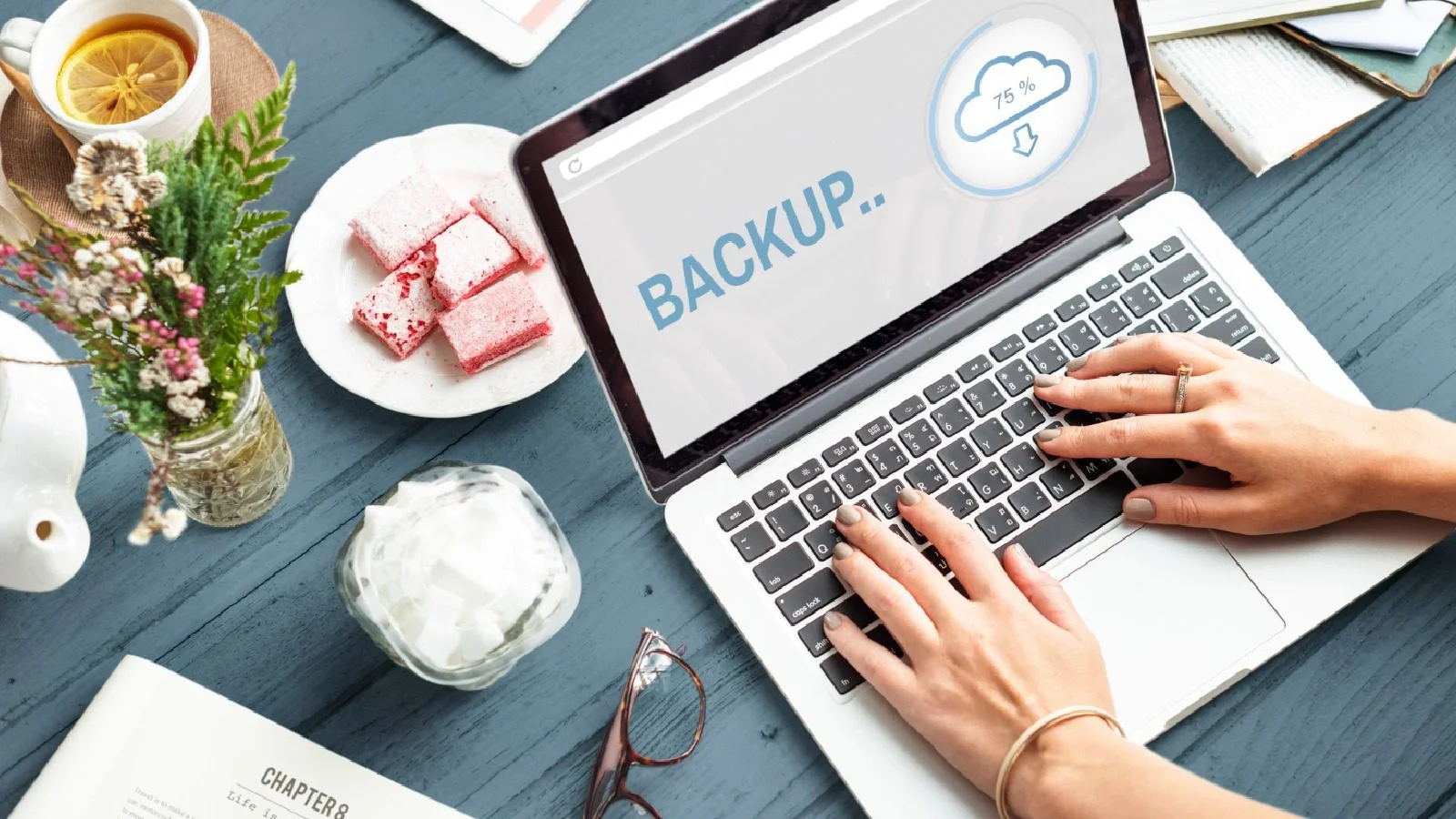
To be very safe, users need to:
- Use strong, unique passwords and enable two-factor authentication for their cloud accounts,
- Handle and store their physical drives safely,
- Make regular backups instead of performing one-time transfers.
Which Backup Method Is Better in 2025?
There isn’t a single answer to the question as every backup solution caters to different needs. Among all other factors, cloud backup is better for convenience, accessibility and having more than one copy of the same data at different places. Traditional drives are the best in terms of cost-effectiveness, privacy and being able to use the device without the internet. Instead of choosing one, the most intelligent way to go about it is a hybrid backup plan using both options at the same time.
This means you’ll have one copy of the data on an external drive and another copy online at a reliable cloud storage service. In case of a device crash, you still have your drive. On the other hand, if the drive fails or gets lost, your cloud backup is there to protect you. This approach of having two layers significantly minimizes the risk of irreversible loss.

Who Needs Personal Backup the Most?
Backing data up is for everyone but particularly for the following:
- Students keeping academic files and assignments
- Professionals processing work documents and projects
- Creators such as authors, illustrators, photographers and video editors
- Families keeping pictures, videos and personal memories
- Anyone using digital devices a lot, nearly every day
Conclusion
It is obvious that in a digital-data world, personal backups are still a necessity. The two types of solutions, cloud and traditional drives, each have their strengths. Cloud backups allow for easy, automatic and resilient data access in case of system failure while external disks offer user control, confidentiality and price efficiency. The best solution is not to choose one over the other but to utilize both in concert for a reliable, secure, and future-proof backup system.
Five minutes of backup today can save up to a decade’s worth of priceless data tomorrow.

Comments are closed.