
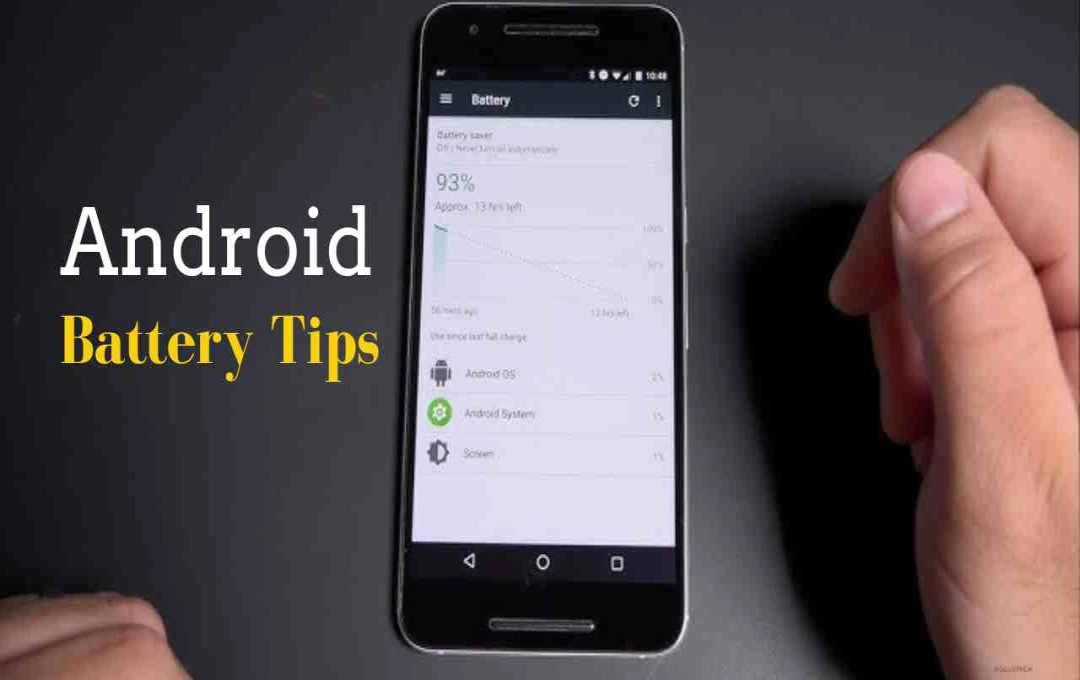

The problem of Android phone battery draining quickly can be reduced by changing some important settings. Always-on displays, high brightness and outdated software increase battery drain. Battery life can be extended to a great extent with dark mode, power saving mode and correct display setup.
Android Battery Tips: Battery life remains a major concern for smartphone users, especially as larger displays and advanced features come into play in phones. This news tells that by changing which settings in Android phone, where and how the battery consumption can be reduced. In today’s time, when people depend on phones for daily tasks, adopting the right display settings, dark mode and power saving mode provides a clear answer as to why there will be no need for frequent charging.
Display related settings are most important
The battery of the phone is consumed the most due to the display. Always-on display may seem useful, but it constantly drains the battery. If it is not needed, it is better to turn it off.
Apart from this, keep the screen brightness at auto or low level. There is no need for full brightness inside the house. Also, keeping the screen timeout low also saves battery.
Benefits of dark mode and software updates
If your phone has an AMOLED display, dark mode can play an important role in saving battery. According to Google, the dark theme uses less power and is also comfortable on the eyes.
Also always keep your phone and apps updated. Outdated software not only affects performance but can also increase the problem of battery drain.
Power saving mode will become support
When the battery starts draining quickly, turning on power saving mode is an easy solution. It limits background activity, always-on display, and unnecessary features.
This reduces the load on the phone’s battery and the charge lasts longer, especially when you are traveling or do not have charging facilities.

Comments are closed.