
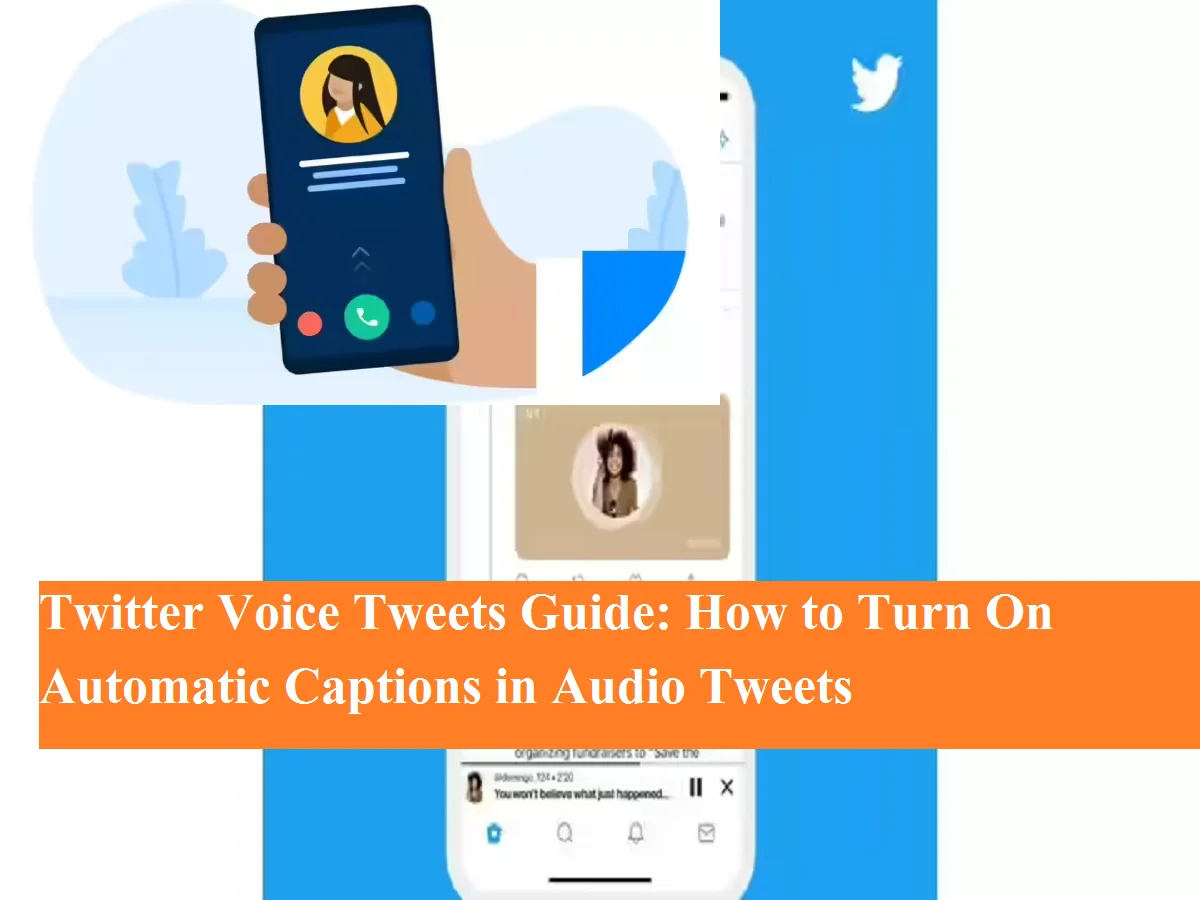

Twitter is no longer limited to just text posts. The platform allowed users to express their views. Voice Tweets Like audio features are also provided. To make this feature more useful, Twitter automatic captions Option has also been added.
With the help of this feature, users can read the content of audio tweets even without hearing the sound, making tweets more accessible.
What are Twitter Voice Tweets?
Voice Tweets is a feature that is currently iOS users Available for. In this, instead of writing, users can record their voice and tweet.
A profile photo appears with every Voice Tweet, which is static and does not update if it is changed later. When you play the audio, it appears in a small audio dock Minimizes to , so you can hear even while scrolling.
Why are automatic captions important?
Automatic captions are beneficial in several ways:
- Content can be understood without hearing the sound
- Tweets can be read even in noisy places
- Helpful for hearing impaired users
- Useful during multitasking
How to see automatic captions in Voice Tweets?
If you’re using Twitter on iPhone, follow these steps:
Step-by-step method
- Open the Twitter app and Voice Tweet Go to.
- To play or pause audio tap thumbnail Do it.
- When Voice Tweet is recorded Caption generated automatically Become.
- visible at top right CC button Tap on.
- audio on screen written transcript Will be seen.
- Caption text will also be visible on the thumbnail.
For which users is this feature available?
- Facility to record Voice Tweet iOS users only is for
- Android and Web users cannot record
- But users of all platforms can see the caption
Supported languages for captions
Twitter currently supports automatic captions in the following languages:
English, Hindi, Japanese, Spanish, Portuguese, Turkish, Arabic, French, Indonesian, Korean and Italian.
Automatic captions for Twitter’s Voice Tweets are an important feature that helps audio content reach more people. This not only increases convenience but also makes the platform more inclusive.
If you use voice tweets, leaving captions on might be a smart decision.

Comments are closed.