
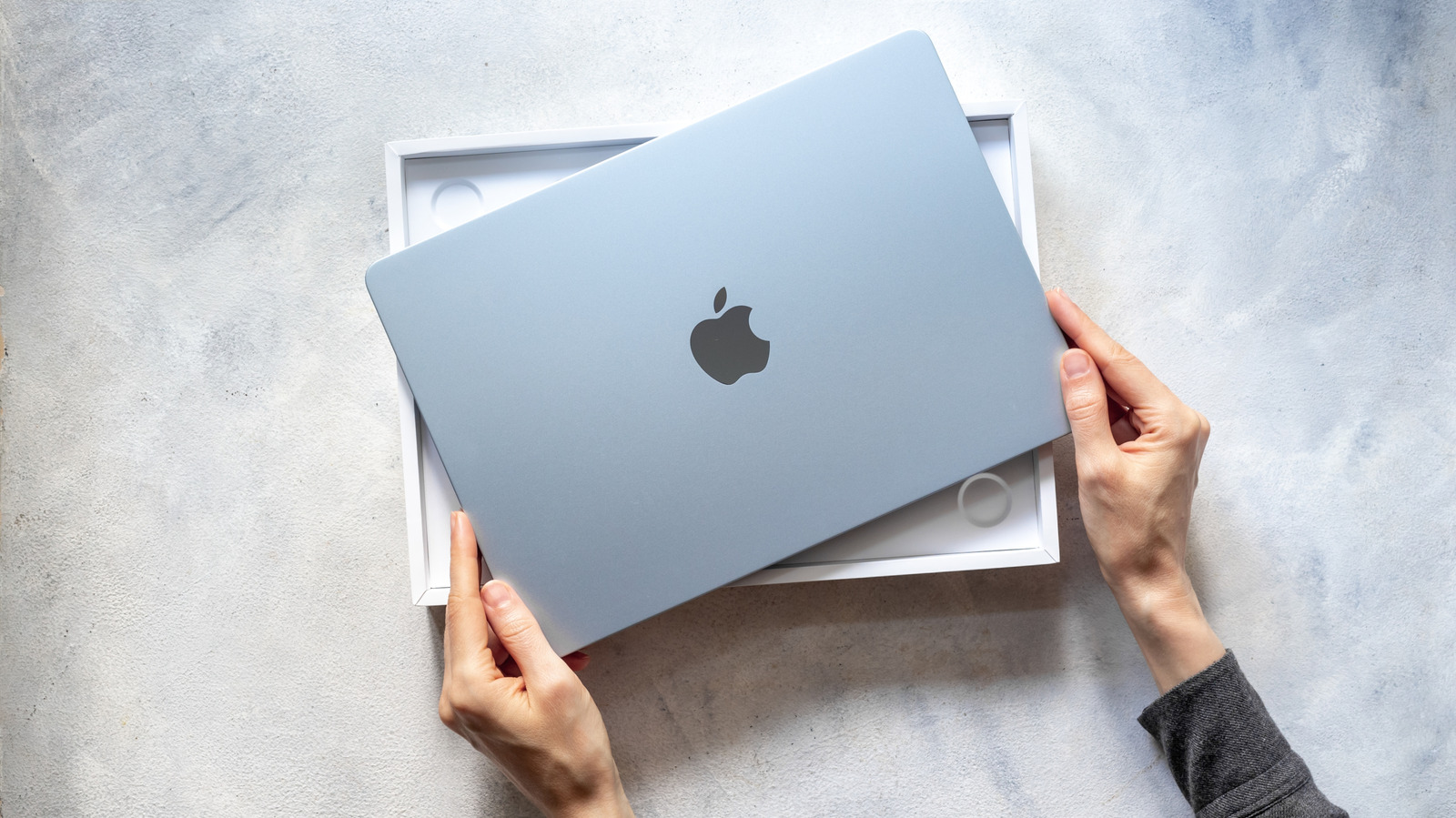

Circa 2024, I made the switch from Windows to Mac after spending a lifetime prior unblemished by Apple — not counting the iPods I had in high school. There were a lot of reasons behind the migration: Windows turning from a dumpster fire into more of a landfill fire, frustrations with inconsistent PC hardware, and privacy concerns, but I won’t bore you with the full list. Ultimately, I don’t regret the decision, despite the shortcomings of the Apple ecosystem. But my headfirst dive into buying a MacBook made me wish I’d had a heads-up.
No, I’m not talking about the obvious issues that everyone knows about MacBooks, like Dustgate or the hilariously bad butterfly keyboard. Nor will I be rehashing the issues I already mentioned or the typical gripes that people may have about Apple as a company. These are the more subtle things, the aspects that I didn’t expect to be an issue, or that only reared their ugly heads years into MacBook ownership. Complications that, in some cases, made themselves known when it was too late to turn back. None of it’s game-breaking — at least not for me — but it could be for you. I wish I had known these five things before my switch to a MacBook.
Gaming is still a lost cause … for now
Apple had the ball in its court when it came to making MacBooks more appealing gaming devices. Powerful, lightweight ARM hardware? Check. Basically infinite money to lay the groundwork and nudge devs to its platform? Check. But all it did was create the Game Porting Toolkit, bring a couple of AAA titles to the Mac App Store, and … crickets. The Mac App Store is still terrible for gaming, few games are ported to macOS, and almost no AAA titles are releasing day one on macOS.
Yeah, I know. MacBooks have never been ideal for gaming, so it would have been naive to expect them to suddenly compete with Windows PCs in a matter of years — especially at those prices. However, there was promise. Promise that MacBooks could moonlight as a decent gaming PC, even if not a primary gaming device. I admit, I got a MacBook Pro (in very small part) optimistic that it could do some gaming. In typical Apple fashion, though, gaming became a half-baked WWDC marketing gimmick that fizzled out because the company either thought that saying “MacBooks are gaming PCs” would boost sales, or simply forgot about it. Take your pick.
There are ways to play Windows games on MacBooks. CodeWeavers, the maker of CrossOverhas been doing the Lord’s work maintaining Wine and gradually building up the CrossOver platform from a niche, nerdy thing into an app that someday could bring MacBooks in line with Steam Decks. CodeWeavers deserves nothing short of high praise from me, but CrossOver needs a lot more time in the oven. Anecdotally, only a small handful of games have worked out of the box, with the rest requiring extensive tweaking or simply failing to work at all.
The expense rabbit hole is deeper than you think
MacBooks disqualify themselves for most budgets based on price alone; that’s no secret. The most enticing bang-for-buck value Apple offers is the baseline Mac Mini, and from then on it ceases to be competitive with virtually any Windows device at that price point. That probably won’t change unless the rumored budget MacBook in 2026 sticks the $600 price tag landing. But the initial hardware investment is only the first hurdle. For the next couple of months, like a mafia boss saying it would be a shame if your business burned down, Apple plasters an AppleCare+ notification in your settings — which recently went from a one-time payment to a subscription model.
Then there are Apple subscriptions, a couple of which most people will want because of how well integrated they are with the Apple ecosystem. Things like iCloud, Apple Music, and Apple Creative Studio. Then third-party apps; it’s well established that Apple users spend way more than users on other platforms. Apps for even the simplest of things can cost money. My favorite example is AirBuddy, an app that runs you $12.99 just to (primarily) see the battery level of your AirPods — a free, built-in feature when opening the AirPods lid near an unlocked iPhone or iPad. I could give countless examples of apps that cost money to do one thing, so imagine how many more charge through the nose for the big stuff.
Subscriptions are out of control these days on all platforms, but anecdotally, it does feel like there are more on macOS. Apps that have no business costing a monthly subscription do, probably because they can get away with it. Owning a MacBook, therefore, can easily keep costing you more and more money in ways Windows might not.
Never expect Apple to do what’s obvious
Between Apple and its customers, there’s a limitless, lifeless void that none living or dead shall cross. You can scream into that void until your lungs explode, begging Apple to do even the smallest of things, and you’ll never know if it heard you or if it’s even listening. It’s galling, but it’s the cold, hard reality. Know it, accept it, live with it.
I say that with tongue in cheek, but it really is true, and anyone who’s been an Apple user for a while agrees with me. Perhaps it’s Steve Jobs’ undying philosophy that you shouldn’t give the customer what they want. Perhaps it’s Apple too used to the smell of its own crap, too protective of its brand image to admit its shortcomings, and too greedy to change things if it can’t monetize them. It’s a bit weird; you’d think Apple engineers are dailying the software they make, so they ought to want things fixed, right? Whatever the reason, internalize this fact: Apple won’t do things that any sane developer would. I’m talking about making features that you want, making existing features work better, or fixing obvious bugs. Just look at how bad the iPhone keyboard has gotten as a clear example.
To be fair to Apple, it does solicit customer feedback and suggestions. But I’ve used this form a couple of times, and at the end, Apple talks down to you in sneering corpo speak, saying it’s only by dint of its magnanimity that it deigns to entertain you — so expect nothing. Your best bet is to just use third-party software for the features macOS lacks. As one example, using an Alt-Tab-style app to tab through open windows with previews.
Keep an old PC around just in case
During the transition period from PC to Macbook, I worried that maybe macOS wouldn’t support some software I needed down the line. Luckily, situations like this are rare. macOS is a mature operating system with great app support; most major apps have macOS versions, web versions, or viable alternatives. But every once in a while, you may be glad you have a backup Windows PC.
I could give a lot of niche examples, but a more widely applicable one I ran into recently was creating a Windows installation USB. On Windows or Linux, this is a simple process where you either use Microsoft’s installation media tool or flash a Windows ISO to a USB via a third-party tool like Rufus. I tried the same thing using a couple of macOS alternatives — like balenaEtcher — to reinstall Windows on a gaming handheld. I couldn’t get a working USB. Cue panicked nerd noises.
After some stressed hair-pulling and forum-trawling, I found a little-known macOS utility called WinDiskWriter built specifically for this purpose. It worked, but that program hasn’t been updated since 2024, so there’s no telling if or when it will stop working. Case in point, you may run into issues your Mac may not be able to solve, which will make you dearly wish you had some Microslop (or perhaps Linux) around to help. Maybe you’ve got a USB with files encrypted by a Windows-only program, or maybe a proprietary file format you can’t open on Mac. You won’t be able to predict if and when your Mac will fall flat on its face, but when it happens, it will suck.
Switching back could be rough
For all of Windows’ faults, it remains an open operating system with (comparatively) few restrictions. For example, while it does have a proprietary OneDrive cloud storage system that’s tightly integrated with Windows, the OneDrive app works well on macOS and iOS. The reverse is rarely true. Migrating from one platform to another is always going to induce a learning curve and require adapting to new programs and workflows, but I’d argue that macOS’ idiosyncrasies make the exodus harder than it needs to be.
The iCloud app on Windows, as one example, is god-awful, pardon my French. No such app exists to access iCloud files on Android or Linux, save for iCloud web. Using Apple Notes on other platforms likewise requires grappling with a clunky web interface. Some Apple apps do have decent enough versions on other platforms, like Apple Music and Apple Passwords, but the Apple ecosystem — outside the Apple ecosystem — is not something you could hang your hat on. People get wrapped up in the Apple ecosystem in the first place because it’s amazing on Apple devices. I highly recommend using as many cross-platform, third-party apps as you can to stay independent of macOS.
Beyond Apple’s proprietary apps and services, there are other sources of friction. For example, Apple defaults to formatting your hard drives and USBs into its proprietary APFS format, which is not easy to use on other platforms. There’s also the issue of software; some programs that I’ve fallen in love with on macOS simply have no equivalent on any other platform. Switching back would force me to completely uproot my workflow — and the same could happen to you. If you buy a MacBook, know you’re putting yourself into a digital finger trap of sorts.

Comments are closed.