

5
How to create custom stickers from photos on WhatsApp?
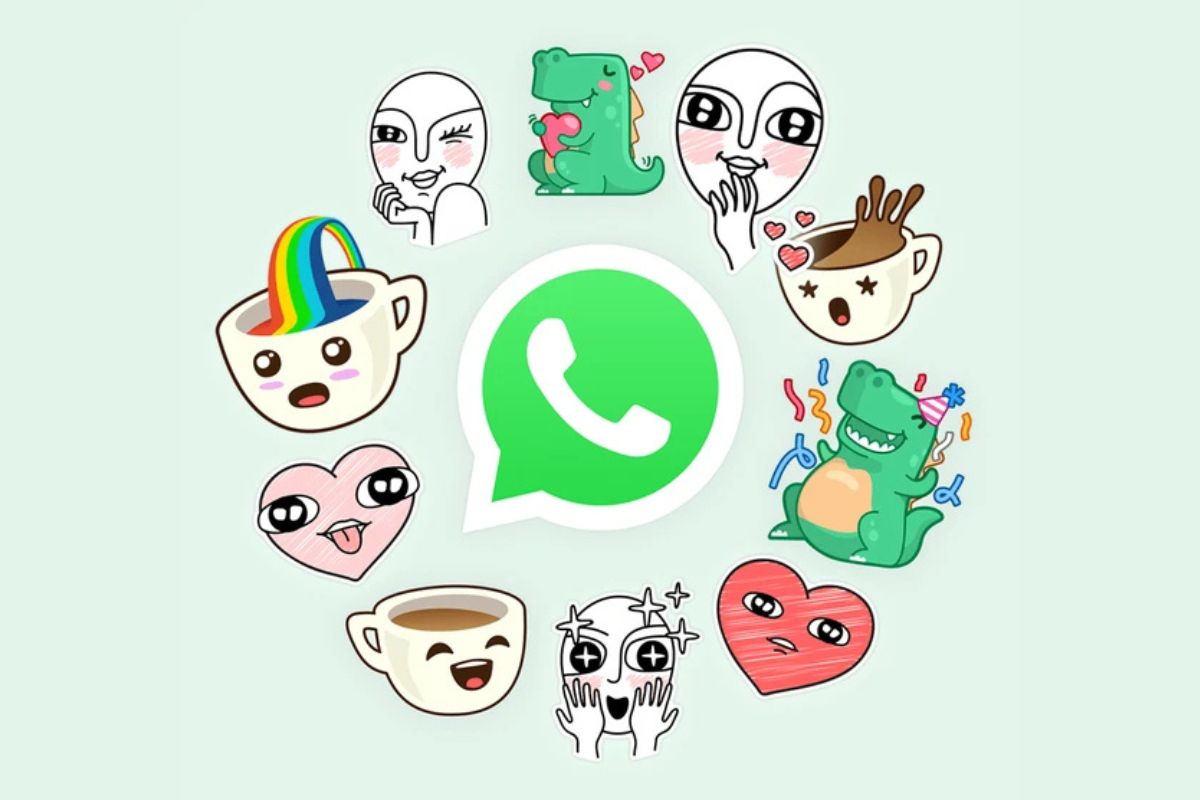
The process of creating and sharing stickers on WhatsApp is quite simple and user-friendly. This feature helps you express immediate reactions, give funny answers and share emotions that are difficult to express in words. Now WhatsApp has provided the facility to the users to create their own stickers and sticker packs, in which you can turn your photos into custom stickers.
Create stickers like this on Android and iOS:
- First of all, go to any chat and open the stickers section.
- Click on Create or the pencil icon here.
- Now choose photo from your gallery or take new photo from camera.
- A preview of the photo will open, where you can edit it to your liking:
- To add a sticker or emoji, tap Add sticker emoji.
- Click on the T icon (Add text) to add text.
- Use the pencil icon (Draw) to draw on the sticker.
- If you want to restart, tap X (Dismiss).
- Once all settings are complete tap ‘>’ to send your sticker.
features
- Smooth sticker creation experience
- Many options for customization
- No third-party apps required
- use of personal photos
Performance and performance standards
This feature allows users to express their creativity. The process of making stickers is simple and straightforward, making it suitable for all age groups.
Availability and price
This feature is available for free to all WhatsApp users. Without any special charges, you can create your unique stickers and share them.
Compare
- WhatsApp’s sticker feature is also available in other messaging apps like Telegram, but WhatsApp’s interface is more user-friendly and intuitive.
- Compared to Telegram, creating stickers through WhatsApp does not require a third-party app, making the process more convenient.
Have any thoughts?
Share your reaction or leave a quick response — we’d love to hear what you think!

Comments are closed.