
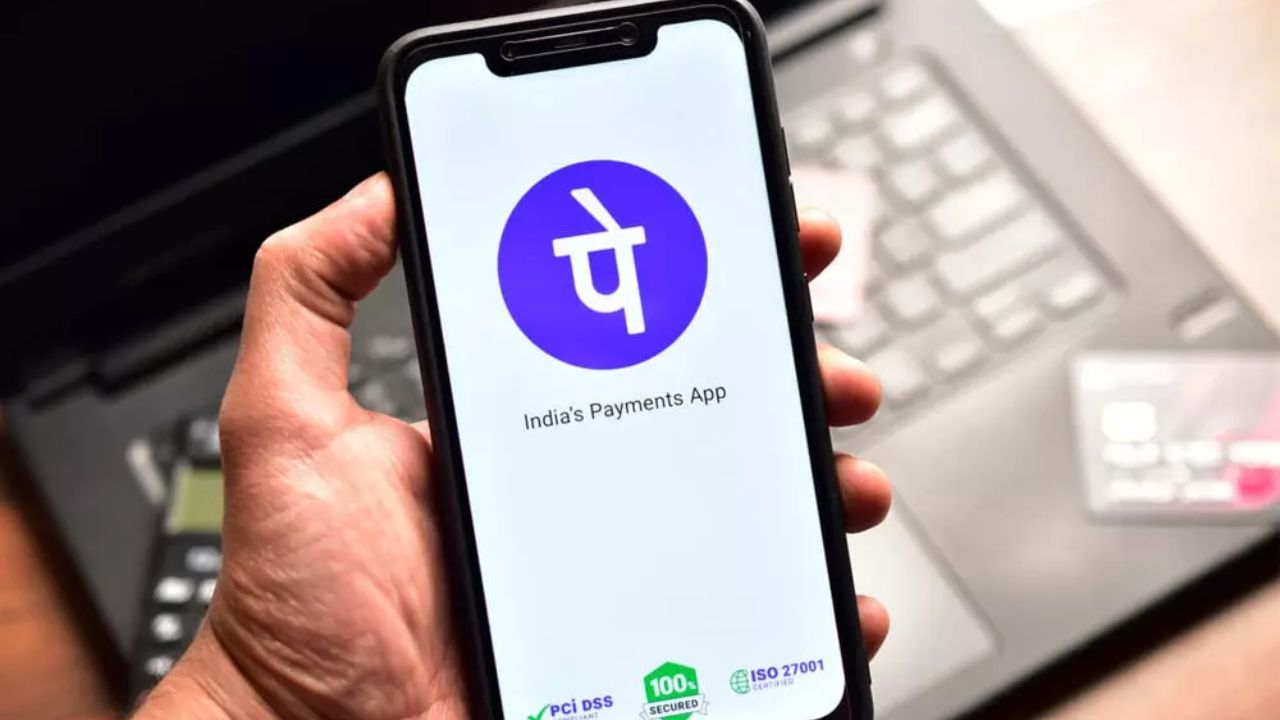
Big news for PhonePe users, now you can make payment up to Rs 5000 without PIN, know the new feature

PhonePe New Feature Update: The company has now given the option of biometric authentication, through which you will be able to make payment by identifying yourself with fingerprint or face. This new feature has been brought to make payment easier and safer than before, so that you do not have to be afraid of the insecurity of entering your PIN in public places or forgetting it.
PhonePe (Source- Social Media)
PhonePe New Feature Update: Nowadays, digital payment is prevalent in India and UPI has become the first choice of people. Be it taking household ration or paying taxi fare, every small and big payment is now done through mobile only. Keeping this growing trend in mind, PhonePe has started a special facility, so that now you will not need to enter UPI PIN again and again for every small transaction. With this, making payments will become easier and faster than before.
What is the new feature?
The company has now given the option of biometric authentication, through which you will be able to make payment by identifying yourself with fingerprint or face. This new feature has been brought to make payment easier and safer than before, so that you do not have to be afraid of the insecurity of entering your PIN in public places or forgetting it. At present this facility is available for transactions up to Rs 5,000 and mainly on Android phones.
Is this feature available in iPhone also?
Keeping security in mind, it will still be mandatory to enter UPI PIN for large transactions of more than Rs 5,000. The company believes that this new feature will reduce the hassles during payment and users will be able to make payments faster. Currently this feature is available only for Android smartphone users, but soon it will be launched for iPhone (iOS) users also.
How to use the new feature of PhonePe?
- The method to start payment on PhonePe without entering PIN (biometric) is very easy.
- First of all open PhonePe app in your phone.
- Then click on your profile photo or section.
- Here under Manage Payments, find the Biometric Pay option and click on it.
- Now turn on biometric authentication (fingerprint or face unlock) for UPI payment.
Read this also-If gold is stolen from a bank locker, who will pay the loss? Know complete details
- While setting it up for the first time, you will have to enter your UPI PIN and confirm it with biometrics.
- After setup, you will not need to enter PIN for payment up to Rs 5000.
- Your fingerprint or face lock will act as security, making payment quick and secure.

Comments are closed.