
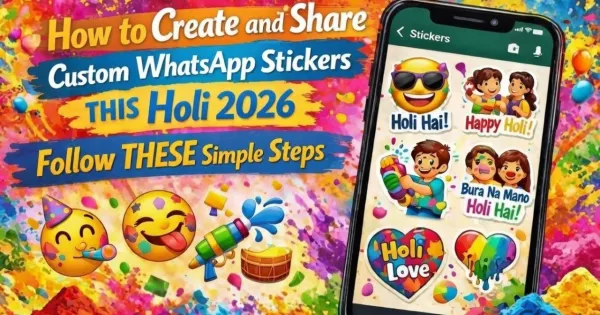
Holi Special: Now create your personal Holi sticker on WhatsApp! Add color to your chat with photo, selfie or AI magic

Lucknow : This Holi, you can not only use colors but also make your chats colorful and fun. Yes, WhatsApp has now given users the great facility to create custom stickers within the app. Now instead of typing “Happy Holi”, you can create and send your own name, selfie, funny dialogue or Holi-filled stickers. The best thing is that there is no need to download any third-party app for this.
1. Create unique Holi sticker from your photo
– Tap the sticker icon in any chat
– Select the ‘+’ or ‘Create’ button at the top right
– Select Holi photo from gallery or click new selfie from camera
After selecting a photo:
– Add your name, text like “Bhai Happy Holi”
– Add colorful emoji, heart, pichkari, gulal stickers
– Draw gulal, water splash or anything creative with drawing tools
Once your sticker is ready, send it directly to chat or save it to your sticker pack. Next time just click on your created sticker in one tap.
2. Create the desired sticker with AI magic (it will work even if there is no photo)
– Select ‘Generate with AI’ or ‘Create with AI’ in the sticker section
– Just type a short prompt, like:
– “Boys and girls shooting Pichkari with friends on Holi”
– “Girl dancing merrily after applying gulal”
– “Brother-sister’s colorful Holi celebration”
In a few seconds the AI will generate 4-8 different stickers based on your description. If you like, select it, edit it and start using it.
3. Create a complete sticker pack and gift it to friends
After making several stickers, organize them into a pack.
– Name the pack like “Muskan Ki Holi Masti” or “Holi 2026 Vibes”
– Share the pack directly or send it to a group and let everyone download it
This feature is very easy on both Android and iOS. There may be a slight difference in the interface. So this Holi, wish your favorite people in a special way.

Comments are closed.