
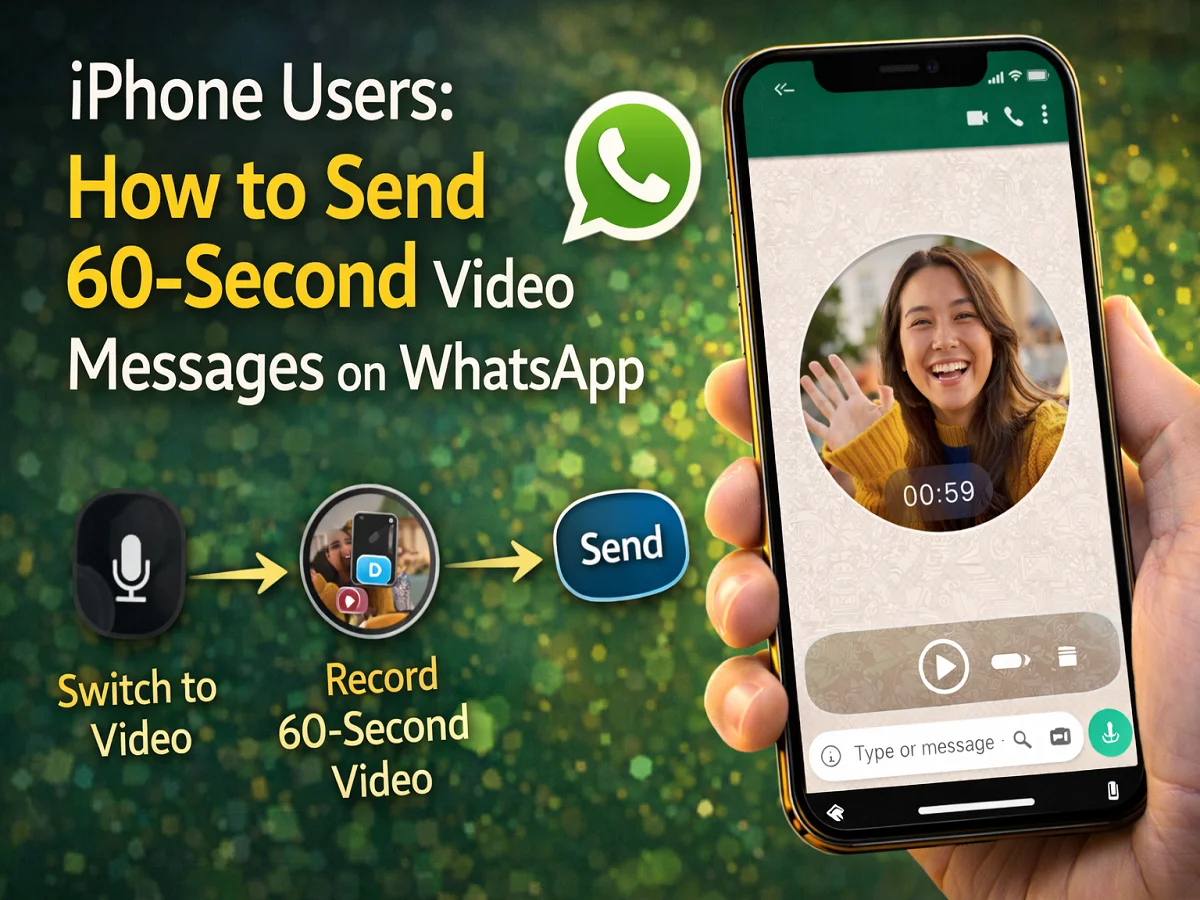

WhatsApp constantly keeps adding new features for its users to make the chatting experience even better. Recently the company launched a new video message feature Has introduced, through which users can record and send a short video inside the chat.
This feature first came for Android users and now Also available for iPhone users It is done.
With the help of this feature you You can record a video message of up to 60 seconds and send it directly to the chat.।
What is WhatsApp video message feature?
With the help of video message feature, users can stay inside the chat. You can record a short video and send it immediately।
This feature is somewhat Works like voice messagebut it also records video along with voice.
It can be used in many ways such as:
- greeting someone
- sharing a funny moment
- explain something
- Reply in video instead of text
These video messages also End-to-end encryption Is kept safe from.
How to send WhatsApp video message on iPhone
step 1
First in your iPhone Update WhatsApp App।
Step 2
Now open WhatsApp and open the chat in which you want to send the video.
Step 3
bottom of chat screen microphone icon Will be seen.
Step 4
When you tap on the microphone icon, video camera icon Will change to.
Step 5
Now tap on the video icon. WhatsApp 3 second countdown and the recording will start.
Step 6
The video message will be sent automatically after the recording is complete.
How to cancel video message recording
If you don’t want to send video while recording, tap slide left Do it. This will cancel the video message.
WhatsApp’s new Video message feature makes chatting more interactive. With its help, users can easily express their views through video instead of text or voice messages.
This feature is especially useful for those users who want to send their messages more. personal and expressive Want to make.

Comments are closed.