
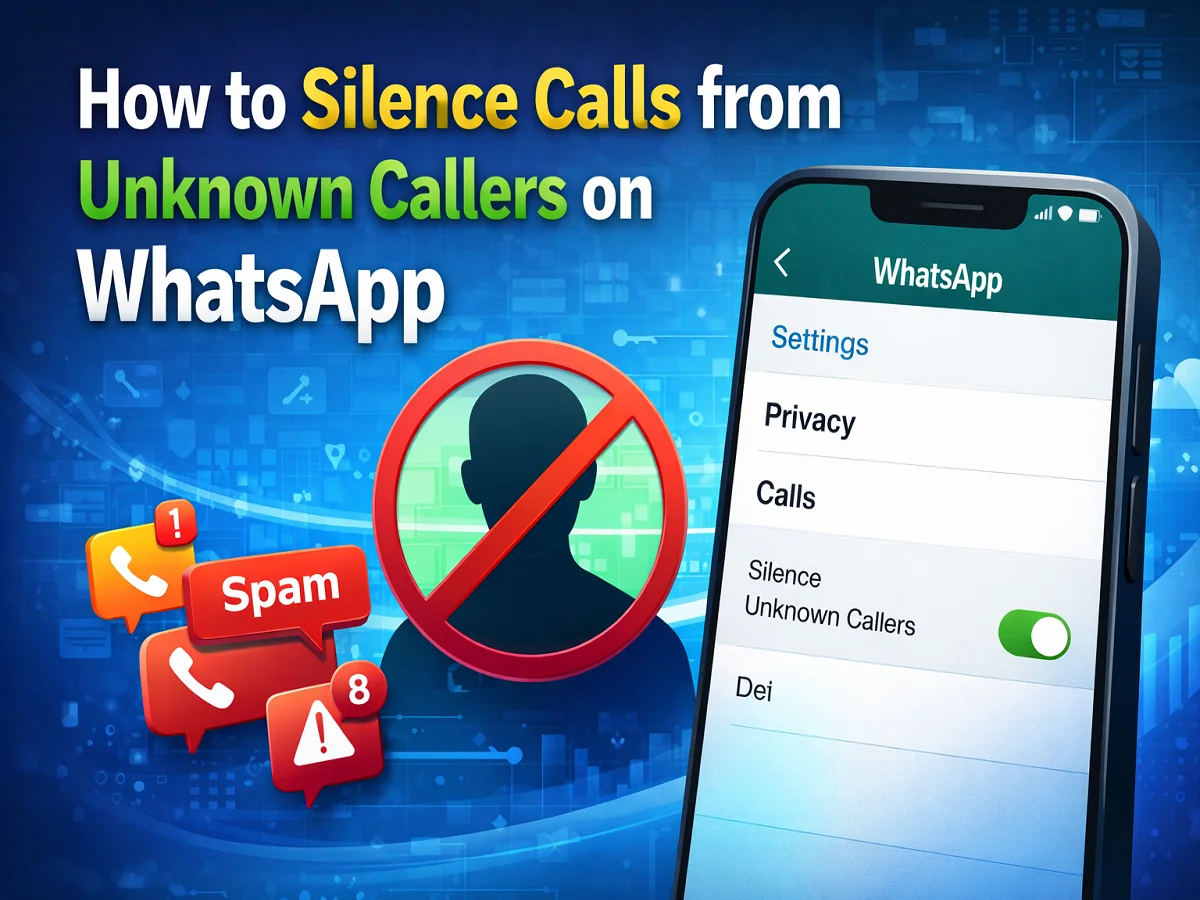
Troubled by calls coming from unknown numbers on WhatsApp? This is how to silence unknown callers

Nowadays, spam and fraud calls have become a big problem for smartphone users. Whereas earlier such calls used to come only on mobile networks, now calls from unknown numbers have started coming on messaging apps also. To reduce this problem Meta owned WhatsApp has introduced a useful feature called Silence Unknown Callers।
With the help of this feature, users can silence calls from unknown numbers on their WhatsApp. This means that your phone will not ring when you receive calls from such numbers and you will not receive any ring notifications. However, these calls will continue to appear in your call history so you can view them later.
If you also often get calls from unknown or spam numbers, then this feature can prove to be very helpful for you.
What is WhatsApp’s Silence Unknown Callers feature?
Silence Unknown Callers There is a privacy feature, which WhatsApp has introduced keeping in mind the security and convenience of the users.
When this feature is turned on:
- calls from unknown numbers becomes silent
- on the phone ring does not ring
- your call Is saved in the call log
- You can decide later whether the call was necessary or not
This feature is especially useful for those who repeatedly receive calls from unknown numbers.
Why is this feature important
on WhatsApp in recent years Spam calls and online fraud Cases have increased. Many times fraudsters call from unknown numbers and ask for personal information from people or ask them to click on a link.
In such a situation, the Silence Unknown Callers feature helps in increasing your security. This reduces the hassle caused by unknown calls, while a record of important calls is also maintained.
How to silence unknown callers in WhatsApp
If you want to enable this feature in your phone, follow the steps given below.
step 1
First of all in your smartphone WhatsApp app Open.
Step 2
Now Settings got into.
- Android Users: given at top right three dot menu Tap on and select Settings.
- iPhone users: at the bottom of the screen Settings icon Tap on.
Step 3
By going to Settings Privacy Click on Options.
Step 4
Now scroll down and Calls Select option.
Step 5
here you Silence Unknown Callers The option will appear. This ON Do it.
Now calls from unknown numbers on your WhatsApp will automatically become silent.
What will happen after turning on the feature
After activating this feature:
- When calls come from unknown numbers the phone won’t ring
- Call Will remain visible in call history
- You can use that number later block or report can also
If a number repeatedly bothers you, it is better to block it.
of WhatsApp Silence Unknown Callers The feature is quite useful to protect users from spam and unknown calls. This not only improves your privacy but also saves you from the hassle of unnecessary calls.
If you also receive calls from unknown numbers on WhatsApp, then by turning on this feature you can make your call experience more secure and peaceful.

Comments are closed.