
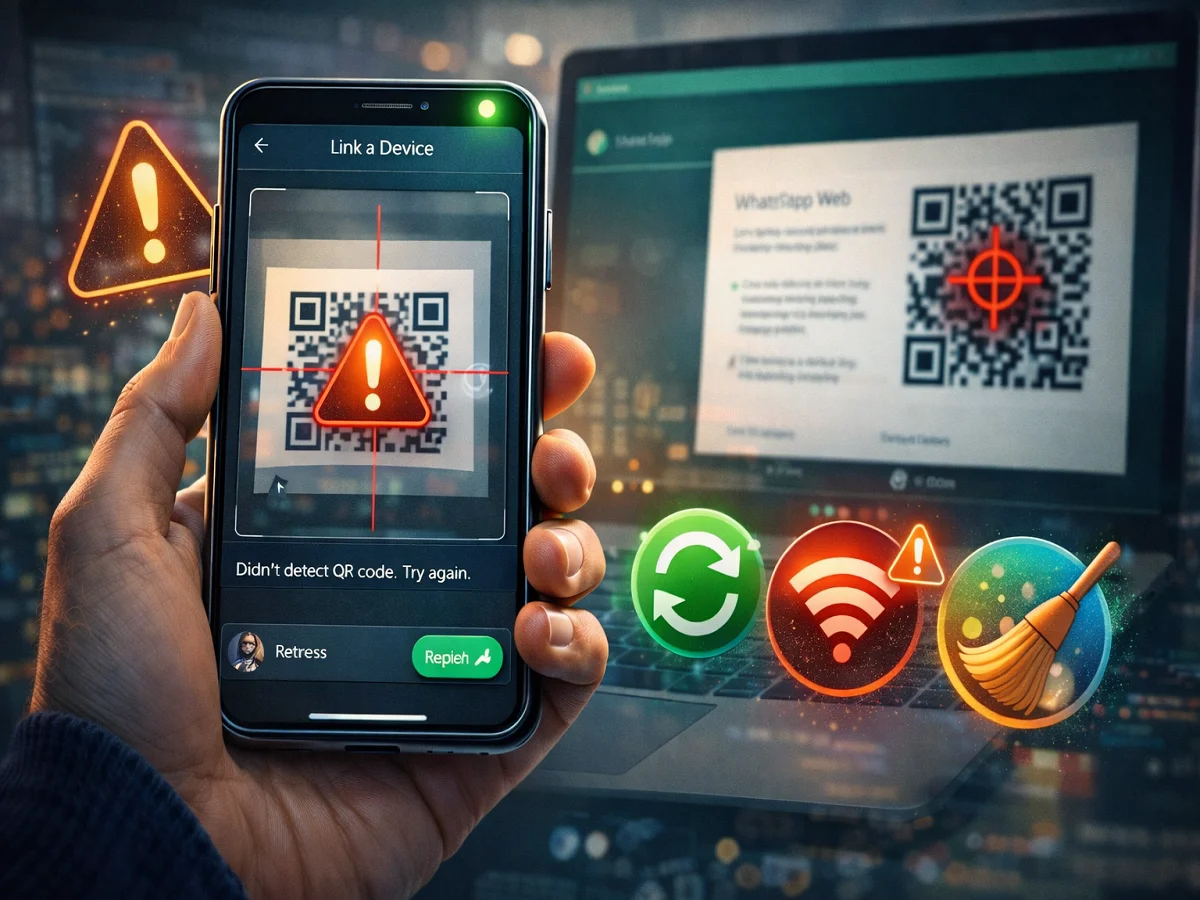
QR Code of WhatsApp Web is not being scanned? Fix the problem immediately with these easy methods

WhatsApp is one of the most popular messaging apps in the world. Users can use it apart from smartphones WhatsApp Web You can also use it on your computer or laptop.
To use WhatsApp Web, you need to see what you see on your computer screen from your phone. QR code scan Has to be done. After this, your messages, photos, videos and documents also become visible on the computer.
But sometimes it happens that the phone’s camera does not recognize the QR code visible on the computer. If you are also facing this problem, then the easy solutions mentioned below can help you.
Possible reasons for QR code not scanning
There can be many reasons behind WhatsApp Web’s QR code not being scanned, such as:
- old version of app
- weak internet connection
- Use of wrong QR scanner
- too many linked devices
The good thing is that these problems can be fixed with some easy steps.
1. Update WhatsApp
First of all, make sure that you have WhatsApp installed on your phone. latest version Get installed.
You can update the app from:
- Google Play Store (for Android users)
- Apple App Store (for iPhone users)
Many technical problems are automatically fixed by updating.
2. Use WhatsApp’s in-built QR scanner
Some people use the phone’s normal camera or any other QR scanner to scan the QR code of WhatsApp Web.
But to connect WhatsApp Web, you have to QR scanner Will have to be used only.
For:
- Open WhatsApp on your phone
- three dot menu tap on
- Linked Devices choose option
- Link a Device tap on
- Now scan the QR code visible on the computer screen
3. Check Internet Connection
To scan QR code, it is necessary to have a good internet connection in both phone and computer.
If you are facing problem:
- Check internet connection in phone
- Switch from Wi-Fi to mobile data or from mobile data to Wi-Fi
- Refresh WhatsApp Web page on computer
4. Clear WhatsApp Cache in Android
Sometimes the problem may also occur due to the app’s cache.
To clear the cache:
- of phone Settings open
- Apps go to
- WhatsApp choose
- Storage tap on
- Clear Cache click on
After this, open WhatsApp and scan the QR code again.
5. Delete Old Linked Devices
WhatsApp to one account four devices Allows linking up to.
If four devices are already connected, there may be a problem adding a new device.
To fix this:
- Open WhatsApp
- Linked Devices go to
- Remove old or unused devices from the list
With the help of WhatsApp Web, users can easily do messaging on their computers also. However, sometimes there may be a problem in QR code scanning.
If you follow the steps above—such as updating the app, using the correct scanner, checking your Internet connection, and clearing the cache—this problem may be resolved quickly.
If the problem persists after this, you can contact WhatsApp support.

Comments are closed.