


Microsoft has changed its approach towards the incorporation of AI in Windows 11as evidenced by the recent removal of the Copilot notifications function. In recent weeks, Microsoft has stated that it is re-evaluating its AI plan for Windows 11 to see how much it wants AI to be integrated with its software. The shift is largely due to the fact that Windows 11 has numerous AI-based features and functions, which, according to many users, have not been beneficial.
Microsoft made another significant change to its Windows AI roadmapping by cancelling its plans to launch Copilot Notification integration within Windows 11 in April 2024. The company had planned to integrate its Copilot artificial intelligence (AI) assistant into the Windows notification interface, providing personalized suggestions, reminders, and contextual assistance to users based on their daily usage of Windows.
Copilot Notifications Have Been Cancelled
The most significant change is that Microsoft has announced that it will discontinue the Copilot Notifications feature. Originally, the plan was to integrate Microsoft’s Copilot Assistant with the Windows notification system, allowing the assistant to suggest actions, reminders, and contextual help based on user activity.
However, according to previous reports, it was never shipped publicly and was quietly abandoned. The company has stated that there are currently no plans to release this functionality in its original design. The company’s decision indicates a broader re-evaluation of how AI features should be interesting to Windows users.
Reducing AI Overload and Overconsumption in WindMicrosoft’s
Microsoft’s shift comes as a result of the criticism that the operating system had been becoming more and more cluttered with AI being integrated across multiple outlets within the interface. The original plans had included integrating Copilot into many portions of the Windows 11 interface, including notifications, within the Settings app, and other core system functions. The company is now scaling back some of those integrations so that AI features feel more helpful than intrusive.
Microsoft’s AI Strategy Due to Windows Recall ContrMicrosoft’s
Microsoft’s AI-focused strategy has been affected by another key factor, which is the criticism that it received regarding its implementation of AI-based features in Windows Recall. This technology allows users to have their screen consistently recorded in order to later search for previous activities.
Although Microsoft has stated that Windows Recall will store all of the information from users’ screens locally and securely, critics have raised concerns about the privacy implications of constantly saving everyone’s screenshots, especially for an extended period of time, as evidenced by the amount of time it may take for someone to log into their computer or phone. The Windows Recall controversy resulted in delays to the product rollout, as well as redesigns of multiple portions of the Windows Recall system.
In response to the criticism surrounding the Windows Recall feature, Microsoft appears to be developing more thoughtfully with respect to adding any AI-based features that have the potential to impact user trust and usability of their operating system.
Windows 11 Users Denounce AI Innovations
In addition to user reactions having an impact on Microsoft’s overall change in their strategy, a considerable number of Windows users have complained about Microsoft’s use of excessive experimentation with various AI-based technology within the operating system itself.
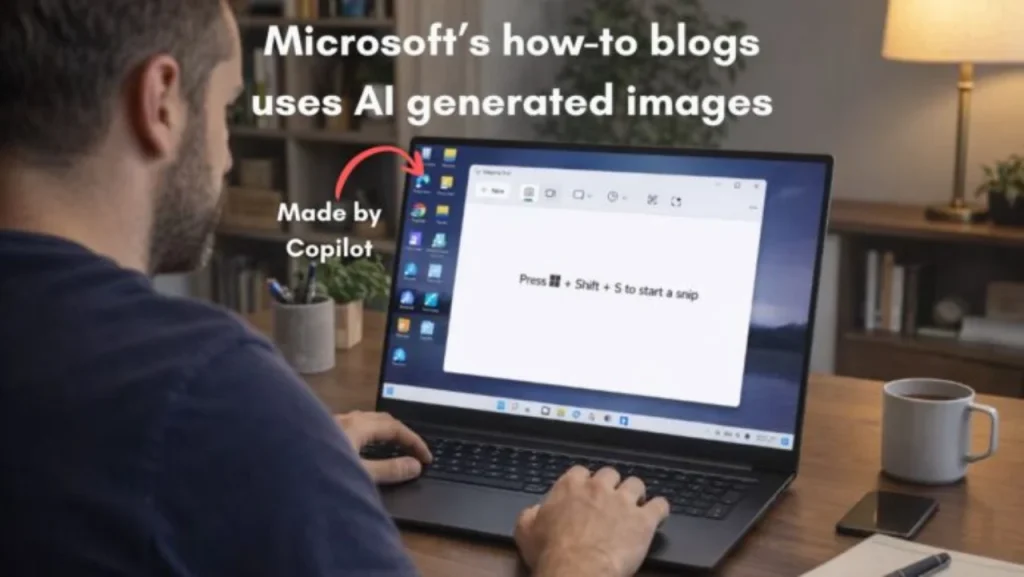
The critMicrosoft’sosoft’s AI experimentation have pointed ouMicrosoft’sosoft’s pursuit of using various forms of AI in the Windows operating system has impeded their overall focus on fixing very basic Windows operating system concepts, such as improved performance of the operating systems; enhancing their reliability for users; and creating a more consistent user experience with the software; as there are many examples of Microsoft adding new features to their Windows operating system based on AI and other trends yet none of the added features enhanceuser’s user’s productivity.
Therefore, Microsoft has an ongoing effort to provide Windows-based users with increased choice regarding the extent to which they utilize any AI-based technology, as well as decreasing the importance of adding AI technology features that would otherwise detract from the overall Windows experience of its customers.
Copilot Remains Fundamentally Microsoft’s Vision in AI
Microsoft remains dedicated to developing the Copilot as a key component of its overall vision for AI in Windows. Despite the fact that a few of the features associated with it have been scaled back, they are still dedicated to pursuing their broader goals for Windows-related AIs. Copilot will continue to play an important role in Microsoft’s quest to enhance their forthcoming AIs.
AI-based features (like semantic search, tools for analyzing screens, and AI-assistants who are embedded in various applications to automate tasks and help users find information faster and communicate with computers using natural language) have been added to Windows as part of recent updates.
In addition, it appears that Microsoft is focusing heavily upon maximizing the value derived from their existing AIs and minimizing how far they obstruct the complete functionality of the OS, rather than creating an AId-based solution across the entire OS.
AI on Windows Moving Toward a Balanced Strategy
The reduction of Copilot notifications indicates a change in the way Microsoft plans to take advantage of artificial intelligence within its Windows 11 user interface. Microsoft will not be aggressively adding AI throughout the user interface, as this would interfere with traditional user interface elements and functionality. Therefore, Microsoft will continue to test out different types of AI features to see which ones contribute to user productivity without negatively affecting users’ daily routines.
According to industry experts, the lesson learned from this experience can be applied to other companies that have been exploring AI integration for their applications and services: Users will generally accept powerful AI tools if they help them be more productive and do not interfere with established workflow patterns.
Microsoft’s challenge for Windows 11 and beyond will be balancing its ambitious AI vision for its operating system with the day-to-day needs of its users.

Comments are closed.