
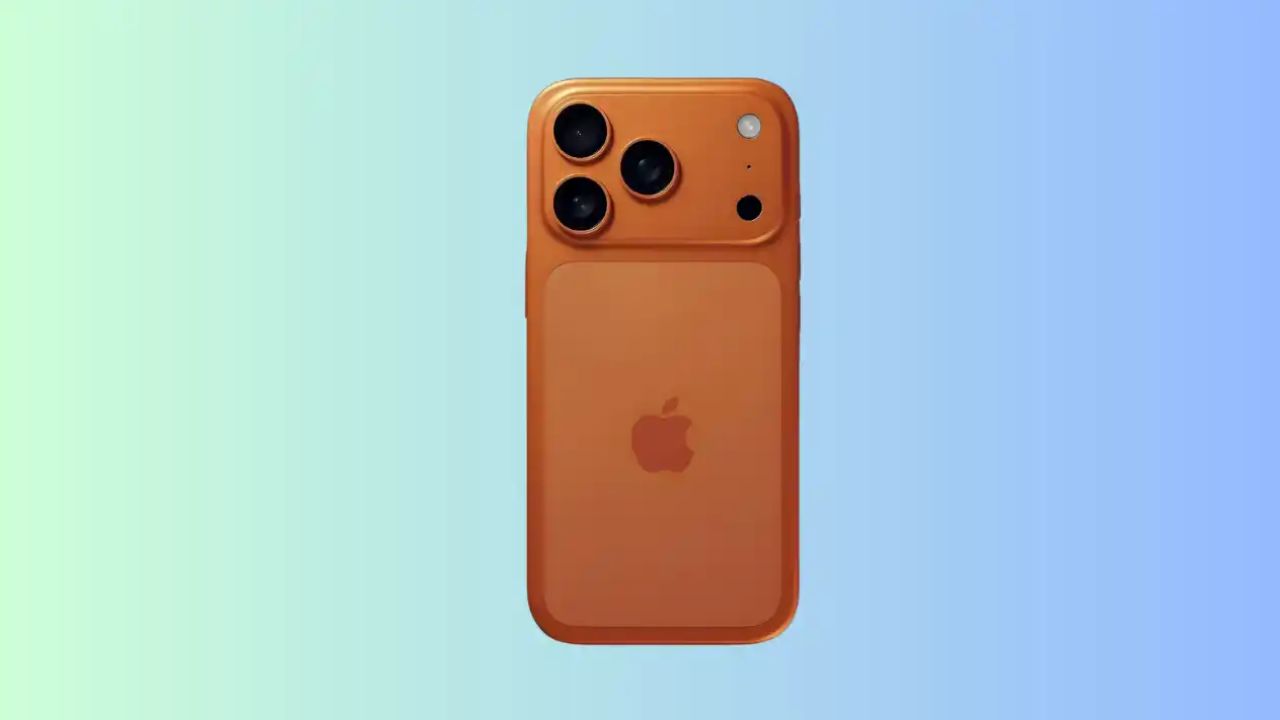
Change these 4 settings of iPhone 17 Pro Max today, otherwise you will regret it! Phone will be recovered even if stolen

iPhone 17 Pro Max Privacy Settings: When you install a new app, it asks for permission to track your activity. To stay safe, you can deny it, because if allowed, apps keep an eye on your preferences and information on the internet.
iPhone 17 Pro Max Privacy Settings: In today’s digital age, no phone is completely free from hacking, no matter how secure it is. Today, from businessmen to common people, everyone has an iPhone. Apple claims that the iPhone is more secure than Android and that it is much more difficult to hack, yet hackers can target it in new ways. That is why, we will tell you about some special settings of iPhone, after turning on which your mobile will become completely safe and secure.
How to turn off app tracking?
When you install a new app, it asks for permission to track your activity. To stay safe, you can deny it, because if allowed, apps keep an eye on your preferences and information on the internet. If you have previously given this right to an app, you can change it at any time. Just go to the phone’s settings, select privacy and security and turn off the tracking option there.
Enable Face ID option
Setting up Face ID on your new iPhone is a good step. If you haven’t done this initially, you can turn it on at any time by going to Settings. Many people fear that their photo or face will go to Apple, but in reality this data remains completely safe inside your phone. Face ID is not only easy to use, but it is also more secure than a normal PIN or password.
Turn on this option to avoid theft
Find My feature is very useful to remove the worry of iPhone being lost or stolen. To turn it on, go to the phone’s settings, tap on your name (Apple ID) and turn on the ‘Find My’ option there. Also keep Send Last Location turned on so that the phone can send its last location before the battery runs out. Just keep in mind that for this feature to work properly, your phone’s location service should always be on.
Read this also-Social Media in India: The way of using social media is going to change, the government is going to impose this restriction!
It is very important to turn off this option
Although iPhone takes care of your privacy, but to make your information more secure, you can turn off Apple Analytics. This setting is a little internal, so you will have to turn it off yourself. If you do not want any of your data to be shared with Apple, then go to the privacy and security section of the phone’s settings. There at the bottom you will find the option of Analytics & Improvements, which you can close.

Comments are closed.