
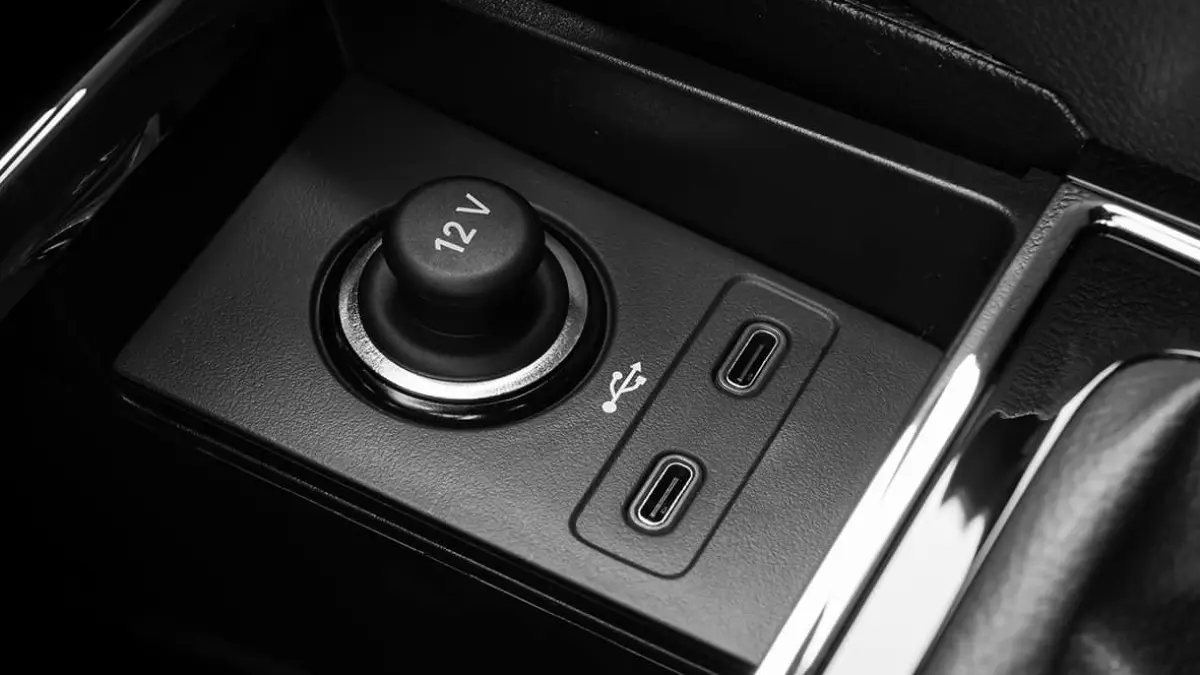

Often people go straight to the service center, when the real reason is simple things like dust, bad cables or software. Know here 5 easy ways by which you can fix this problem yourself.
1. Check the cable
First of all, make sure that the problem is with the USB port or the cable. Always use original or good quality data cable. If your car has more than one port, check by connecting to another port as well.
2. Clean the port
Dust, fibers, or small particles may accumulate in the USB port, interfering with the connection. Use a toothpick, cotton-bud or compressed air to clean it. Keep in mind that cleaning should be done slowly and carefully.
3. Check fuse box
If the radio or cigarette lighter along with the USB port is not working, it is possible that the fuse is bad. Open the fuse box (under the steering wheel or inside the bonnet) and replace the bad fuse with a new fuse of the same rating.
4. Give data transfer permission
Sometimes data transfer is not allowed in the phone’s settings. While connecting the phone, please allow the “Allow Data Transfer” or “File Transfer” option that appears on the screen.
5. Update Software
Connectivity problems may also occur due to old software. Therefore, always keep your smartphone and car infotainment system updated to the latest version.
With the help of these easy tips, you can fix your car’s USB port problem at home without spending a lot.

Comments are closed.