
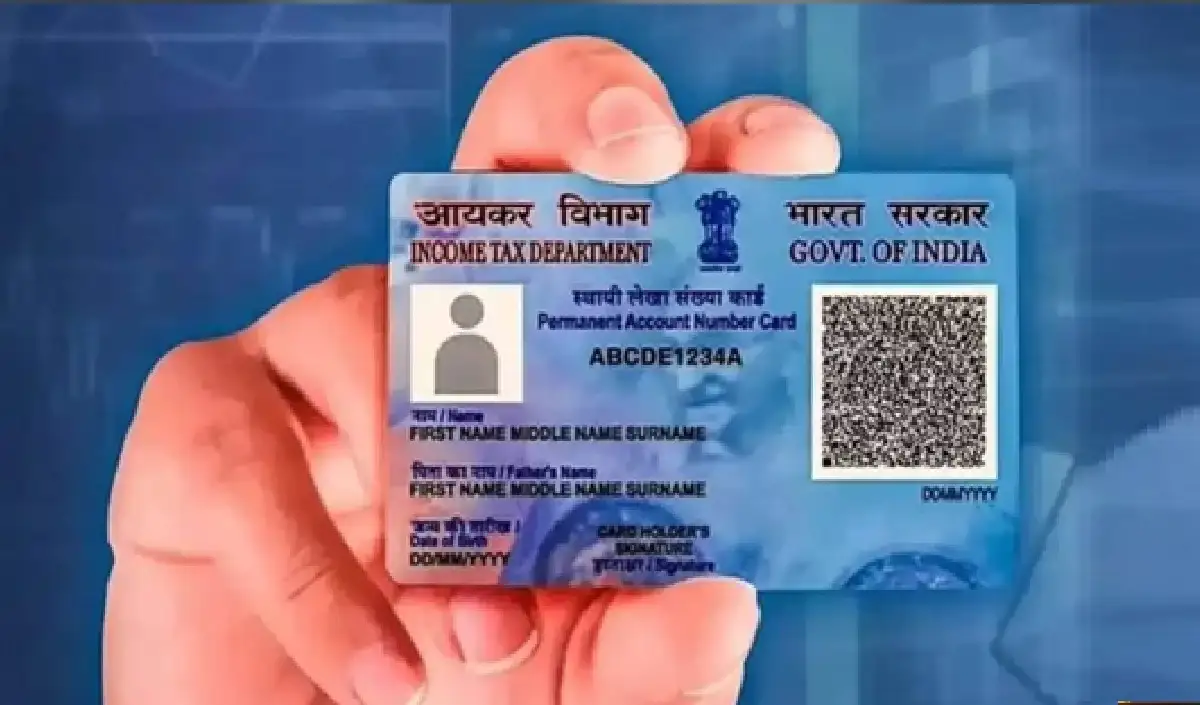

Importance of PAN and Aadhar Card
Nowadays, Aadhar and PAN cards are no longer just documents but have become a part of our daily needs. Their use is necessary in almost every work. Therefore, it is very important to update their information from time to time.
Consequences of disparity in name
If a person’s name in PAN and Aadhaar is not the same from April 1, his PAN card may become inoperative. Due to this he may face many problems, such as paying more TDS and difficulty in getting income tax refund.
Name changing process
If there is a variation in your name, correct it as soon as possible. You have to change the name in only one card. You can change the name in both the cards in the manner given below.
How to change name in Aadhar card
To change information related to Aadhar card, you will need the Aadhar app. Through this you can easily update your information.
Follow these steps:
- If your phone does not have the Aadhaar app, download it from Play Store.
- Login after registration, you can use Aadhaar number and OTP.
- Now you will see the option of ‘Update Aadhaar Online’, click on it.
- Then click on the name option.
- Fill the required documents and details carefully.
- Finally, pay the fee and submit.
- Click on the Status option to know the status of the updated name.
How to change name in pan card
Follow these steps:
- Visit the website of NSDL or UTIITSL.
- Go to the option of ‘Change/Correction in PAN’.
- Enter your basic information like PAN number, name, date of birth and email.
- After entering the information, you will receive a 15 digit token number.
- Select the information you want to change and make the change.
- If documents are asked for, upload them.
- Finally, pay the fees and submit.
- Download the Acknowledgment Slip, so you can check the status in future.

Comments are closed.