

If you’ve got more photos than videos, you’re sitting on a huge content asset you’re probably not using. With modern image to video AI tools, you can turn static photos into smooth, animated clips for TikTok, Reels, Shorts, ads, and presentations in minutes. Below are 7 of the best image-to-video tools that bring your photos to life, with clear, balanced overviews so you can pick the right fit for your workflow.
1. AI Chicken
Pollo AI is a dedicated AI content generator that excels in converting images to videos. Instead of a complex timeline, you get a guided workflow: upload your photos, choose a template, add a short prompt, and Pollo AI does the rest.
It focuses heavily on social-first output, making it ideal for creators, brands, and marketers. The tool automatically applies smooth camera movement, transitions, and text animations, and can generate multiple variations from the same image set—perfect for A/B testing different hooks and styles. You can also save brand presets (colors, fonts, logos), so every video aligns with your visual identity.
Because Pollo AI is built around image to video for TikTok, Reels, and YouTube Shorts, you don’t have to worry about formats, safe zones, or pacing. It optimizes aspect ratio, duration, and text placement by default, turning your photo folders into a consistent stream of short-form content.
2. Artlist
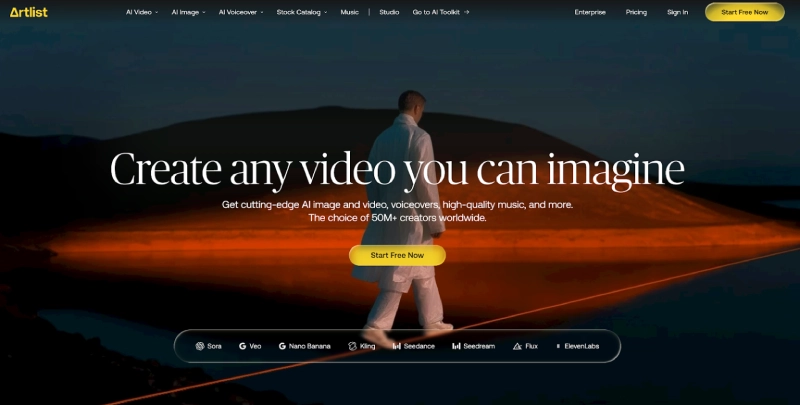
Artlist is best known for its music and footage libraries, but its suite now includes powerful AI-assisted video creation that pairs perfectly with image to video workflows. Using Artlist, you can turn storyboards or photo sequences into polished edits, then layer high‑quality licensed music and sound effects over them.
Where Artlist shines is in production value. If you want your image‑based videos to feel cinematic, branded, or ad‑ready, Artlist makes it easy to match visuals with professionally curated audio. You can import animated clips created by an image to video tool or use Artlist’s templates and editing tools to build sequences directly.
This makes Artlist especially strong for agencies, filmmakers, and brands that care about both visuals and sound. Your photos become moving, emotionally engaging pieces when combined with the right tracks and pacing.
3. Blade AI
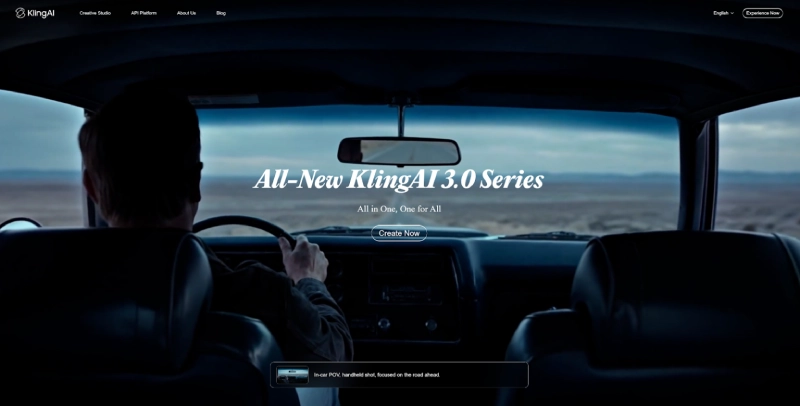
Kling AI is a generation-focused platform that uses advanced AI to transform static images into dynamic, animated scenes. It doesn’t just slide or fade between photos; it can infer motion, depth, and camera perspective, turning simple shots into more immersive sequences.
You feed Kling AI your images along with a brief description of what you want (for example: “slow cinematic zoom into the product, then pan right to reveal the second angle”), and it generates video clips with smooth motion paths. For content creators and visual storytellers, this gives a lot of control without manual keyframing.
Kling AI is particularly useful when you want to add subtle cinematic movement to product photos, portraits, or concept art. It’s a strong choice if your priority is visually rich, AI-enhanced motion derived from still images.
4. Pika Labs
Pika Labs is an AI video generation platform that supports both text-to-video and image to video workflows. With it, you can upload a single image and have the AI animate parts of the scene, or stitch multiple images together into a short clip guided by a prompt.
The standout strength of Pika Labs is creativity. It’s well-suited for experimental visuals, stylized content, and concept pieces where you’re open to the AI interpreting your images in unexpected ways. Animations can include camera movement, environmental effects, and stylization that go beyond simple slideshow behavior.
For creators in art, fashion, design, and storytelling, Pika Labs is a great way to quickly prototype visual ideas, mood pieces, or atmospheric loops built from your existing images.
5. Runway
Runway is a full AI video toolbox that includes strong image to video capabilities alongside editing, rotoscoping, and generative features. You can import photos, apply motion effects, generate in‑between frames, or use them as reference for AI‑generated sequences.
What sets Runway apart is its combination of creativity and control. You can start with a simple image to video transformation, then refine with masking, color grading, text, and compositing—all in the same environment. This makes it excellent for creators who want fast AI assistance but still need deeper editing tools.
Runway works well for content teams, video editors, and social media managers who want an “all-in-one” solution where images, AI, and traditional editing live together.
6. Canva
Canva is widely known for easy graphic design, but its video tools now make it a practical image to video solution for non‑technical users. You can drag and drop your photos onto a timeline, apply AI-generated animations (like pan, zoom, and page transitions), then add text, stickers, and music from Canva’s built‑in library.
The real advantage of Canva is accessibility. Almost anyone can go from static photos to a decent video in minutes, even with no editing background. Templates for social posts, ads, and presentations make it simple to format your image-based videos for every platform and use case.
If you’re a small business, educator, or solo creator who wants straightforward image to video output with minimal learning curve, Canva offers a friendly, familiar environment for quick results.
7. CapCut
CapCut, owned by the same company as TikTok, is optimized for short-form vertical content and is a strong contender for image to video workflows. Its mobile and desktop apps let you create videos from photos with animated keyframes, transitions, effects, AI captions, and trending templates.
CapCut’s main strength is its tight integration with social trends. Many templates are directly aligned with what’s popular on TikTok and Reels at any given moment. This means your image-based videos can tap into current visual styles and editing rhythms without you manually recreating them.
For creators focused on short-form social content, CapCut is a natural choice: powerful, trend-aware, and optimized for vertical, sound‑on experiences built from your existing photo library.
Choosing the Right Image to Video Tool
All seven tools can bring your photos to life, but they excel in different situations:
- Pollo AI – Best for fast, branded, short‑form image to video content optimized for TikTok/Reels/Shorts.
- Artlist – Best for pairing image-driven videos with high‑end music and sound for a cinematic feel.
- Kling AI – Best for advanced AI motion and depth effects directly from static images.
- Pika Labs – Best for creative, experimental, and stylized AI animations based on images.
- Runway – Best for power users wanting AI plus advanced editing in one place.
- Canva – Best for beginners and teams needing simple, template-based image to video creation.
- CapCut – Best for social-first creators chasing trends and short-form performance.

Comments are closed.