
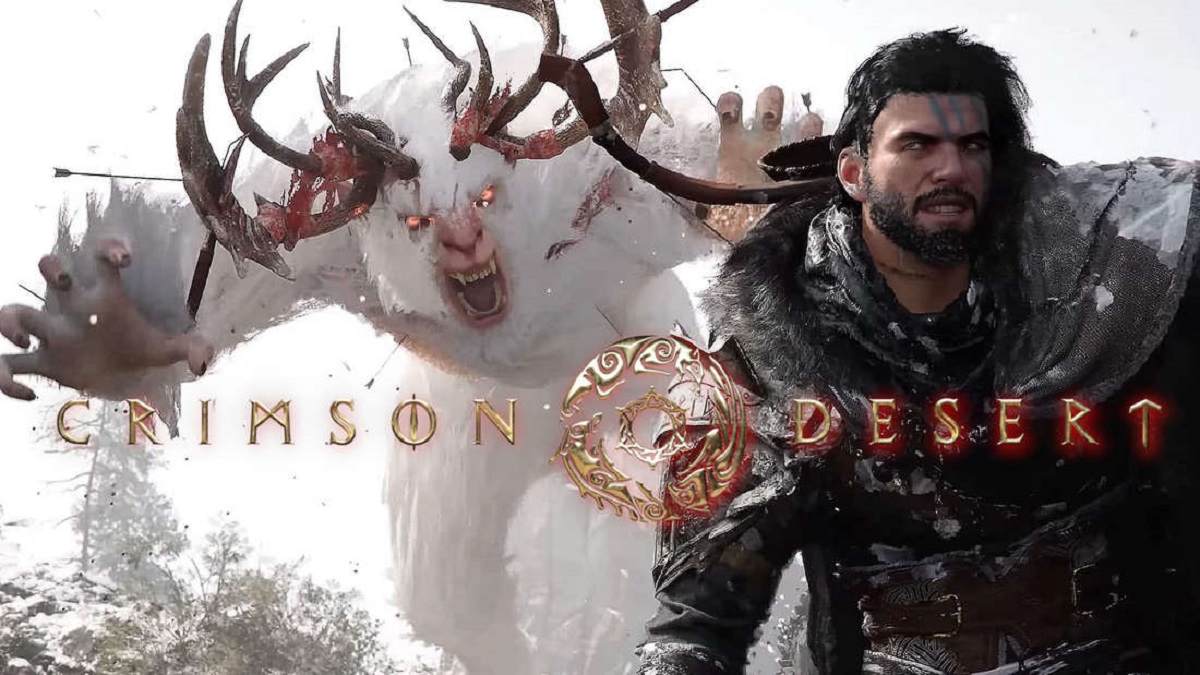

Creating a custom character in Crimson Desert is one of the most exciting parts of starting your journey in this highly detailed open-world game. The character creation system is designed to give players deep control over how their character looks, feels, and represents them in the game world. If you want to stand out, understanding how to use this system properly is essential.
Getting Started With Character Creation
When you first launch Crimson Desert, you will be prompted to create your character before entering the game world. This is where your adventure truly begins. The game provides a powerful customization interface that goes far beyond basic presets.
You will usually start by selecting a base template. These templates give you a foundation, but they are only the beginning. From there, you can modify almost every detail of your character.
Take your time here. Rushing this step often leads to regret later.
Choosing The Right Base Template
The base template determines the initial structure of your character’s face and body. While you can edit almost everything afterward, starting with a template close to your vision makes the process easier.
Things to consider when choosing a template:
- Facial structure and proportions
- Body type and posture
- Skin tone and general appearance
- Gender and overall style
Do not worry about perfection at this stage. Think of it as picking a rough sketch before refining the final artwork.
Customizing Facial Features
This is where Crimson Desert truly shines. The game allows deep control over facial features, giving you the ability to create unique and realistic characters.
You can adjust:
- Eye shape, size, and position
- Nose length, width, and angle
- Lips thickness and curve
- Jawline and cheekbone structure
- Eyebrows and forehead details
Most sliders are highly sensitive, so small changes can make a big difference. It is better to move sliders slowly and observe changes carefully.
A useful tip is to rotate your character frequently. A face that looks good from the front might look odd from the side.
Hair, Beard, And Style Options
Hair plays a major role in defining your character’s identity. Crimson Desert offers a wide variety of hairstyles, colors, and textures.
You can customize:
- Hair length and style
- Color and highlights
- Beard and facial hair options
- Eyebrow thickness and color
Try to match your hairstyle with your character’s personality. A rugged warrior might suit a rough beard and messy hair, while a noble figure may look better with a clean and polished style.
Body Customization And Details
Beyond the face, you can also adjust your character’s body. This includes height, build, and muscle definition.
Common options include:
- Body height and proportions
- Shoulder width and arm size
- Muscle tone and overall build
- Posture and stance
Some systems may also allow fine adjustments like scars, tattoos, or skin details. These small elements add depth and realism, making your character feel alive.
Outfits And Starting Appearance
After shaping your character, you may get the option to select starting outfits or armor. While these may change during gameplay, they still affect your first impression.
Choose something that fits your character’s identity. Even if stats matter later, appearance is what defines your presence early on.
Saving And Presets
One of the best features in Crimson Desert is the ability to save your character design. If you spend a lot of time perfecting your look, make sure to save it.
Benefits of saving presets:
- Reuse your design later
- Share it with others if supported
- Make quick adjustments without starting over
Always create at least one backup version before finalizing your character.
Tips For Creating A Better Character
To get the best results, keep these tips in mind:
- Start simple, then add details gradually
- Avoid extreme slider values unless intentional
- Check your character under different lighting conditions
- Zoom in and out to see both details and overall balance
- Take breaks if you feel stuck, then return with a fresh perspective
Good character creation is a mix of patience and creativity.

Comments are closed.