
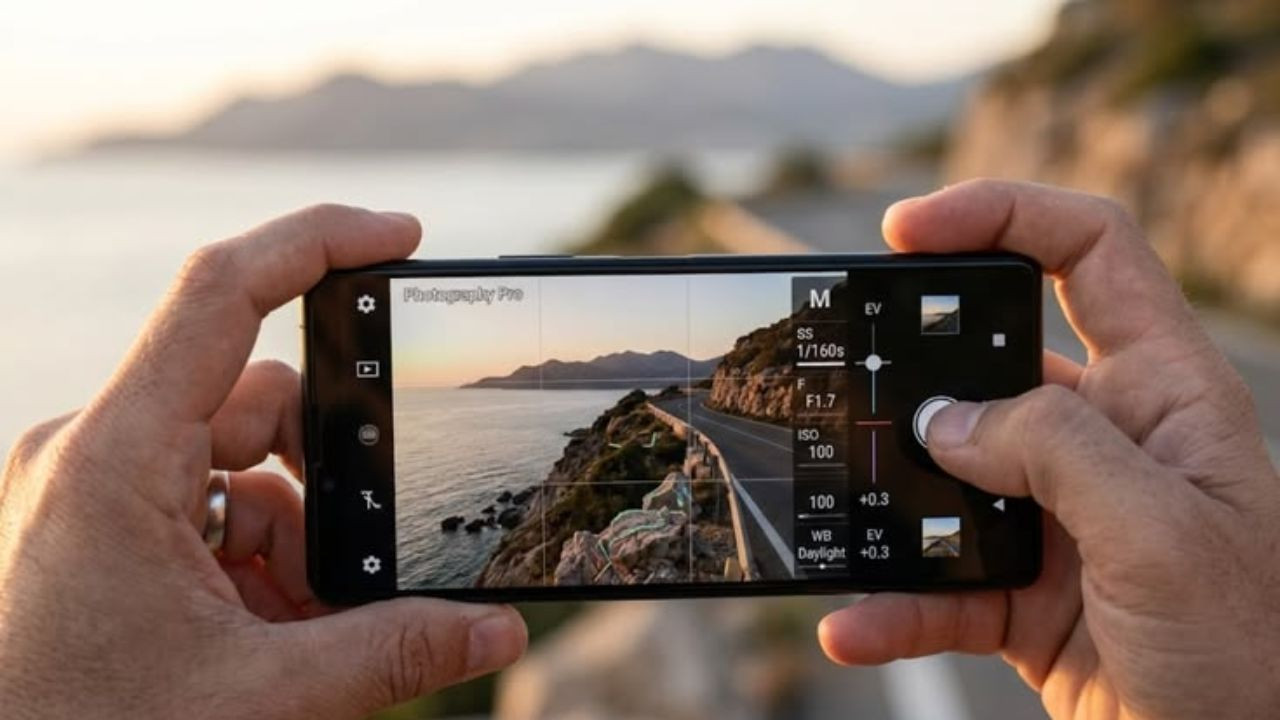
Despite having an expensive smartphone, not taking great photos? These small mistakes are spoiling the quality of photos

New Delhi: In today’s time, smartphones are no longer just a medium for communication, but have also become an important medium for photography. This is the reason why while buying a new phone, people first pay attention to its camera capability. Premium smartphones like iPhone, Google Pixel and Samsung Galaxy are known for their camera features, but despite this many users are not able to take pictures of the desired quality.
Often the reason for this is not the lack of camera, but not using it properly. Many times, due to some common mistakes and ignoring important settings, the quality of photographs gets affected. If you also want to click better photos with your smartphone, then it is important to keep these things in mind.
Ignoring camera settings can be costly.
Most smartphones have a variety of quick settings available before taking a photo, which can be accessed directly from the viewfinder. But most of the users do not use these options.
Take care of brightness, shadow and white balance
Brightness, shadow and white balance can be adjusted with the help of sliders present in the camera settings. This improves the overall look and quality of the picture. With the right settings a better photo can be clicked the first time.
It is also important to understand the exposure setting
The option of exposure control is also available in camera settings.
Smaller aperture means less light but more depth of field.
With a larger aperture, more light is available and the depth of field is reduced.
It is not right to depend only on default mode
Many types of camera modes are provided in today’s smartphones, but most people use only the default mode in every situation. Due to this the full potential of the camera cannot be utilized.
Use different modes properly
- ‘Night Mode’ is useful for taking better photos in low light or at night.
- ‘Portrait Mode’ blurs the background while keeping the main subject in focus, making the photo look more attractive.
- With the help of ‘Panorama Mode’, ultra-wide pictures of large scenes or wide landscapes can be clicked.
Don’t take photo grid lightly
Many users do not give importance to the grid feature while clicking photos, whereas it can prove to be extremely useful for better framing and balanced photos.
Which grid is better?
According to experts, 3×3 grid is the most used option. It helps in creating balance and better composition in photography.
However, a 4×4 or larger grid can also be used for complex and creative shots.
Focusing on the wrong subject can spoil the photo.
The auto-focus feature found in smartphone cameras is quite useful, but it is not completely accurate in every situation.
When there are many objects in the frame or the background is too busy, the camera may focus incorrectly, affecting the quality of the photo.
Use focus lock feature
In such a situation, tapping on the subject on which you want to focus can be a better option.
Apart from this, many smartphone cameras also provide the facility to lock focus. For this, you can press and hold the viewfinder for a few seconds, due to which the automatic adjustment stops and the focus remains stable.
In some smartphones, a slider is also provided to adjust manual focus, through which more control can be achieved over the picture.

Comments are closed.