
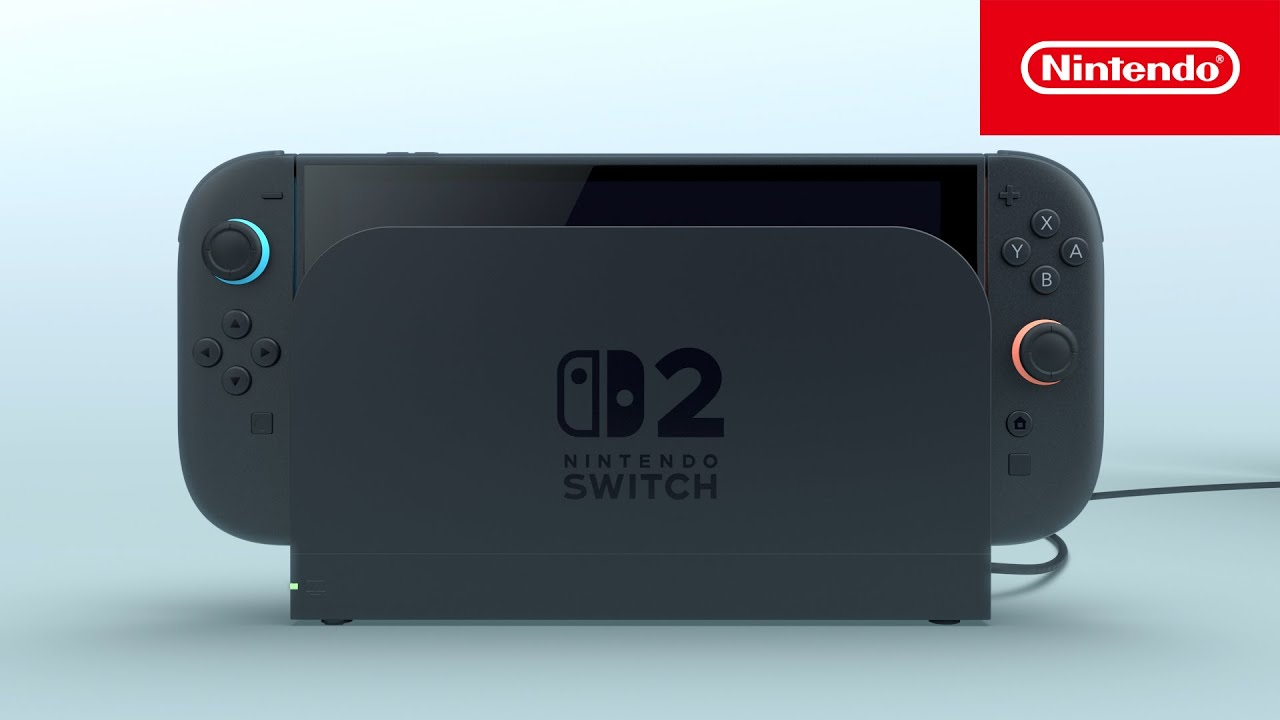

The Nintendo Switch 2 has introduced a useful feature called Handheld Mode Boostoften referred to by players as “Boost Mode.” This setting allows compatible original Nintendo Switch games to run with higher performance settings while playing in handheld mode. In simple terms, many older Nintendo Switch titles can operate as if the system is connected to a TV, even when you are holding the console in your hands.
For players who enjoy revisiting their Nintendo Switch library, this feature can make a noticeable difference. Certain games can display sharper visuals, improved image quality, and in some cases smoother performance. If you have heard about Switch 2’s Mode Boost and want to know how to enable it, this guide explains everything you need to know.
What Is Handheld Mode Boost?
Before turning the feature on, it helps to understand what it actually does.
The original Nintendo Switch used different performance profiles depending on whether it was docked or being used as a handheld device. Many games ran at lower resolutions and reduced performance settings when played handheld.
With Handheld Mode Boost enabled on Nintendo Switch 2, compatible Nintendo Switch games can use settings similar to their TV mode profile. Since the Nintendo Switch 2 features a 1080p handheld display and stronger hardware, many older games can look significantly better than they did on the original system.
However, the results vary from game to game. Some titles show obvious improvements, while others may see little or no change.
Requirements Before Enabling Mode Boost
Before you can use the feature, make sure the following requirements are met:
- You own a Nintendo Switch 2 console.
- The system is updated to the latest firmware version.
- You are playing a compatible original Nintendo Switch game.
- The game does not rely heavily on touch controls or unsupported features.
If your system software is outdated, update the console first through the system settings menu.
How To Turn On Switch 2’s Mode Boost
Enabling Handheld Mode Boost only takes a few moments.
Follow these steps:
- Open the HOME Menu on your Nintendo Switch 2.
- Select System Settings.
- Scroll down and choose System.
- Find Nintendo Switch Software Handling.
- Locate the Handheld Mode Boost option.
- Toggle the setting to On.
Once activated, compatible Nintendo Switch software can take advantage of the enhanced handheld performance mode.
You can return to the same menu at any time if you want to disable the feature.
How To Check If Mode Boost Is Working
Some games make the improvement immediately obvious. You may notice:
- Sharper image quality.
- Higher resolution visuals.
- Reduced blurriness.
- Better frame stability.
- Improved overall presentation.
In other cases, the difference can be subtle. Older games that had a significant gap between handheld and docked performance tend to benefit the most.
Not every title supports the feature equally, so experiences can vary.
Benefits Of Using Handheld Mode Boost
Many Nintendo Switch owners have large game libraries built over several years. Handheld Mode Boost gives these older titles a chance to shine on newer hardware.
Some potential benefits include:
- Better visual clarity.
- More detailed graphics.
- Improved handheld gameplay experience.
- Enhanced use of the Nintendo Switch 2 display.
- Better performance in select games.
For players who spend most of their time gaming away from a television, these improvements can make handheld gaming feel much closer to the docked experience.
Important Limitations To Know
Although the feature is useful, it is not perfect.
There are several limitations that users should keep in mind:
- Not all Nintendo Switch games benefit from the feature.
- Some titles may show no visible improvement.
- Touchscreen functionality may be disabled in supported games.
- Battery consumption can increase.
- Certain motion-control-heavy games may not work correctly.
- Some software may display incorrect instructions because the game believes it is running in TV mode.
Nintendo has also identified several games that are incompatible with the feature due to their control requirements.
Because of these restrictions, it is worth testing individual games to determine whether Handheld Mode Boost improves your experience.
Should You Leave Mode Boost Enabled?
For many players, the answer is yes.
If you primarily play traditional Nintendo Switch games and want the best possible handheld visuals, keeping Handheld Mode Boost enabled makes sense. The feature is especially useful for games that originally looked noticeably sharper when docked.
However, if you regularly play games that depend on touchscreen controls or specific handheld-only functions, you may prefer to disable it temporarily.
The good news is that the setting can be turned on or off whenever needed, allowing you to choose the best option for each game.

Comments are closed.