
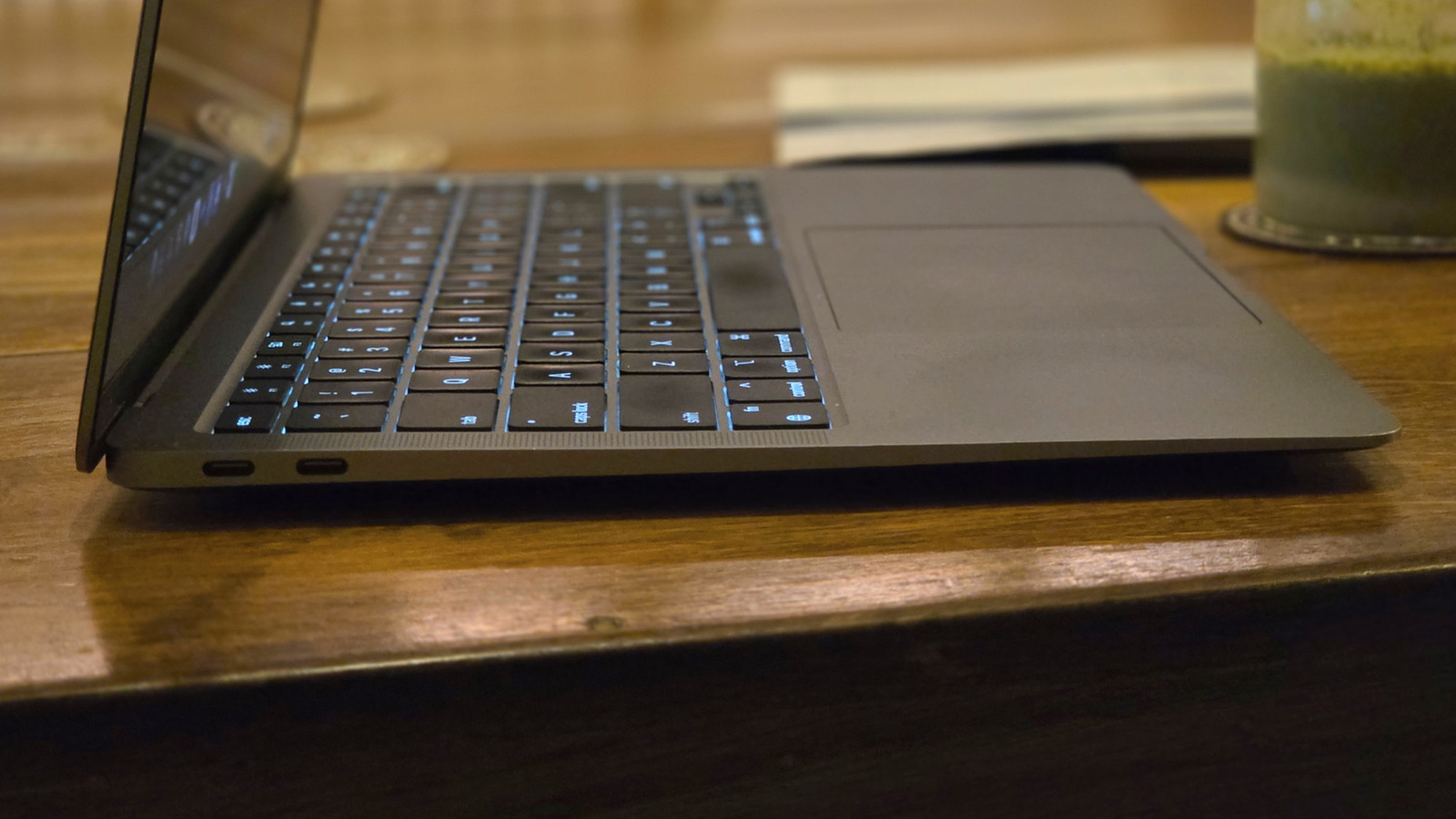

For a very long time, getting wired to the internet simply meant grabbing a cable, finding that rectangular Ethernet port, and clicking it into place. There were no network names to scroll through and no complicated passwords to punch in, and certainly a very low chance of the signal dropping halfway through a download. Then came the thinner laptops. In a world where even USB-A ports are disappearing, the humble Ethernet port has no place.
Of course, the reason mainly comes down to size. An Ethernet port is a chunky thing, and with the housing included, it can occupy more than 13mm on the side of a laptop. Meanwhile, most ultrabooks these days measure somewhere between 11 and 16mm thick. But even that figure is taken at its thickest point — many actually have a wedge design that tapers to a noticeably slimmer profile at the front edge.
Sadly, the Ethernet port is not a flexible thing either. It relies on the RJ45 plug, which has stayed the same fixed size for decades. Shrinking it would mean that every cable and router out there would stop fitting it. Unlike USB, which evolved with the times and shrank down to the modern USB-C standard, the good old Ethernet never got the same treatment. And when a company wants to shave a machine down to something you can slide into a folder, this is one of the first parts to go.
The first laptops to cut the cord
The machine that got the ultrabook trend rolling was the MacBook Air. To showcase how impossibly slim it was, Steve Jobs even slid it out of a manila envelope on stage back in January 2008. The Air was 19mm at its thickest point, so technically Apple could have crammed in an Ethernet port should it have wanted to, but the company is known for its minimalist approach — and the Ethernet just ended up being one of the features thrown overboard.
However, unlike Apple, plenty of Windows laptops didn’t want to give up the port quite so fast, given its utility. So designers got creative and started shipping slimmer models with a hinged jack that swung open like a tiny drawbridge when you inserted a cable. Eventually, the industry felt that even that was a little much. A flap that flips out like that can look awkward, and they had a habit of snapping off, too. Of course, besides aesthetics, ditching the port was also simply a way for laptop brands to trim costs, and a cheaper machine can drop it for that reason alone. But perhaps the biggest reason was the popularity of Wi-Fi. Wireless speeds these days are good enough for what most people actually do, so a wired jack started to feel like dead weight.
How to get wired again
Handy as Wi-Fi might be, a cable may still have an edge for things like online gaming — which demands the lowest possible latency – to prevent lag. So a lot of folks may want the option back on their laptops. The easiest fix is a USB-to-Ethernet adapter. This is basically a small dongle that slots into a USB-A or USB-C port and gives you an RJ45 jack on the far end. Most of them run for as cheap as $30, and the setup is as easy as plug and play. They’ve grown plenty speedy too, with a bulk of them being capable of handling full gigabit speeds.
A USB-C hub does even more if you’re looking to expand the port selection beyond just Ethernet. It also throws in spare USB slots and possibly an HDMI output, all off a single connection. And for a desk you rarely leave, picking up a good docking station is an even better solution. You hook it up with one USB-C or Thunderbolt cable, and that single line carries not just Ethernet but also your monitors and power.

Comments are closed.