
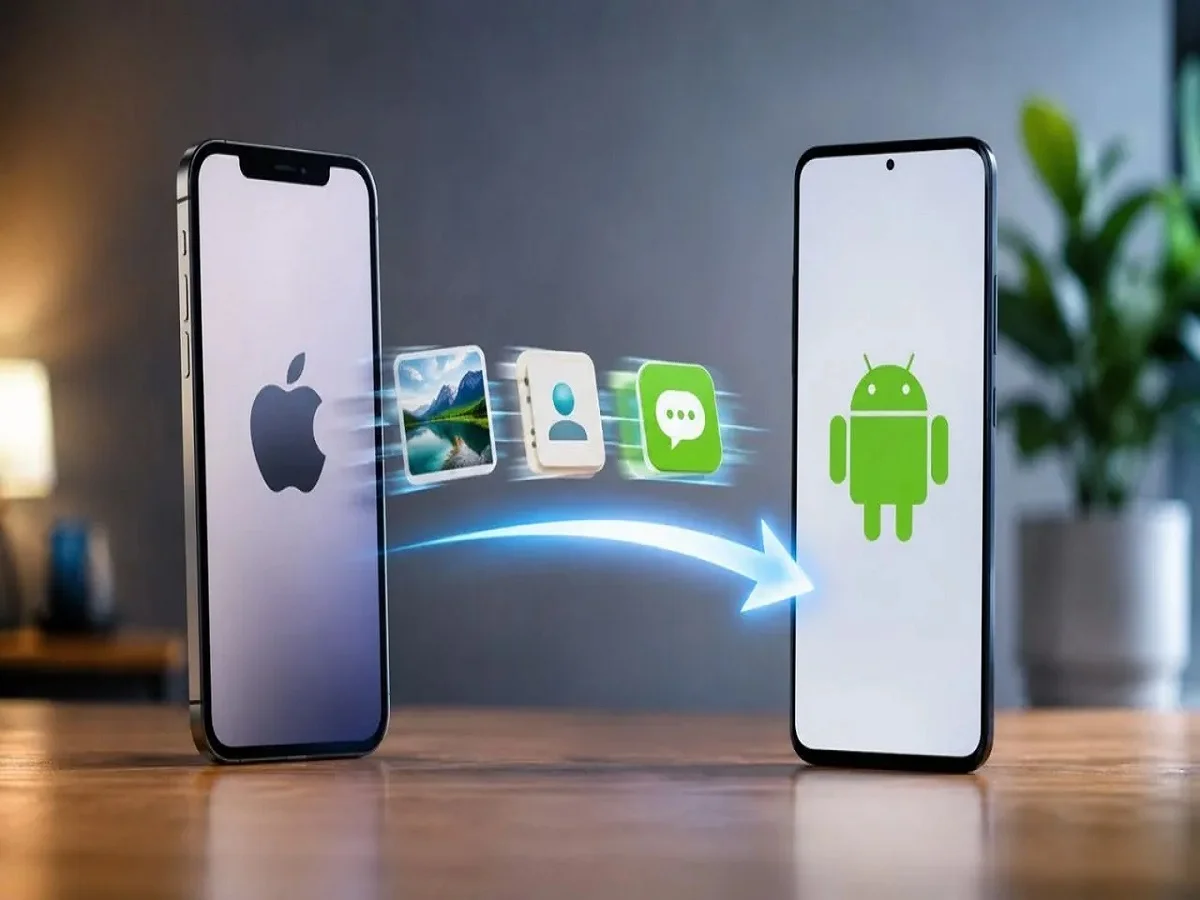
Photos Shift Process- With the help of this trick, shift photos, contacts and chats from iPhone to Android phone in minutes, know about it

Friends, if you are an i-Phone user and are thinking of switching to Android smartphone, but are wondering how to transfer photos, contacts and chats, then let us tell you that now this process has become very easy. With the latest iOS 26.3 update, Apple introduced a new “Transfer to Android” feature, allowing users to quickly and securely move their important data to an Android device. Let’s know about this feature
Prepare both devices before starting
Before starting the transfer, make sure both devices are properly prepared to avoid data loss or interruption.
Update your iPhone to iOS 26.3.
Make sure your Android phone is running Android 16 or the latest version available.
Charge both devices to at least 80% (it is better to keep them connected to a charger).
Connect both phones to the same Wi-Fi network.
Turn on Bluetooth on both devices.
Back up your iPhone data to iCloud or a computer for added security.
How to Transfer Data from iPhone to Android
Open Settings on your iPhone.
Go to General and tap Transfer or Reset iPhone.
Select Transfer to Android.
Turn on your Android phone and begin the initial setup.
Select the iPhone or iPad option during setup.
Use your iPhone to scan the QR code displayed on your Android phone. In some cases, a Session ID and Pairing Code may be required.
Select the data you want to transfer and start the process.
Within moments, your chosen content will be copied to your new Android device.
What data can be transferred?
Messages (iMessage and SMS)
Photos and Videos
Live Photo (Save in Motion format)
contacts
important files
Passwords saved in iCloud Keychain can be safely exported to Google Password Manager or another supported password vault.
eSIM transfer is also supported
Apple has also added eSIM transfer support with some mobile carriers. This allows eligible users to activate their existing eSIM on a new Android phone without asking for a new SIM card. Things that still require manual setup

Comments are closed.