
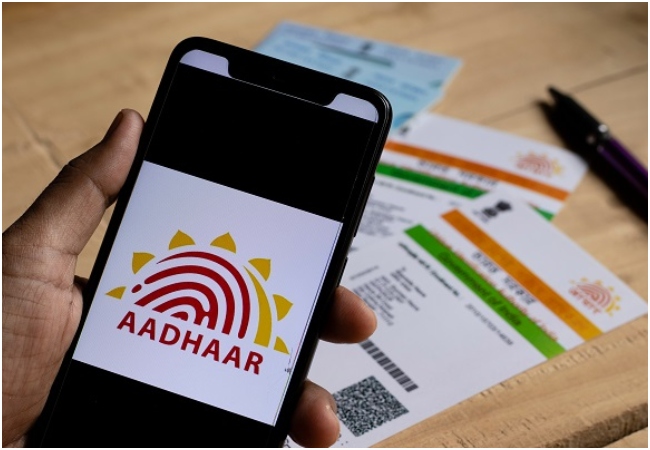
Now your mobile number and address will be updated in Aadhar card sitting at home, UIDAI introduced new mobile app.

Aadhaar Card Update: UIDAI has updated the rules for updating Aadhaar card. According to these new rules, UIDAI has introduced a new official app. This app will be available on both Android and iOS platforms. With its help, you can easily update your mobile number in Aadhaar while sitting at home. With the help of this app, citizens can now update their mobile number and address in their Aadhar card while sitting at home. The aim of this initiative is to provide relief to people from long lines and crowd at Aadhaar centres.
Read:- Teaser of Vivo ‘T5 Lite 5G’ with 6500mAh powerful battery and 44W charging released on Flipkart.
Main benefits and features of the new Aadhaar app
With this new app you will get all the services at one place. That means you can easily change your address and also update your mobile number. To make this process more secure, you have been given the facility of Face Authentication and OTP-based verification. Due to this, you do not need to visit the center in heat, rain or sun.
How to update your address through the app?
You can get the address corrected on Aadhar card like this-
Read:- Now a strong Aadhar card like ATM will be made for just Rs 75, it will not break, order like this sitting at home
First of all, download the new Aadhaar app from your phone’s Play Store or App Store and login using your registered credentials.
After this complete the biometric and OTP process for verification.
Go to the home screen and tap on the ‘Address Update’ option under the ‘Services’ section.
After this, type your new address correctly and upload a scanned copy of a valid document.
Complete the Face ID/Face Authentication process for security and verification. After this your request will automatically go to UIDAI for review.
Read :- Google Maps: After parking the car, you forget where you parked it? Google found the solution to your problem
How to change mobile number?
Go to the main menu of the app and select the option of ‘Update Mobile Number’.
Enter the new mobile number which you want to link with your Aadhaar.
Verify your identity by following the instructions on the screen and click Submit.
Once the application is accepted and the database is updated, all future OTPs and messages linked to Aadhaar will be sent to your corresponding new
Will start coming in numbers.
Comments are closed.