
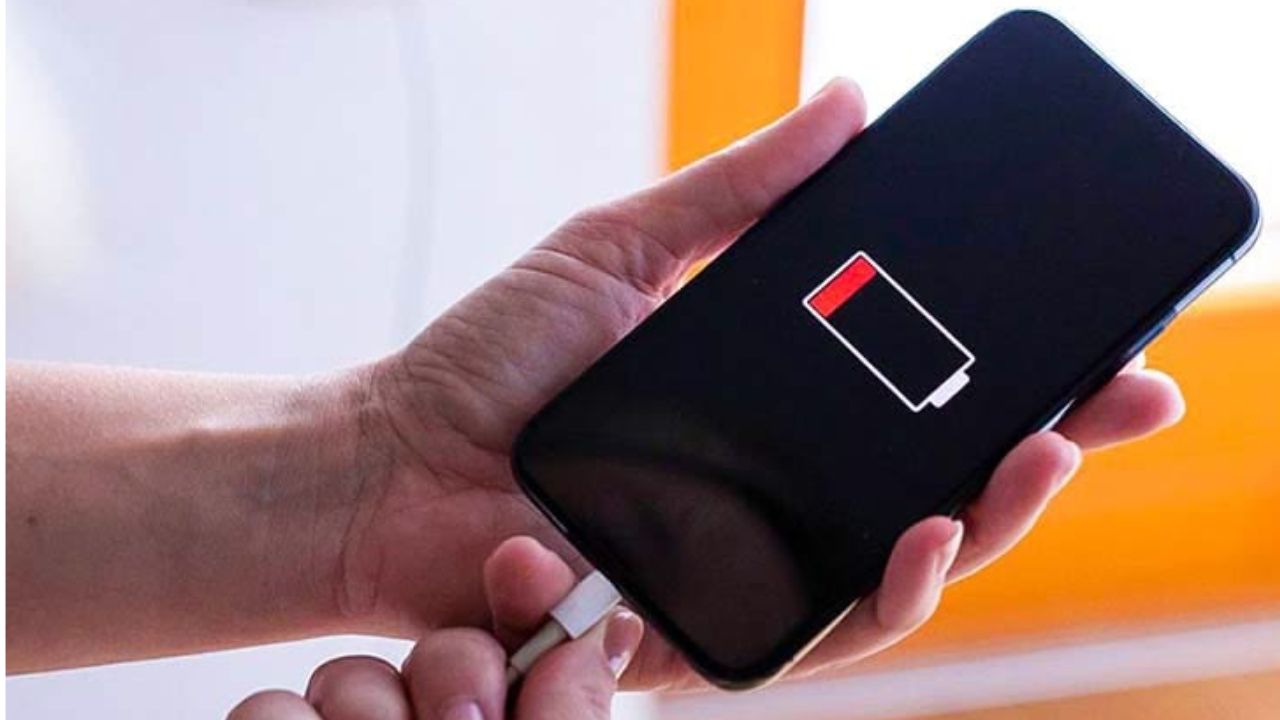
iPhone not charging? Check this important setting in 1 minute before going to the service center, saving thousands of rupees

- Charging problems are not always caused by a major malfunction.
- Small things that can be checked in a few minutes can get the phone working again.
- Proper care can also save service center costs.
of the iPhone Looking at the craze, many people can see this smartphone these days. iPhone craze among tech lovers is different due to big brand and quality features. Today in this article we are not going to know about any feature of iPhone or its new variant but we are going to know about a problem in iPhone. If you are also using an iPhone and your phone is not charging even when you plug it into the charger, this news can be of great help to you. Many will take the help of Apple Service Center to fix this problem which can cost you thousands of money. But we told you that this problem can be solved at home if…
IRCTC Website Update: Railway passengers shock! IRCTC’s new website will not be launched today, what is the reason? find out
Often the problem you think is not that big of a deal, but a change in setting can be the cause. Today in this article we are going to learn about one such setting in iPhone with the help of which the charging problem can be easily fixed at home. Let’s find out what this setting is.
Check this first thing
Before taking the iPhone to a service center, check its charging port once. 80% of reasons why an iPhone won’t charge is due to its charging port. Often the charging port gets damaged or dirt accumulates in it and the phone does not charge.
Dirt in the charging part
Now you may wonder how dirt can get into the charging port. So we tell you that often we carry the charging port in our bags or purses while going out, which gets trapped in the fine particles, dust and dirt inside the bag. Every time we insert the charging cable, this dirt also settles inside it. Little by little, this dirt that seems small grows and then problems start to arise.
Clean dirt in a minute
It is very easy to remove the dirt accumulated in the charging port of the iPhone. It may just be important to exercise some caution. First of all switch off your iPhone for security reasons. After this try to remove all the dirt with the help of a toothpick or sim ejector tool. remember Do not use any sharp object like safety pin for this purpose. This can damage the inside of the phone.
Tech News: Sony’s 25X Optical Zoom Camera Launch! Even distant objects will be seen very clearly, know the feature
Use a toothpick like this
To clean the charging port with a toothpick, first gently insert the toothpick into the iPhone’s charging port. After this, slowly try to remove all the dirt stuck in it. After cleaning the charging port, plug in the cable and check. You will see that your phone is charging as before. If the phone still does not charge after this, check the cable and adapter. Often due to this malfunction, problems arise while charging the phone. Also you can try restarting your phone once.

Comments are closed.