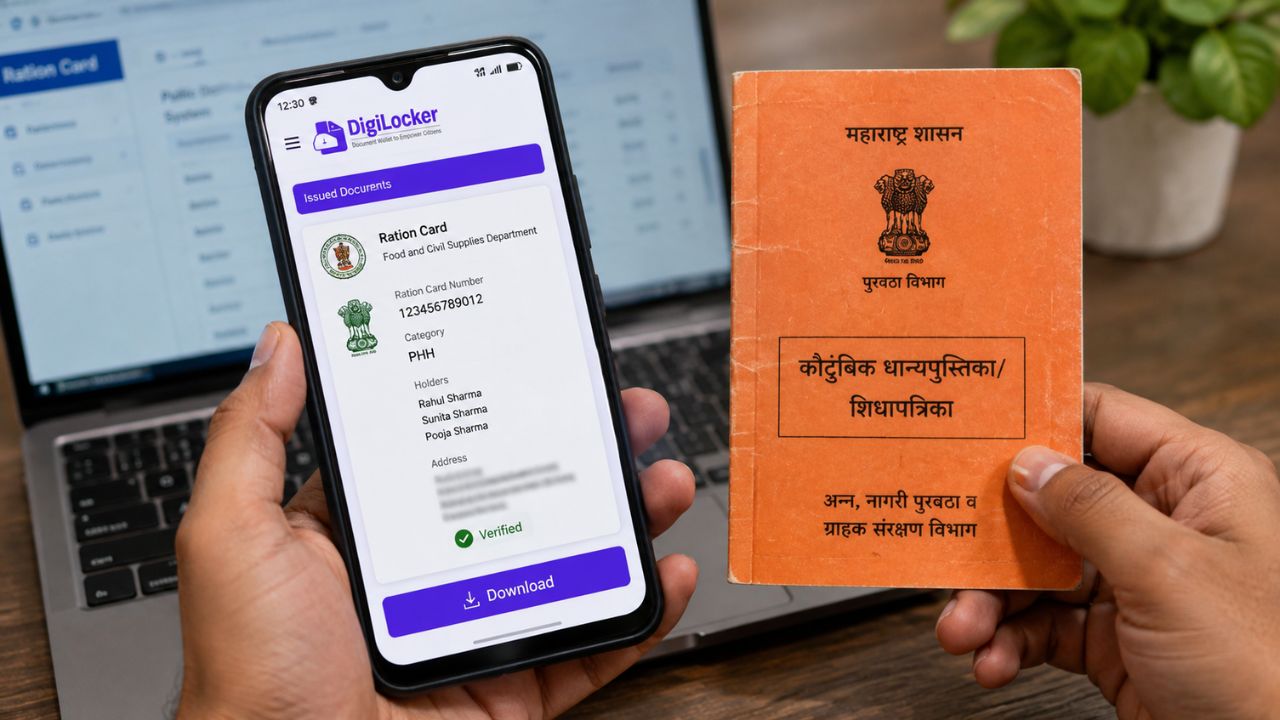
- Now, the digital ration card can be downloaded from home in a few minutes through DigiLocker or the Umang app.
- The downloaded digital ration card is valid for many government purposes and can also be printed as needed.
- After filling in the ration card number and required information, the digital copy can be saved or shared in PDF format.
Is your ration card also outdated? Good news for Samsung fans! Smartphone worth lakhs of rupees at just this price; Bumper offer available on Flipkart
This digital copy is valid for many government works. You can also take a printout of this photo if needed. Various platforms are available to download the digital ration card. DigiLocker, Umang App and the portal of the Food and Civil Supplies Department of the respective state government can all help you in this work. You can download the digital ration card by following the step-by-step process from home. Let’s know about it in detail now. (Photo courtesy – AI Created)
Follow these steps to download ration card from DigiLocker
If you have the DigiLocker app on your phone, first log in to it.
- Now search by typing ration card in the search box.
- Now select the option of the food department in your state.
- Now write other information including ration card number and district.
- Once the details are verified, you will see the digital ration card in the Issued Documents section of your DigiLocker account.
- Now you can download the digital ration card in PDF format or even share it.
Follow these steps to download ration card from Umang app
- You can also download your digital ration card through the Umang app. For this, you will have to follow some simple processes.
- First, log in to the app.
- After this, type the name of the ration card or your state’s food department in the search box.
- After the relevant service starts, fill in the ration card number and other necessary details.
- If the details are correct, a digital copy of your ration card will appear on the screen.
- Now you can easily download this digital copy and save it to your phone.