
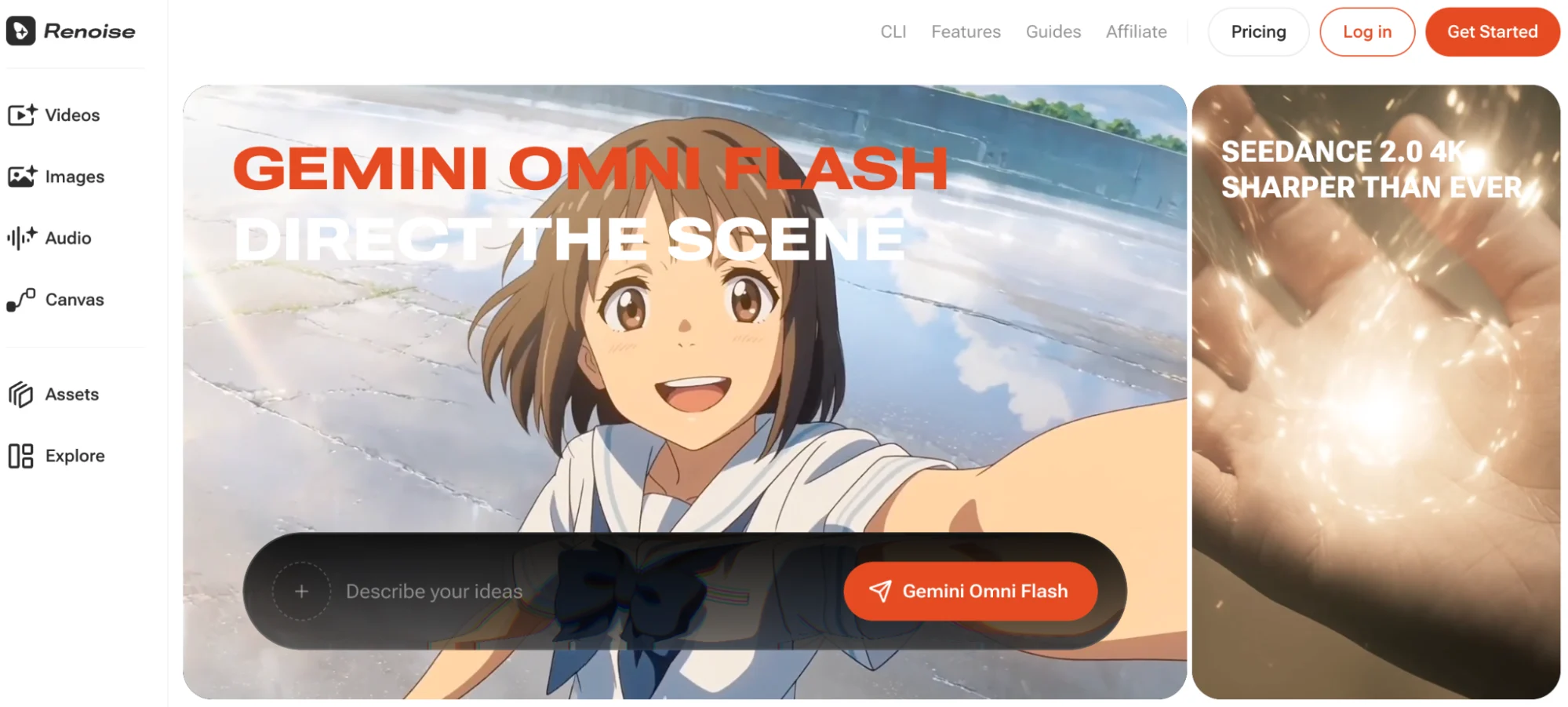

This Renoise AI review looks at the platform from a practical creative perspective: can it help filmmakers, short-drama teams, and visual storytellers move from an idea to a usable sequence faster? Its strongest appeal is not a single “magic” generation button, but a workspace that brings prompting, visual references, multiple models, asset organization, and shot iteration closer together.
What Is Renoise AI?
Renoise AI is an AI video generation platform designed for creating and organizing visual ideas across web, desktop, and agent-based workflows. Its Canvas acts as a central production space where creators can manage images, videos, text, and generated assets while developing a sequence.
Renoise is better understood as a rapid ideation and rough-cut environment than as a replacement for a full nonlinear editor. A filmmaker can test a scene, compare visual approaches, and arrange generated shots before moving selected material into conventional post-production.
1. Is Canvas Useful for Cinematic AI Video Projects?
Canvas gives Renoise a clear workflow identity. Instead of downloading every result, renaming files, and trying to remember which prompt produced which shot, creators can keep references and outputs in one visual workspace.
For a short drama, that may mean placing a character reference beside a location concept, generating several establishing shots, and organizing the strongest versions in story order.
2. Does Multi-Model Access Improve Creative Control?
Different scenes ask for different strengths. One model may handle motion well, while another may interpret a detailed visual brief more convincingly. Renoise’s multi-model approach lets creators change models between shots without rebuilding the entire project in a separate tool.
This flexibility is useful because early production is rarely linear. A director may discover that a close-up needs a different treatment from an action shot. Keeping both attempts in the same workspace makes comparison easier and reduces the cost of changing direction.
3. Are Seedance 2.5 Prompts Helpful?
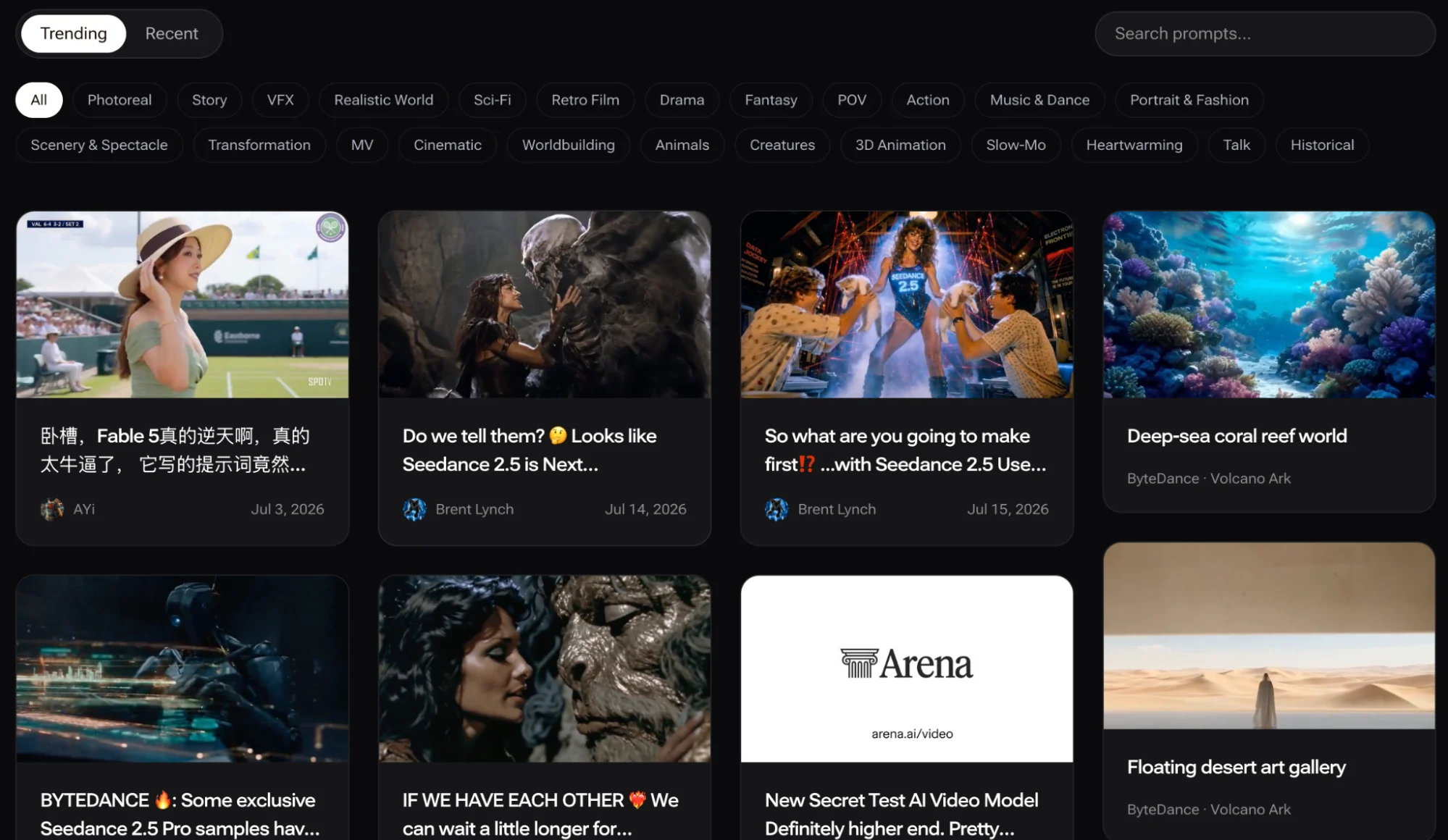
A prompt library can be more useful than another blank text box. Renoise’s collection of Seedance 2.5 prompts presents 38 examples alongside result clips, giving creators a way to study how detailed instructions translate into motion, composition, transitions, and scene structure.
The most productive approach is not to copy a prompt unchanged. Break it into parts: subject, action, camera movement, environment, pacing, lighting, and transition logic. Then replace those elements with details from your own story. This turns the library into a learning resource rather than a collection of one-off tricks.
Because model availability and specifications can change, confirm the current status inside Renoise before planning a deadline around a particular model.
4. What Are Renoise AI’s Biggest Strengths?
The platform’s strongest qualities are workflow speed, visual organization, and room for iteration. It is well suited to creators who need to answer questions such as:
- Does this character work in the proposed environment?
- Which camera direction makes the scene feel more dramatic?
- Can the same idea support several connected shots?
- Is the concept strong enough to justify further production?
Renoise also helps teams communicate visually before committing to a shoot. A rough sequence often explains tone and pacing more effectively than a written treatment alone.
5. What Are the Main Limitations?
Generated footage still requires review. Faces, hands, spatial continuity, text, and complex motion can produce inconsistent results, depending on the model and prompt. Expect to generate alternatives rather than treating the first output as final.
Renoise also does not replace detailed timeline editing, sound mixing, color finishing, or frame-level compositing. Creators seeking a complete post-production suite will still need dedicated editing software. Pricing, model availability, resolution, and generation limits may change, so those details should be checked before choosing a production plan.
6. Is Renoise a Higgsfield AI Alternative?
For creators researching a Higgsfield AI alternativethe decision depends on workflow preference. Higgsfield is known for accessible camera-motion and visual-effects presets, which can be attractive when a creator wants a fast, recognizable shot style.
Renoise takes a more prompt-driven, multi-model approach inside Canvas. That may suit users who value model choice, reference organization, and connected shot development. Neither approach is automatically better: preset-led creation favors speed and simplicity, while a flexible Canvas may offer more room to explore and revise a sequence.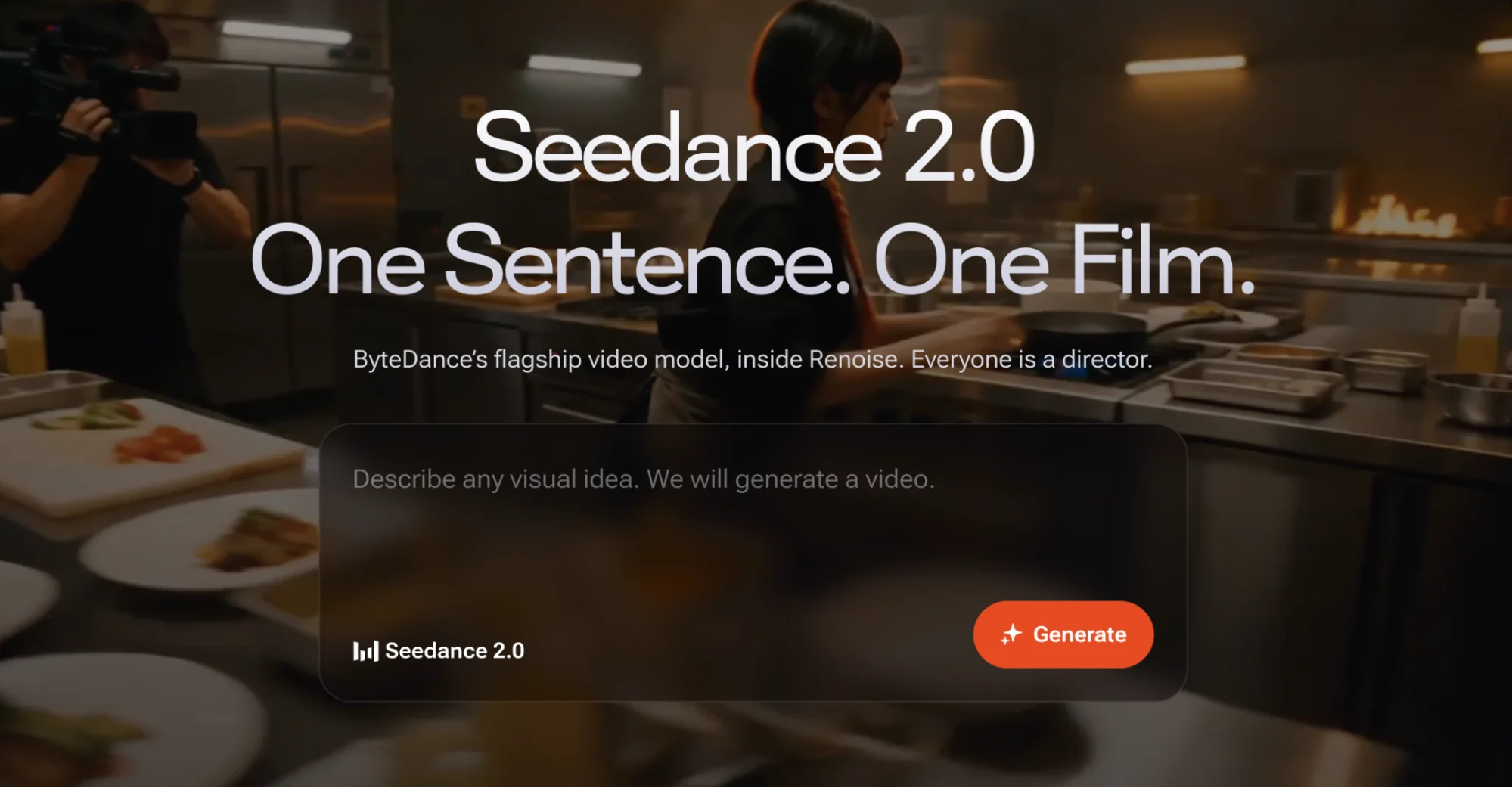
7. Who Should Use Renoise AI?
Renoise is a strong fit for independent filmmakers, short-drama creators, music-video directors, and visual development teams that generate frequently and compare many variations. It is less compelling for someone who only needs an occasional standalone clip or expects AI to deliver a finished film without editing.
The platform offers the most value as part of a repeatable process: develop the idea, organize references, test shots, select a visual direction, and move the best material into production.
Final Verdict
Renoise succeeds as a creative development hub rather than a one-click filmmaking substitute. Canvas and multi-model access make experimentation more manageable, while the prompt library provides useful examples for creators refining their language. The platform still demands judgment, iteration, and conventional finishing tools, but it can shorten the distance between an idea and a persuasive cinematic rough cut.
FAQ
Is Renoise AI Good for Beginners?
Yes, although beginners will get better results by starting with simple scenes and studying existing prompt examples before attempting complex multi-shot sequences.
Can Renoise Replace Video Editing Software?
No. It can support generation, organization, and pre-visualization, but detailed editing, audio work, color grading, and finishing still belong in dedicated software.
Is Renoise Better Than Higgsfield?
It depends on the preferred workflow. Renoise emphasizes multi-model creation and Canvas organization, while Higgsfield is associated with quick camera-motion and effects presets.
Is Renoise AI Worth Trying?
It is worth considering for creators who regularly develop cinematic concepts, need multiple variations, and want their references and generated shots organized in one workspace.

Comments are closed.