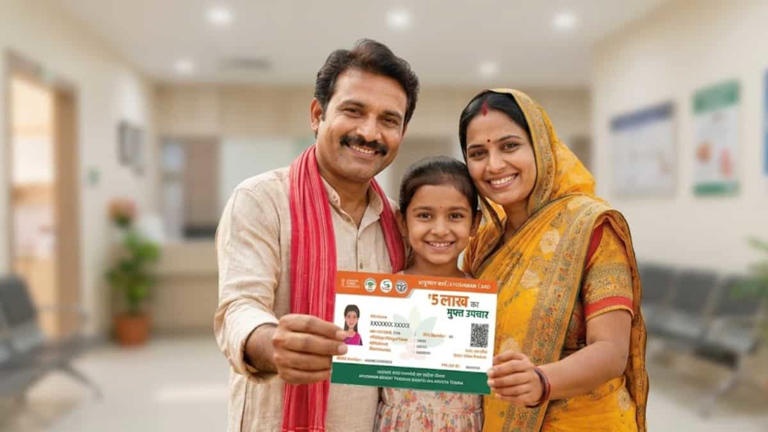
The Central Government’s ‘Ayushman Bharat Pradhan Mantri Jan Arogya Yojana’ (AB-PMJAY) has proved to be a historic life-saving scheme to save the poor and middle class families of the country from the huge financial burden of treatment of serious diseases. Under this ambitious scheme, each eligible family is provided cashless and free treatment facility up to Rs 5 lakh per year in empaneled government and private hospitals across the country. However, if you have not yet completed the electronic Know Your Customer (e-KYC) process of your Ayushman card, your claim may get stuck due to biometric mismatch or technical reasons at the time of hospitalization. National Health Authority (NHA) has made the entire process of e-KYC and card creation digital and paperless for the convenience of the beneficiaries.
Major benefits of making Ayushman card and e-KYC
The Golden Card made under the Ayushman Bharat Scheme provides comprehensive health protection to the beneficiary and his family.
-
Annual protection cover of Rs 5 lakh: All family members together get free treatment facility up to Rs 5 lakh per year.
-
Cashless and Paperless Facility: In the empaneled hospitals, admission and surgery can be done directly by showing the card without depositing any cash.
-
Cost of medicines and tests included: Expenses for medicines, OPD check-ups and diagnostic tests for 3 days before hospitalization and up to 15 days after discharge are covered under the plan.
-
Cover of pre-existing diseases: From day one, all chronic and serious diseases (like heart disease, cancer, kidney problems) come under the scope of this scheme.
Step-by-step process to do e-KYC from ‘Ayushman App’ sitting at home
Using a smartphone, any beneficiary can complete e-KYC of himself and his family members in just 5 minutes.
-
App Download and Login: Download the official ‘Ayushman App’ from Google Play Store. Open the app and select ‘Beneficiary’ option and enter your Aadhaar linked mobile number and login through OTP.
-
Find Eligibility and Details: Search by selecting your state name, scheme (PMJAY), district and search medium (Aadhaar Number / Ration Card / Family ID).
-
List of family members: The names of all your family members will appear on the screen. Click on the members whose name has ‘Unidentified’ or ‘e-KYC Pending’ written in yellow.
-
Select authentication medium: Select the option of ‘Aadhaar OTP’ or ‘Face Auth’ (face scan) for authentication.
-
Photo and description matching: Enter the OTP received on the mobile linked to Aadhaar or capture a live photo from the front camera. Details: E-KYC will be approved as soon as there is more than 80% match.
Easy way to create and download new Ayushman card
If your name is present in the Socio-Economic Caste Census (SECC 2011) database, ration card list or eligible list of the state, then creating a new card is very simple.
-
Visit the Beneficiary Portal: Visit the official website (beneficiary.nha.gov.in) and login as a beneficiary.
-
Complete KYC: Complete your e-KYC process through Aadhaar OTP as mentioned above.
-
Card Download: As soon as the status appears ‘Approved’ and green in color, click on the ‘Download Card’ option present on the same page. Your digital PVC format Ayushman card will be downloaded as PDF, which you can print for future use.
How to get e-KYC done through offline?
If you do not have a smartphone or the mobile number is not linked to the Aadhaar card, you can visit the ‘Ayushman Mitra Counter’ of your nearest Public Service Center (CSC Centre), UTIISL Center or Government District Hospital. There, e-KYC is completed within a few minutes by biometric verification through Fingerprint Scanner or Iris Scanner.