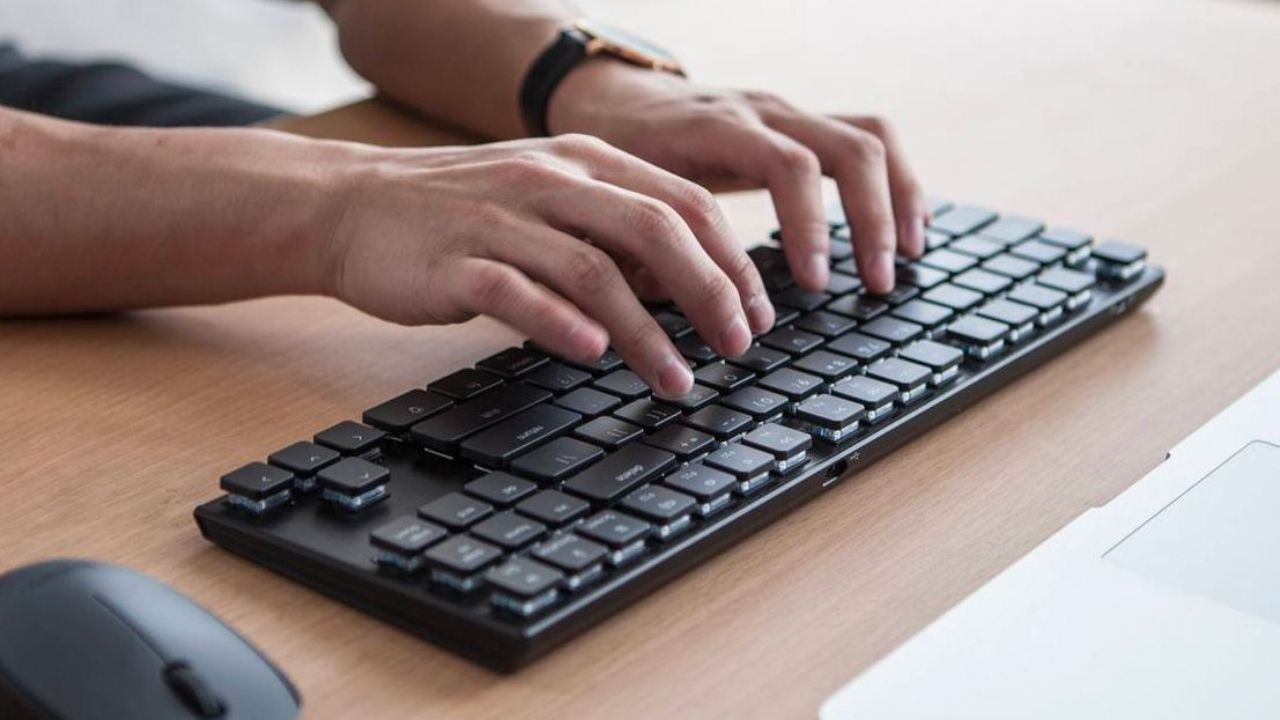
- Many other tasks can be done very easily with the help of keyboard
- You can copy and paste content with the help of keyboard
- You can also take screenshots with the help of the keyboard
Everyone who uses computers and laptops knows that till now keyboards are used only for typing. But nowadays not only typing but many other tasks can be done very easily with the help of keyboard. This makes your laptop or computer experience better. Let's know about this in detail now.
Instagram Gray Tick: Gray tick on your account too? Users were shocked, what is the real case? find out
Help to copy-paste
You can copy and paste content with the help of keyboard. Ctrl+C is used for copying and Ctrl+V for pasting. Also, you can cut any text or file with the help of Ctrl+X. Also, if you do something by mistake, you can undo it with the help of Ctrl+Z. So you can redo by pressing Ctrl+Y. (Photo Courtesy: Pinterest)
Can switch between apps without a mouse
If a window is open in the computer, there is no need to select another window with the help of the mouse every time. You can quickly switch between Windows on a computer by pressing Alt+Tab on the keyboard. This feature can be useful for you when you are working on browser, word and other apps simultaneously.
You can take a screenshot
You can also take screenshots with the help of the keyboard. The PrtScn button in Windows computers can help take a screenshot of the entire screen. Also, you can select any specific part of the screen and take a screenshot by pressing Windows+Shift+S. This makes it even easier to save and share important information.
Manage files and folders
It is also very easy to manage files and folders with the help of computer keyboard. You can open File Explorer by pressing Windows+E. Also, a file can be renamed very easily by pressing F2 after selecting it. Deleting moves the file to the recycle bin.
Tech Tips: Increase millions of views on social media? No need for expensive promotions anymore, these tips will be game changers for you
Help was to use the browser
You can open a new screen tab by pressing Ctrl+T. If you want to close an already open tab, you can press Ctrl+W. Also, if a tab is accidentally closed, you can reopen that tab by pressing Ctrl+Shift+T. Also, you can easily open the address bar by pressing Ctrl+L to quickly search a website.
Beneficial to lock the computer
If you want to step away from your computer for a while, you can press Windows+L instead of locking the computer with the mouse. This will lock the computer immediately. This prevents anyone else from accessing your computer.