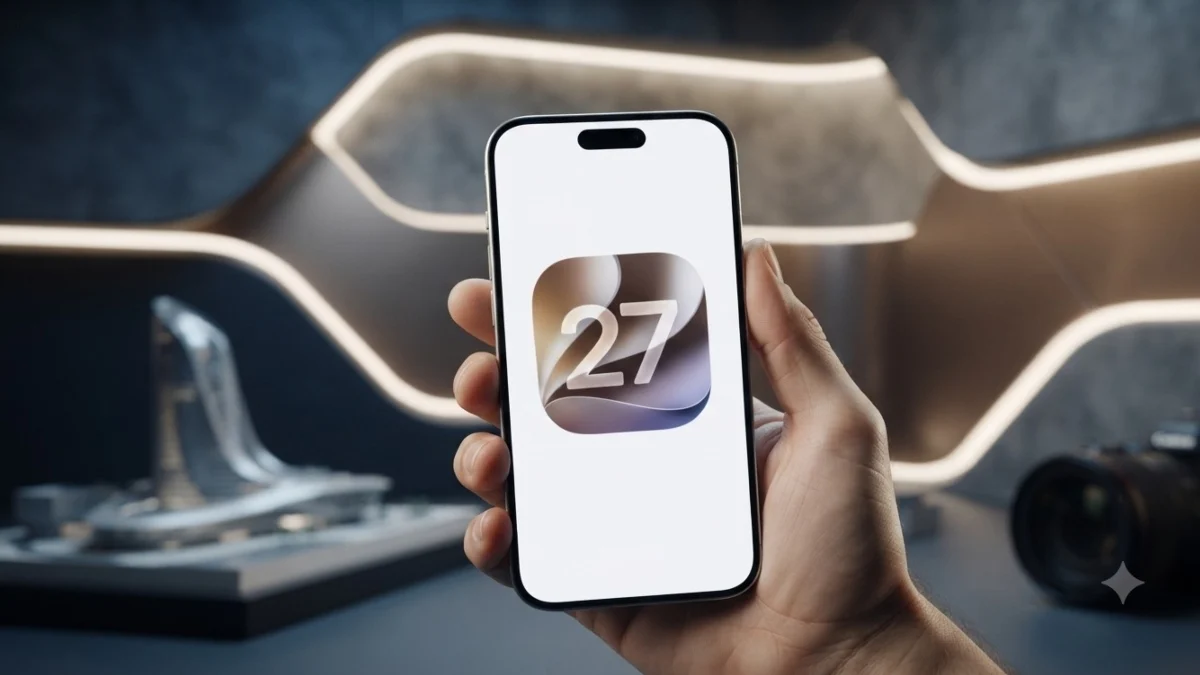
Technology Desk: Apple has finally rolled out the stable version of its new mobile operating system iOS 27 across the world including India. After a long time of beta testing, eligible iPhone users can now download and install the new software update on their phones.
The iOS 27 update is visible on iPhone 16 Pro with a size of around 13.66GB. However, it is not necessary that the update appears in the phones of all users at the same time. It may take some time for the update to be available on some devices.
iOS 27 was shown for the first time at WWDC 2026
Apple first introduced iOS 27 at WWDC 2026. After this the company released several developer and public beta versions of the new operating system. Now after the completion of beta testing, its stable update has been released for the users.
How to check iOS 27 update in iPhone
Follow these steps to check iOS 27 update on your iPhone:
First of all open Settings.
After this go to General.
Now tap on Software Update.
iPhone will check for the availability of the new update in a few seconds.
When iOS 27 appears, tap Download and Install.
After this follow the instructions given on the screen.
The iPhone will restart automatically after the installation is complete, so there is no need to panic. Apple usually makes updates available in a phased manner. Some users are getting updates
Note: Before installing the update, it is better to connect the phone to Wi-Fi and have sufficient battery.
Which iPhone models will get iOS 27?
Apple has extended support for iOS 27 to iPhone 11 and later models. Apart from this, the second and third generation iPhone SE will also get the new update.
iOS 27 Supported Devices:
- iPhone 18 Series
- iPhone Duo
- iPhone 17 Series
- iPhone 16 Series
- iPhone 15 Series
- iPhone 14 Series
- iPhone 13 Series
- iPhone 12 Series
- iPhone 11 Series
- iPhone SE (2nd Generation)
- iPhone SE (3rd Generation)
The new iPhone 18 Pro, iPhone 18 Pro Max and iPhone Duo are reported to have iOS 27 pre-installed.
What to do if the update is not visible?
If the iOS 27 update is not visible on your iPhone right now, there is no need to panic. Apple usually makes updates available in a phased manner. It may take some time for some users to get the update.
According to the report, during the update rollout, some users were also seeing the update of iOS 26.7 instead of iOS 27. In such a situation, it can be checked again after some time by going to Settings > General > Software Update.
Don't forget to follow Read.Com's WhatsApp channel.