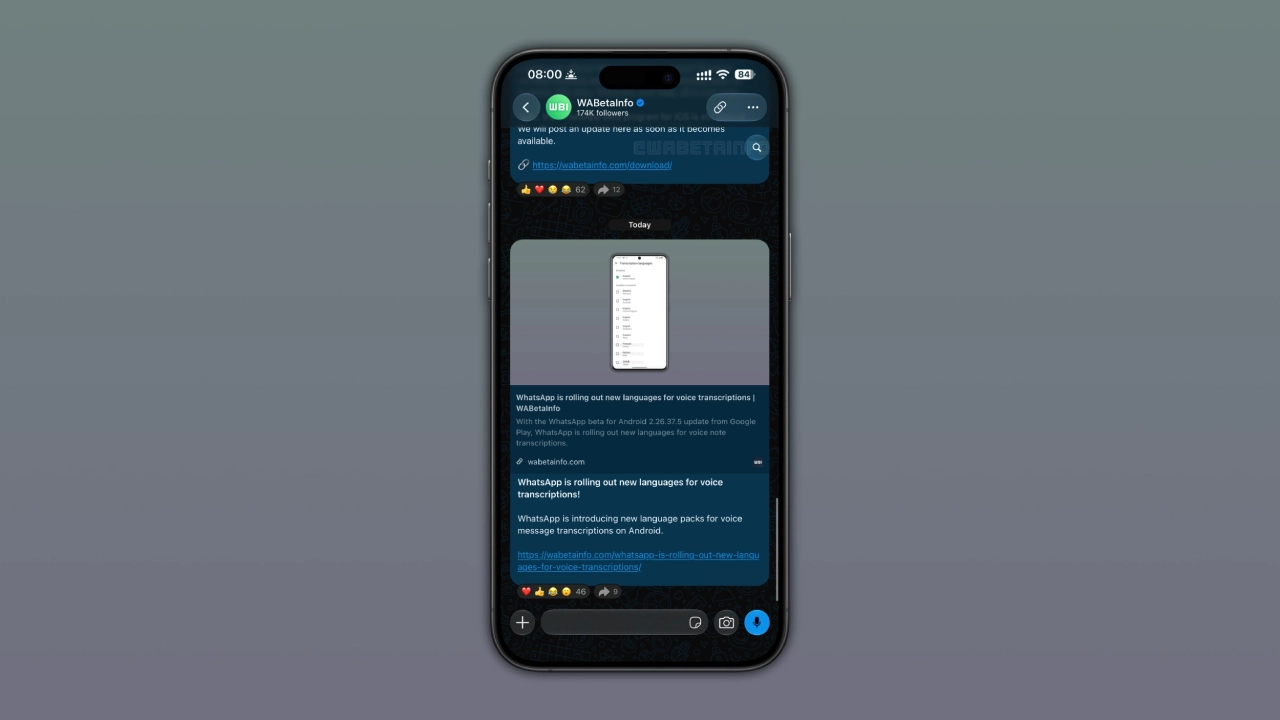
WhatsApp has started rolling out a new search shortcut to some iPhone users. WhatsApp is rolling out a new search shortcut for chats and Channels, putting the existing search function one tap closer inside the conversation.
WABetaInfo reports that the feature is reaching users through WhatsApp Messenger for iOS 26.36.74, although the rollout is gradual and not every iPhone user will see it immediately.
WhatsApp Moves Search Directly Into Chats
Until now, searching within a specific WhatsApp conversation on iPhone required an extra detour. Users had to open the chat information screen, tap Search, and then return to the conversation in search mode. The new shortcut removes that navigation step. When users scroll upward through a conversation, a search button appears near the top of the screen. Tapping it immediately activates the existing search mode.
When users return to the latest messages, the shortcut disappears. That makes it a contextual interface control rather than another permanent button occupying the chat screen. Importantly, WhatsApp is not introducing a new search engine or changing how message search works. The shortcut simply provides faster access to the existing search system.
Channels Are the More Interesting Part
The shortcut works in individual chats, group chats, and WhatsApp Channels. That Channel support is arguably the more interesting part of the rollout. Channels can accumulate large volumes of updates, from product announcements and company posts to community updates, news and other recurring information.
Previously, searching within a Channel required users to go through its information screen. With the new shortcut, they can start searching directly while browsing the Channel. That small change makes existing Channel search easier to access while users are already browsing older updates. For frequently updated Channels, being able to jump directly from browsing into search can be considerably more useful than simply making ordinary chat navigation faster.
The Released Design Changed From the August Test
The current interface also differs from the version WABetaInfo originally discovered. In August, WABetaInfo found the feature in the iOS 26.31.10.70 beta code while it was still under development. It was not a broadly available feature for beta testers at that stage.
The earlier implementation placed the search button at the bottom of the chat interface. The design was subsequently changed, with the released shortcut now appearing at the top below the navigation bar when users scroll upward.
| Feature | Current rollout |
| Platform | iOS |
| Compatible version | WhatsApp Messenger 26.36.74 |
| Status | Rolling out |
| Chats | Supported |
| Group chats | Supported |
| Channels | Supported |
| Shortcut position | Top of screen while scrolling upward |
| Search technology | Existing WhatsApp search |
| Android | This iOS rollout does not confirm availability of the same shortcut. |
| Universal availability | Not announced |
The change also keeps the shortcut out of the way when users are back at the latest messages. WABetaInfo says the feature is being distributed progressively, with more accounts expected to receive it over the coming weeks.
What iPhone Users Need to Know
This is a stable-version rollout, not a beta-only feature, but availability remains account-dependent. Installing WhatsApp Messenger for iOS 26.36.74 does not guarantee that the shortcut will appear immediately. There is also no confirmed universal rollout date, and this report does not establish equivalent availability on Android.

For users who already have the feature, the workflow is simple:
Scroll upward → tap the search icon → enter a keyword.
The bigger story, however, is what that shortcut does for Channels. As WhatsApp continues expanding Channels as a publishing and information-sharing format, easier in-context search gives users a more practical way to retrieve older updates instead of treating the feed as something that can only be browsed chronologically.
WhatsApp’s shortcut is small, but Channels gain more utility.
Final Thoughts
WhatsApp’s new shortcut is a modest UX improvement, but its value comes from reducing the steps needed to access an existing search function across chats, groups, and Channels
The search stays the same; accessing it gets faster.
(Source)