Teams want new work in front of users fast. At the same time, they do not want to turn every release into a gamble. A typical software deployment sends new code into a production environment. Even then, users do not have to get every new feature right away. This is the job of feature flags. A feature flag is a tool that lets developers turn a feature on or off.
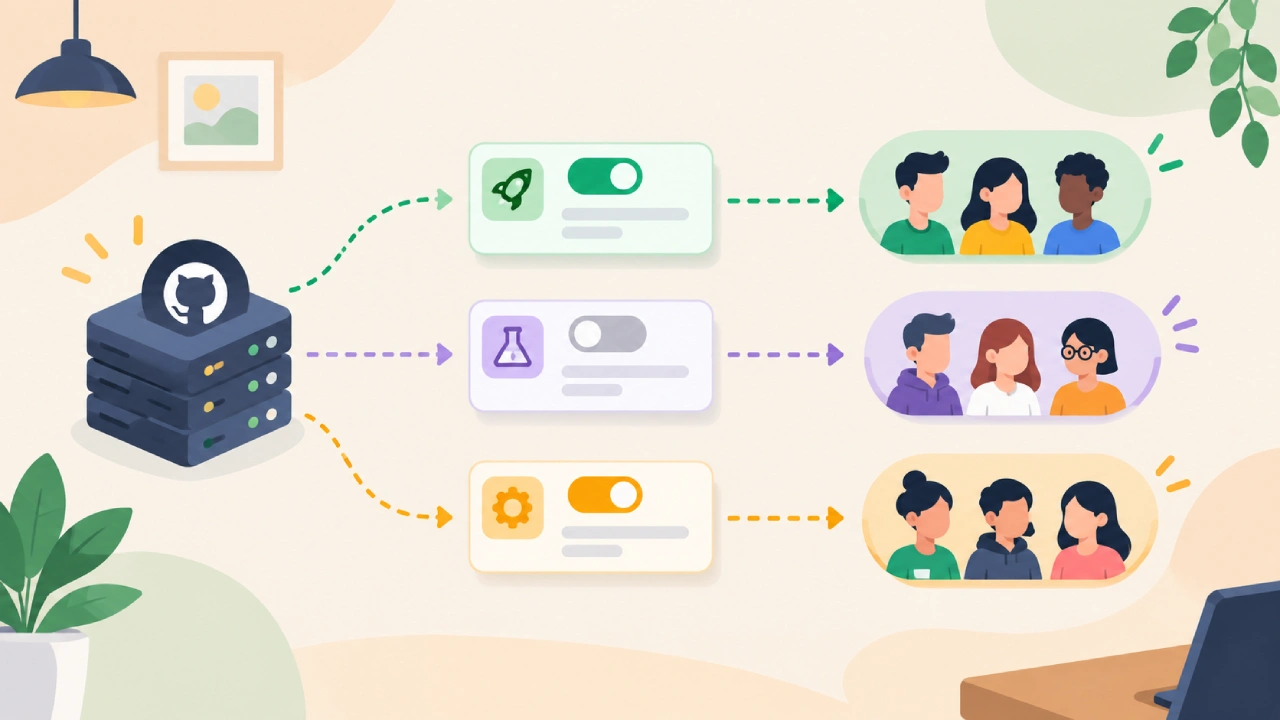
It also breaks the link between deployment and feature launch. With that split, development and product teams can choose when and how a feature reaches people. A team can deploy the code first, keep it hidden, and enable it later. They may start with a small set of users, or a named group. Then the flag can move outward to more users over time.
Feature flags
Feature flags, also known as feature toggles, are switches that turn parts of an app on or off. In practice, the app looks at the flag first. Then it decides what to show or run. When the flag is on, the feature works. When it is off, the app keeps the current behavior.
The key point is that sending code to production is not the same as turning a feature on for users. For instance, a group may build a new checkout flow. They can deploy the code while leaving the flag off. This way, the old checkout still runs. Later, when the team is ready, they flip the switch and the new flow starts. This method adds more control during production work.
Gradual release control
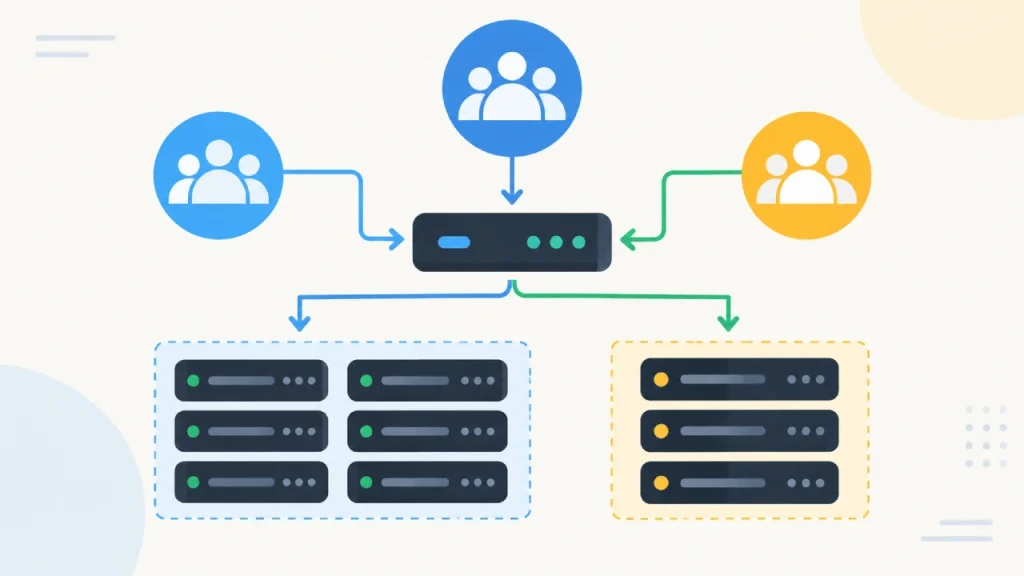
A major benefit of feature flags is that releases can be managed in steps. Instead of turning a feature on for everyone at once, a team can roll it out over time. At first, it might be for staff only, or for a small slice of users. Then it expands. A staged rollout also helps the team watch the feature in a live environment. They can check app speed, see user reactions, and track other signs.
Based on what they find, the rollout can move forward. If something goes wrong, the team can turn the flag off. They do not have to undo the whole deployment. This can make releases easier, especially when the app has a lot of users.
Software releases always bring some risk
Fresh code can cause bugs, strange side effects, or slowdowns that tests did not catch. Feature flags can lower the damage if something goes wrong. They do this by holding back the change until it is safe. For example, imagine a new recommendation system goes live. At first, only a small slice of users gets it. If the team sees a problem, they can turn the flag off for that same group while they dig in. If there were no feature flag, the team might need a larger rollout. They might also have to do a rollback instead.
Feature flags do not remove bugs or end deployment risk
They just give teams one more lever to manage risk. Feature flags can also help with experiments. A team may want to show two different user interface options and see which works best. Instead of swapping the design for everyone, they can route different users to different versions with a flag. This approach can be used for tests like new layouts, different onboarding steps, or other product changes. The flag is the switch that controls who sees which experience while the team checks the results. Still, the test should be clear and focused. The team should know what they are trying to learn and what data they will use. Adding extra versions by itself does not guarantee a real experiment.
Feature flags can also help when something goes wrong.
Say a new option starts acting in a strange way. You can turn off the flag to stop users from hitting that part of the system. This is handy when you want the rest of the app to keep running. Still, switching off a flag is not a real fix. The team has to look into the root cause. After that, they must decide what to do next. That might mean changing the code, deleting it, or redeploying it. Think of a feature flag as a brake, not a cure for broken software.
How to handle feature flags well
Feature flags add control, but they also add extra work for the app. If people set up flags without a clear plan, old flags can stick around. Unused flags may remain in the code. Over time, the app can become harder to read and harder to maintain. Each flag should have a job. The team should be able to explain why it exists. They should know what part of the product it affects.
They should also know when it should be taken out. Flags for testing and staged launches need extra cleanup. When an experiment ends, or a rollout is done, the flag may no longer be needed. If the feature is fully live and no one plans to toggle it again, you can remove the flag. Clear docs and clear ownership also matter. They help others see which flags are on. They also show who is in charge of each one.
Final Thoughts
Feature flags let teams keep deployment and feature release in two different lanes. They can choose when a function turns on and who sees it. This helps with slow rollouts, product tests, and quicker fixes when a deployment goes wrong. The main gain is control.
A feature does not have to jump straight from build time to a full public launch. If teams set up feature flags well, monitor them in production, and remove them when they are no longer useful, they can ship sooner. At the same time, they can lower the risk of surprise issues.
(Source)