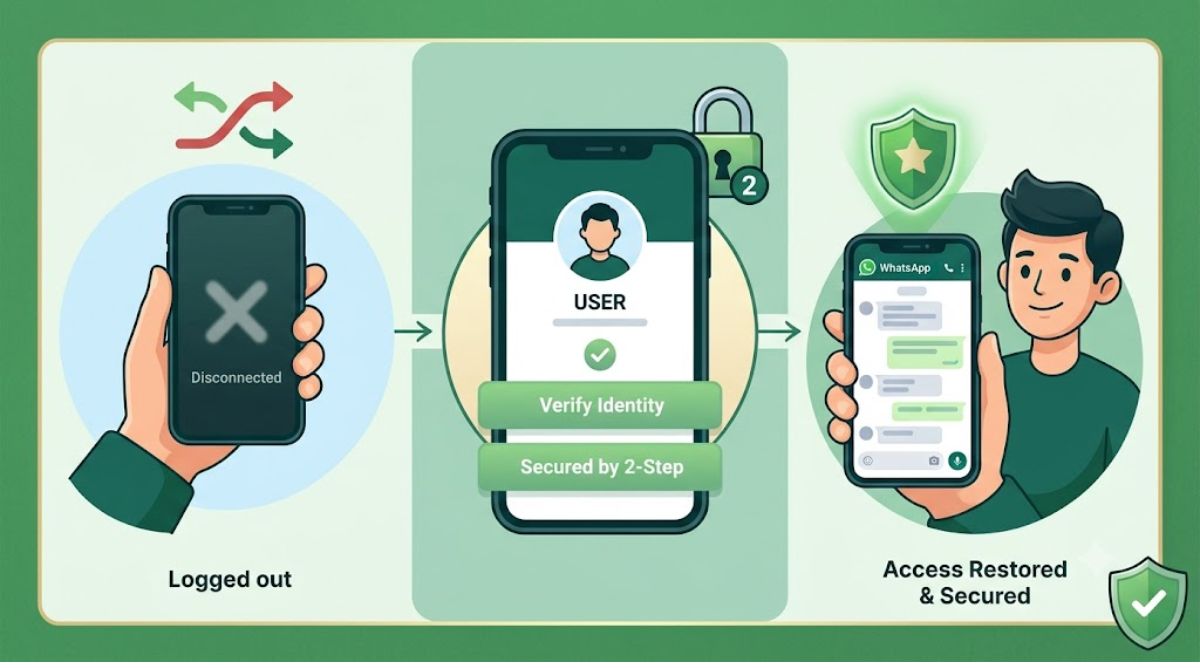
WhatsApp Security: If WhatsApp suddenly stops working or the account gets logged out without any apparent reason, then it should not be ignored as a normal technical problem. In such a situation, it is also possible that someone else has obtained the OTP of your mobile number and registered WhatsApp on some other device.
Check Call Forwarding First
If you think someone tried to access your WhatsApp account, it may be useful to check the Call Forwarding settings of the phone before performing the recovery process. On GSM networks ##21# is commonly used to deactivate unconditional call forwarding.
However, its effect may vary depending on the mobile operator and network settings. The problem can then be reported to WhatsApp’s official support or through the account recovery process.
Information will have to be given in WhatsApp recovery
During the recovery process, you may be asked whether you are a law enforcement officer or an ordinary user. If you are a normal user, you will have to choose the relevant option. After this, you may have to select India as the country and enter the mobile number associated with WhatsApp.
Further, if the option related to hack or account access is available in the account related problem category, then it has to be selected. In the problem box it can be clearly stated that the account has been logged out and there is difficulty in logging in again.
It is very important to give the correct email
In the recovery form, name of the affected person, active email address and other important information can be asked. It is important to fill in the email address correctly, as recovery-related information or updates can be sent by WhatsApp through this medium.
If you are making a request for your own account, select the appropriate option for your situation in the questions regarding applying on behalf of a representative or other person. After filling all the required information, the request can be submitted by accepting the available conditions.
Account access will be regained through OTP
After the request process progresses, necessary steps can be taken to secure the WhatsApp account. After this, register your mobile number by opening or reinstalling WhatsApp on your phone. Access to the account can be regained after entering the new OTP received on the number.
Do this work as soon as you get your account back
After recovering your WhatsApp account, activate Two-Step Verification. Apart from this, do not share your OTP with anyone. Disclosing OTP to any other person can pose a serious risk to the security of the account. Keep in mind that ##21# is primarily related to Call Forwarding; This should not be considered as a confirmation of WhatsApp account being hacked or a universal code to stop SMS Forwarding.