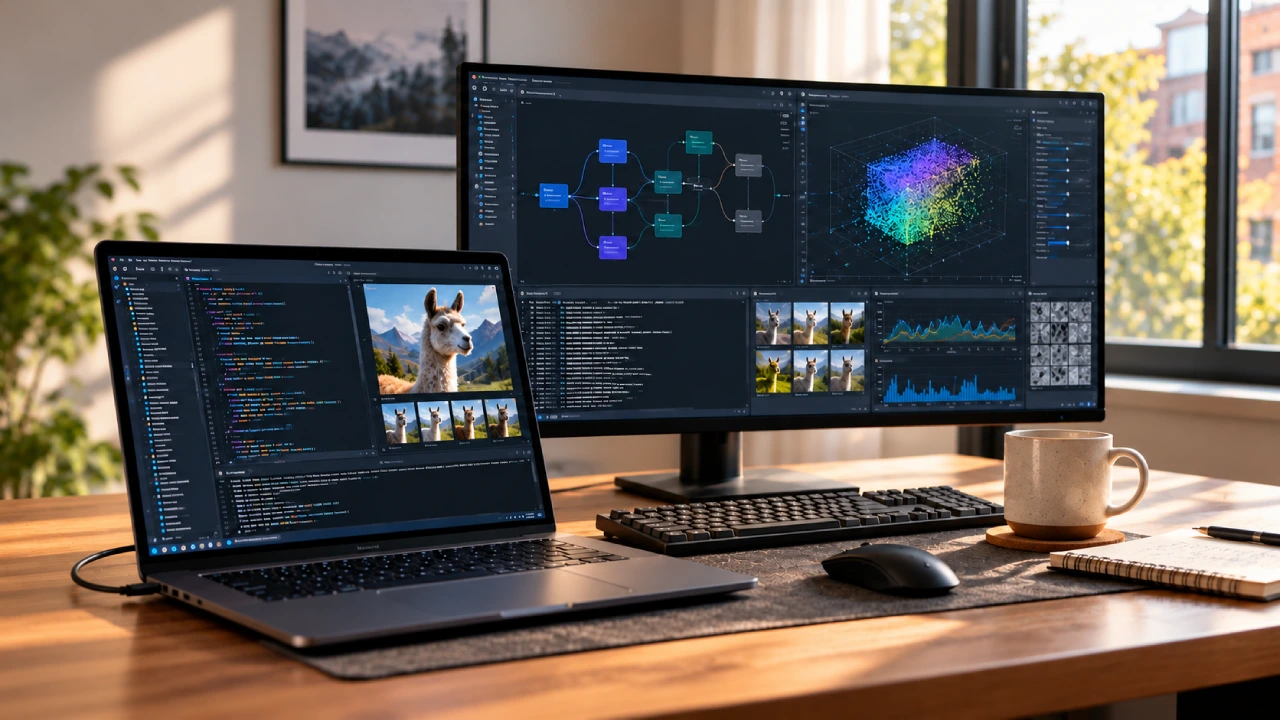
Microsoft says it is easing local AI work on Windows. It is adding an experimental `llama.cpp` option inside Windows ML. With this, developers can load GGUF language models and run them using Microsoft’s inference stack. The company also shared this on October 7. The same post also mentions an OpenAI-like local endpoint. In practice, this lets developers keep using familiar SDK-style code.
Microsoft says the new Runtime and Text Generation APIs are still experimental. It also says they are not ready for use in production. For now, the native APIs support C++ and Python. They do not support C#. If you use these APIs today, do not publish apps that depend on them to the Microsoft Store.
The main shift is not just that Windows can open another model format. The shift is about a simpler path for trying local models. Developers should not have to treat every inference engine like a brand new integration.
GGUF and ONNX Models Use One Interface
Windows ML is Microsoft’s system for running AI inference on local hardware that it supports on Windows. The experimental Text Generation API can take GGUF models. It can also take ONNX models that work with ORT. These models still have to match the text generation interface that Windows ML expects. GGUF models run through the llama. cpp backend. cpp backend.cpp backend. ONNX models run through ONNX Runtime. Windows ML then chooses the backend based on the model type. That setup gives developers one interface for supported text generation tasks.
Still, you cannot assume every ONNX language model will work. The ONNX and ORT model needs to provide the token inputs that it expects. It also needs to return logits outputs. In addition, it must follow the fixed-capacity state or KV cache setup that the interface requires. This is useful when teams test open-source language models. They can run local GGUF inference and still keep the same kind of ONNX setup by using one shared API style.
A key point is the OpenAI-like local endpoint
Microsoft’s local endpoint can cut down the effort needed to try apps that run inference on a local machine. It speaks in an OpenAI-friendly way. If you use the OpenAI SDK, you can aim your client at the local Windows ML service, for example, at “127.0.0.1”. Then your app can send calls to the local server instead of a cloud API. In simple terms, the path looks like this:
OpenAI SDK goes to localhost. Windows ML handles the call. Windows ML picks “llama.cpp” for GGUF models. Windows ML picks ONNX Runtime for ONNX models. The model runs on your machine via Windows ML.
Windows ML chooses the engine for GGUF or ONNX. Developers still decide which engine to use that fits their setup. The endpoint is meant to help with quick trials, but it does not match every OpenAI feature today. The Windows ML text generation part is still in an early state. It has limits like greedy-only decoding. It also lacks tools for structured output,t and it does not offer sampling controls.
PyTorch, Triton and Windows’ Hybrid AI Direction
Microsoft also talked about wider Windows support for PyTorch and Triton. PyTorch now has official native builds for Windows on Arm64 CPUs. NVIDIA also offers Arm64 packages that include CUDA for devices that are supported. On Windows, Triton supports work that includes calling “triton.jit”.
Taken together, this matches Microsoft’s push for a mix of local and cloud work. Some tasks can run on your machine, and other tasks can move to the cloud. Windows ML model support is only one piece of that plan, not a separate hardware story.
Final thoughts
The Windows ML update ties together a few items. It adds experimental GGUF support. It also brings a shared text generation API for GGUF models and for ONNX or ORT models. There is also an endpoint that works like OpenAI-style APIs. For developers, the endpoint is the most useful part right away. It lets you test local inference without having to rework your app from the ground up. Still, there are limits.
Model support depends on compatibility rules. Hardware support can vary by backend. For now, this should be seen as a developer preview. It is meant to make local AI testing simpler. It is not a promise that every model will run on every Windows PC.
(Source)