
Most software today is not one simple app. It usually talks to other parts. For instance, an online store often links payments, stock, customer profiles, shipping, alerts, reporting, and risk checks. A video site may also coordinate logins, content delivery, suggested videos, billing, and viewing activity. As systems get more spread out, the way services talk to each other becomes part of the core design.
One way to connect services is to use direct, synchronous calls. A service gets a request and then reaches out to another service. It waits for the reply, then it keeps going. This can fit cases where an answer is needed right away. Still, it can tie services together. Changes in one service can ripple into others.
Another option is event-driven design. Here, one component does not have to command every next step. A service can emit an event that says something occurred. Other services can read that event on their own. Then each one decides what to do next.
Take an e-commerce flow as an example. After an order is created, the order part can publish an OrderPlaced event. The inventory part may lock the items. The notification part may send a confirmation. The analytics part may store the data. The order service does not have to know how each of those parts is built.
Microsoft describes event-driven architecture in terms of event producers, event consumers, and event channels or brokers. The producers and consumers are not tied together as tightly. Consumers can also handle events later, without waiting in a strict order.
This style can make systems easier to adjust and more able to grow. At the same time, it brings new issues to manage. Teams must consider data consistency, failure handling, flow monitoring, and event design.
What Is an Event-Driven System?
With an event-driven design, one software part can talk to another by using events. An event is a log of an action that already happened. For example, a user creates an account. A payment finishes. An item gets put into a cart. A file upload ends. A shipment leaves a warehouse. When any of these events happens, the system emits a message. Other parts can listen for it. Then they may respond and run their own logic.
On AWS, an event is treated as a change in state or a noteworthy occurrence. The event can include extra details about what took place. It may also hold values such as keys or IDs. After the message arrives, the receiver can look up more data only if it needs it.
This is not the same as a command. A command tells a component what to do next. An event states a fact that has already occurred.
Keeping these ideas apart helps event-driven systems avoid tight coupling.
The Basic Architecture
An event-driven setup usually has three pieces. There are producers. There is an event channel. There are consumers. A producer makes an event. The source can be a service in an app, a database change, a user action, a device, or some outside system.
The event channel moves the event or keeps it for later. You might see an event broker, a message queue, or a streaming service. A consumer gets the event. Then it does work because the event happened.
One event can go to more than one consumer. For instance, when an order is placed, the inventory service can reserve items. At the same time, the notification service can send a receipt. The analytics service can also log the order. The producer does not need a list of who will handle the event. It can stay unaware. This is a key trait of event-driven systems.
Asynchronous Communication Explained
In older request-response designs, calls are often synchronous. One service asks another for something and waits. That pattern fits when the caller must have the result right away. A store app may need a quick answer from a payment service before it tells the buyer that the payment worked.
But some tasks do not need that kind of timing. An email sent after the order is saved is a common case. The order flow can finish without waiting for the email step. With asynchronous communication, the order service can publish the event and move on. The notification work can run on its own, after the event is out in the channel.
Loose Coupling And Why It Matters
Loose coupling is a key win in event-driven systems. When things are tightly coupled, pieces rely on each other in a direct way. If one service changes, another service may need a matching change. If one part fails, the caller can feel it right away. That is what loose coupling helps reduce.
With loose coupling, a producer just sends an event. It follows a shared agreement for the event shape. The producer does not have to track who is listening. It also does not need to know how each consumer works.
So a new consumer can often join later.
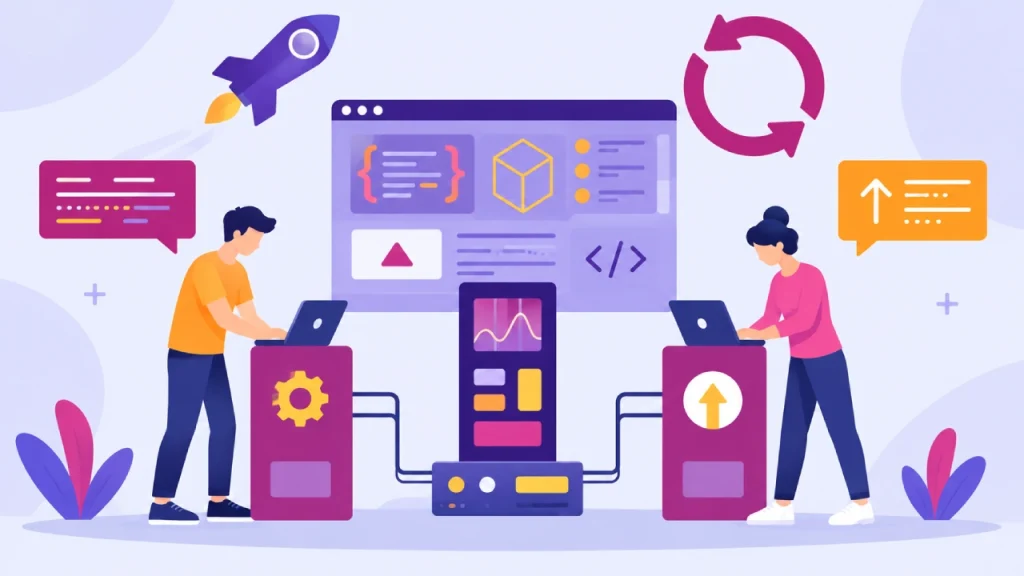
That usually does not force edits to the original producer. AWS notes that this setup lets parts keep changing over time. It also supports scaling and swaps in implementation without big knock-on effects. For software that keeps growing, that kind of independence can matter more.
A Practical E-commerce Example
Think about an online shop. A customer finishes an order. The order service checks the order, saves it, and then emits an OrderPlaced event.
After that, multiple services can react on their own. The inventory service gets the event and sets aside the items. The notification service also gets the same event and sends a confirmation.
The analytics system logs the purchase data.
Later, a customer loyalty service could read the same event too. It could then update reward points. In this approach, the order service does not need to run separate calls to each system.
Each consumer handles the event independently.
As the product expands, this pattern can make it simpler to add new features.
Publish- Subscribe Architecture
In event-based systems, people use a simple pattern. They publish and subscribe. Often you will see it called pub/sub. A producer sends an event to a topic or a channel. After that, other services can take the event. The producer does not have to connect to each service it can affect.
This helps when one business change needs many follow-ups. Say you get an AccountCreated event. That can kick off a welcome email. It can also feed analytics. A profile service may use the same event. Fraud checks can read it too.
Microsoft calls this publish-subscribe a standard event-driven style. In that approach, producers and consumers meet through event channels. The setup can also grow over time. You can add more consumers later without touching the first producer.
Message Queues And Event Streams
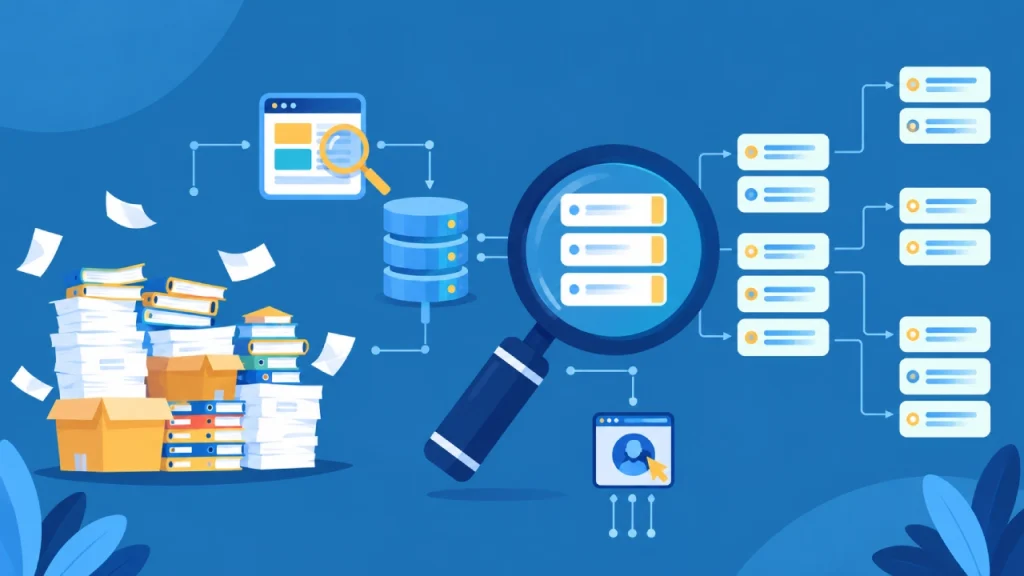
Event systems do not all keep data the same way. With a message queue, events sit in line. A worker takes them when it is ready. The consumer pulls only when it has room.
Queues Fit Bursts Of Traffic
They help when the load jumps up fast. Short spikes can be absorbed without harming the next apps. Take an image processing app. It may see many uploads in a short window. If every upload had to start at once, things could fail. So the app puts jobs in a queue. Workers run the jobs later, once the rush is over.
Event streams work in a different way.
Many systems keep events in order and place them in a log. Each consumer keeps track of its own spot in that log. If a consumer wants older items, it can read them again. Since the pieces behave differently, you need to choose with care.
Pick the option that fits your workload.
The Future Of Event-Driven Software
More teams are building products that run across many places and need fast reaction times. In that kind of setup, event-driven design fits well. You can use it with cloud services, serverless code, real-time reporting, IoT devices, and AI pipelines. These systems often share a common pattern. A change happens, and other parts should react.
Guidance from AWS on serverless AI is a clear example. It treats things like user requests, file uploads, sensor readings, and model output as events. Those events can start follow-up work. The key point is that the parts do not need tight links to each other.
Still, this model will not take over every type of communication. Some workflows still need direct calls. Others work better with delayed and asynchronous flows. So the likely direction is a mix. Hybrid designs use both request-response calls and event streams, based on what each task really needs.
Conclusion
Event-driven systems help with practical goals. They let services publish events and handle them on their own. That can cut down direct ties between services. It can also make scaling smoother. When traffic jumps, you can absorb the load more easily. You can also add new features with fewer edits to older services.
Even so, this is not just about dropping in an event broker. The real work is in the details. Teams still have to plan for eventual consistency, duplicate events, event order, retries, how the event format changes over time, security, and monitoring.
Users do not have to pick only one option. Pick what fits the moment. Need a quick reply? Use sync messaging. If you can do other work while you wait, pick async events. This lets each part keep going on its own timing. Event-driven software is built with care; it can handle growth. It also helps keep things stable. Then later changes are less painful. Smaller updates do not always force the whole system to move at the same time.
(Source)