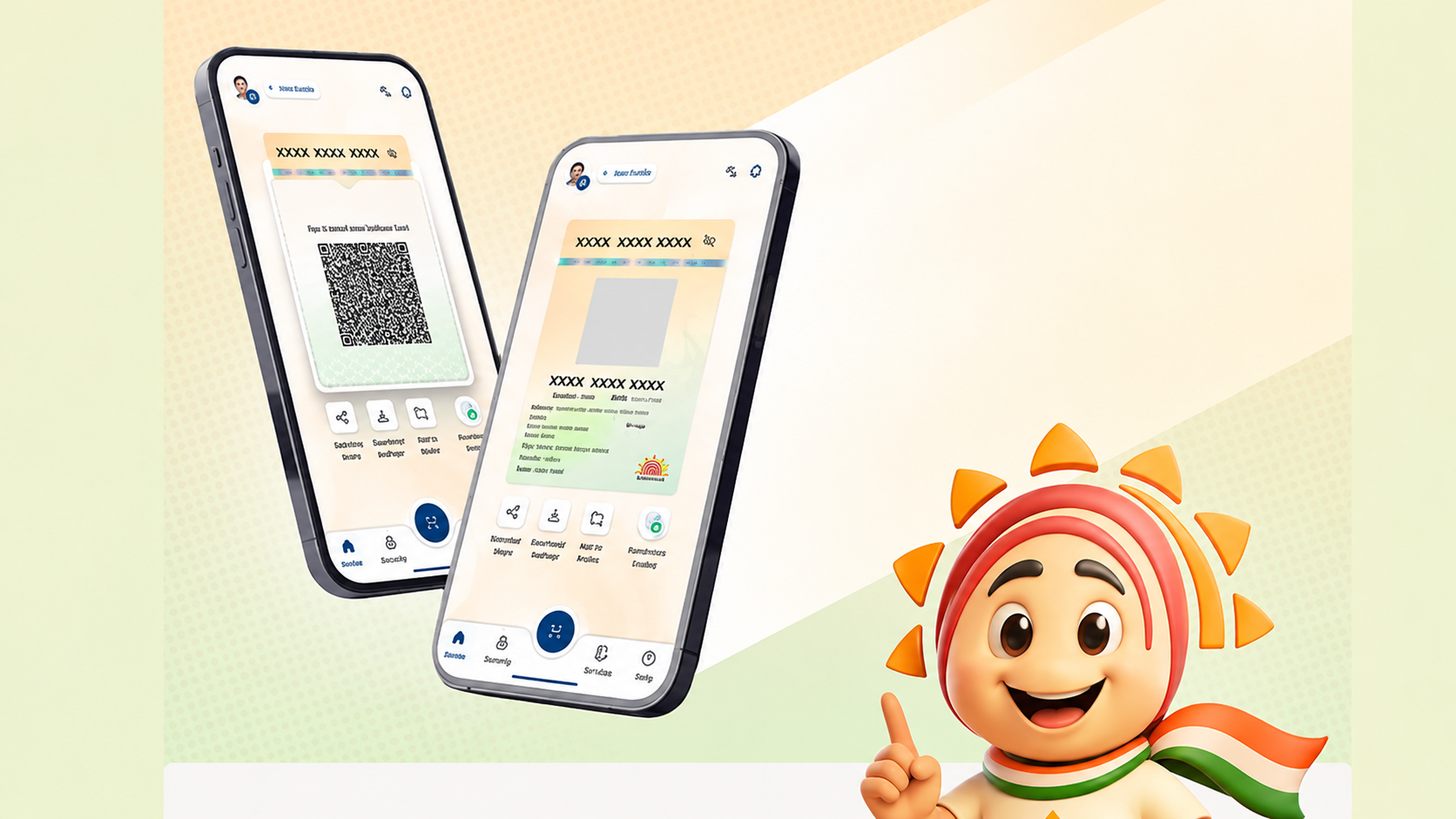
Tezzbuzz Desk- TOTP feature of Aadhaar app can be useful in case SMS OTP is not received. This generates an 8-digit code, which changes every 30 seconds. Know how to generate and use it.
While using online services linked to Aadhaar, many times identity has to be verified through OTP received on the mobile number. But due to network problem, delay in SMS or technical glitch, OTP is not received on time, due to which important work may get stuck. In such a situation, the TOTP feature available in UIDAI's new Aadhaar app can prove helpful. With its help, users can generate codes for verification without waiting for SMS.
The full name of TOTP is Time-based One-Time Password. This is a code that is generated based on time and changes after a specified interval. This is an 8 digit code in the Aadhaar app, which changes every 30 seconds. Unlike SMS OTP, one does not have to wait for the message to arrive on the mobile to receive it. However, the online service where it is to be used must have the option of TOTP verification available.
How is TOTP useful compared to SMS OTP?
There may be a problem in receiving SMS OTP due to network problem or delay in the message. At the same time, TOTP is generated directly through the Aadhaar app, so SMS is not required to receive the code. This feature can be especially useful when the mobile network is weak or there is a delay in receiving the OTP. Additionally, SMS based verification may also pose a risk of cyber fraud such as SIM swap. TOTP thus reduces reliance on SMS, but that does not mean it is completely secure in every situation. It is also important to maintain the security of the phone and Aadhaar app.
How to generate TOTP in Aadhaar App?
Follow these steps to generate TOTP in Aadhaar app.
- First of all, open the official Aadhaar app in your phone and log in.
- Go to the app's dashboard.
- Go to the Security section and select the option of Generate TOTP.
- Look at the 8 digit code that appears on the screen.
- Pay attention to the 30 second timer provided with the code.
- Copy the code and enter it on the respective verification page.
The code must be used within the stipulated time. The code changes once the 30 seconds are up, so a new code will have to be generated if needed. If only SMS OTP option is available on the concerned website or service, then TOTP cannot be used there.
Keep these things in mind while using TOTP
The proper functioning of TOTP depends on the date and time of the phone. Therefore, keep the option of Automatic Date and Time turned on in the mobile settings. If the time is wrong, there may be problems in verifying the code. Apart from this, avoid giving your phone to unknown people and keep the Aadhaar app safe. Do not share the verification code with anyone. The TOTP feature can make verification easier during SMS or network related issues, but it can be used only if the service in question supports this feature.