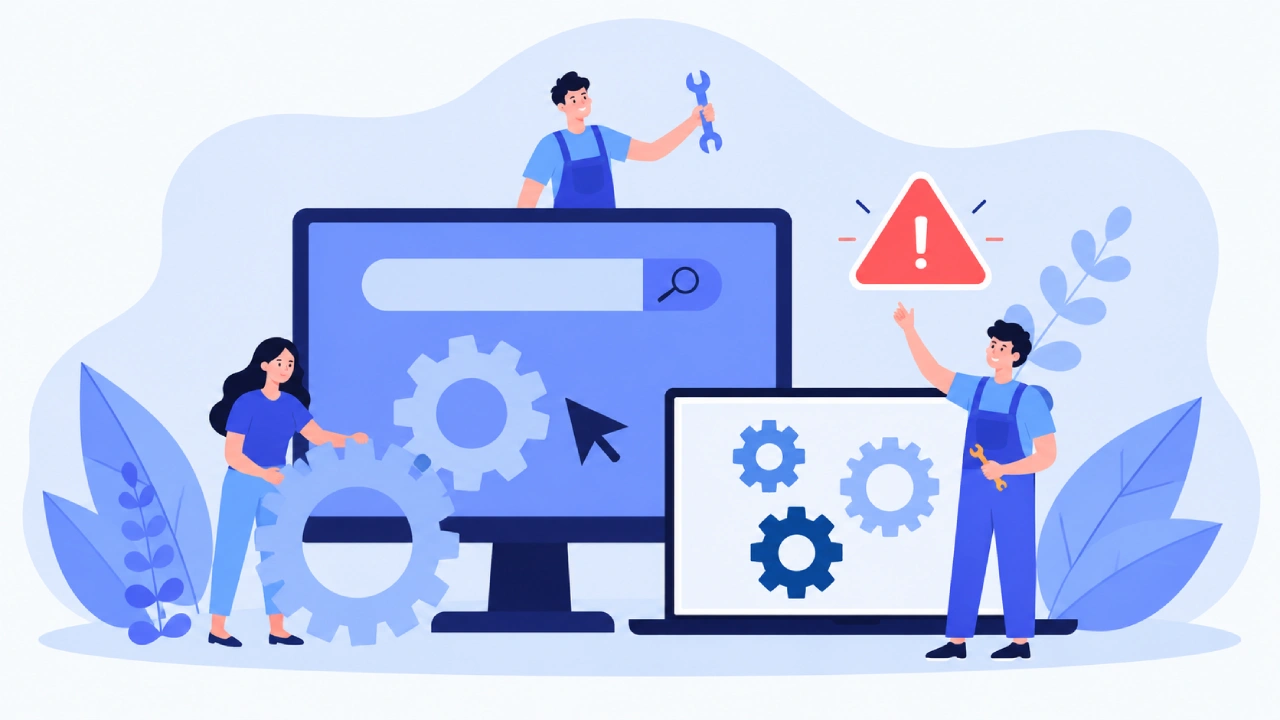
Launching a site does not end the work. Once it is live, it needs routine attention to reduce risk and keep speed and stability on track. This effort is what many people call software maintenance. For teams that run websites, it is not only about swapping a broken screen for a new one. It also includes bug fixes, updates to dependencies, code cleanup, and tests for speed and uptime.
Teams deal with security issues too. They also set up the site so changes later are easier, without starting over from scratch. A clear plan cuts down on surprise outages. It also lets the site handle new needs from both users and the business.
WHAT SOFTWARE MAINTENANCE MEANS
Software maintenance is the work you do after the software is live. For websites and web apps, this can involve updates to app code and the database. It also covers the tools around it that keep everything working. That means things like frameworks, libraries, add-ons, and APIs. Once a site is out, new needs show up. A business might add new features. It may change how daily steps work. It may also link the site with other services. The result is that the software stays useful and reliable across its full life.
BUG FIXING AND KEEPING THE SITE STABLE
Fixing bugs is often the most obvious part of maintenance. A bug might be a small issue in the user interface. It can also be a bigger problem that stops users from finishing an important task. Forms can break. Calculations can turn out wrong.
Logins can fail. Users may see error messages they did not expect. Features may not work when they should. Not every bug is the same. Some show up again and again in simple tests. Others show up only in certain situations. A fault might appear only on one browser, a certain device, or one operating system. It can also depend on the order of actions a person takes.
DEPENDENCY UPDATES
Many websites use third-party dependencies. Those dependencies get updates from their maintainers. Sometimes new releases fix bugs. Other times they improve safety. They can also speed things up or change how things work for compatibility.
For that reason, keeping dependencies current matters. Still, updates should not be rushed. A new release can change behavior that your app code relies on. If you update without checking, odd issues may show up later. So a team should note what dependencies the site uses. Then it should test the bigger changes before pushing them to the live environment.
THE ROLE OF CODE REFACTORING
Refactoring aims to improve the inside of code. The goal is to keep the same behavior. You do not change what the site does for users. As a site grows, the code can get messy. People add features. They fix temporary problems. They sometimes try new ways to solve similar tasks. Over time, the project can become harder to read and harder to maintain. Refactoring can help.

Developers can break down hard functions. They can move code into better places. They can delete code that is no longer needed. They can also clean up names and overall layout. Visitors may not see a clear visual change. But the work can make future updates easier. It can also cut technical debt. Instead of letting old and complex code pile up, teams can improve parts of the code little by little during normal maintenance.
MONITORING AND PREVENTIVE MAINTENANCE
A wait-and-fix style of website care means you act only after something fails. Yes, urgent fixes are sometimes needed. Still, using only that method usually makes day-to-day operations harder. Teams can catch trouble earlier with monitoring. It helps them track how often services are up, the number of app errors, how fast requests come back, and other system signals. When error counts rise or response times slow down, developers can dig in quickly.
That way, a small flaw does not turn into a large outage. Work done ahead of time is not only code-related. It can mean checking outside dependencies, testing backup jobs, and going over important configuration settings. The goal is not to stop every failure. The aim is to cut down on avoidable issues and help the site get back on track after a surprise event.
WHY TESTING MATTERS
Testing should happen alongside maintenance work when it fits. A bug fix, a dependency change, or a refactor can trigger side effects in parts of the app you did not touch. Automated checks can run often on core app behavior. Manual checks are useful for user flow details and for cases that are hard to model in automation. For instance, an online store may need careful checks around login and account access, product search and listing, the cart, checkout steps, and the final order confirmation after any major update.
FINAL THOUGHTS
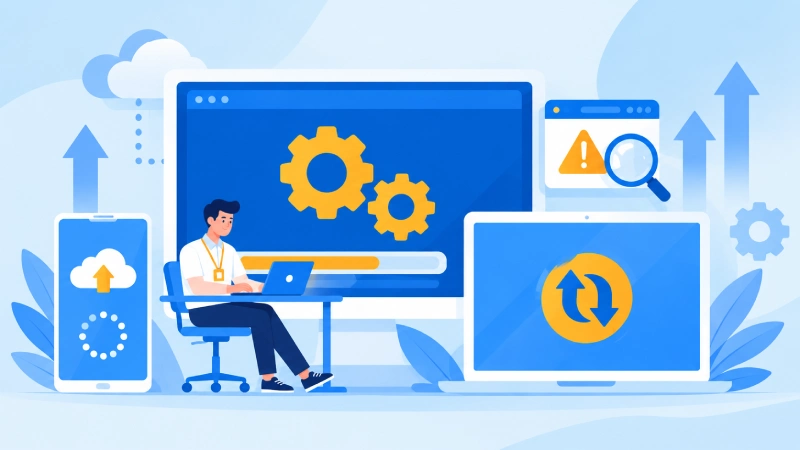
Software maintenance never really ends. It is part of day-to-day website work. Fixes for bugs keep things running. Updates to dependencies help keep the software aligned with what it needs. Refactoring helps in another way. It can make the code easier to work with day-to-day.
But teams should not stop there. They also need to keep an eye on speed. They should cover security items. They must run tests often. They should also do small checks ahead of time, so the setup does not drift into instability. The key is to be proactive. Wait less, fix more. If you only react after failures, you lose time.
(Source)