TECHNOLOGY
Microsoft has launched the optional KB5127936 update for Windows 11, introducing a customizable right-click menu and various interface improvements.
Microsoft has rolled out the optional update KB5127936 for Windows 11 users, enhancing both the right-click context menu and the overall user experience. This update was released on October 28 for versions 25H2 and 26H2, upgrading the build numbers to 26200.9818 and 26300.9818, respectively.
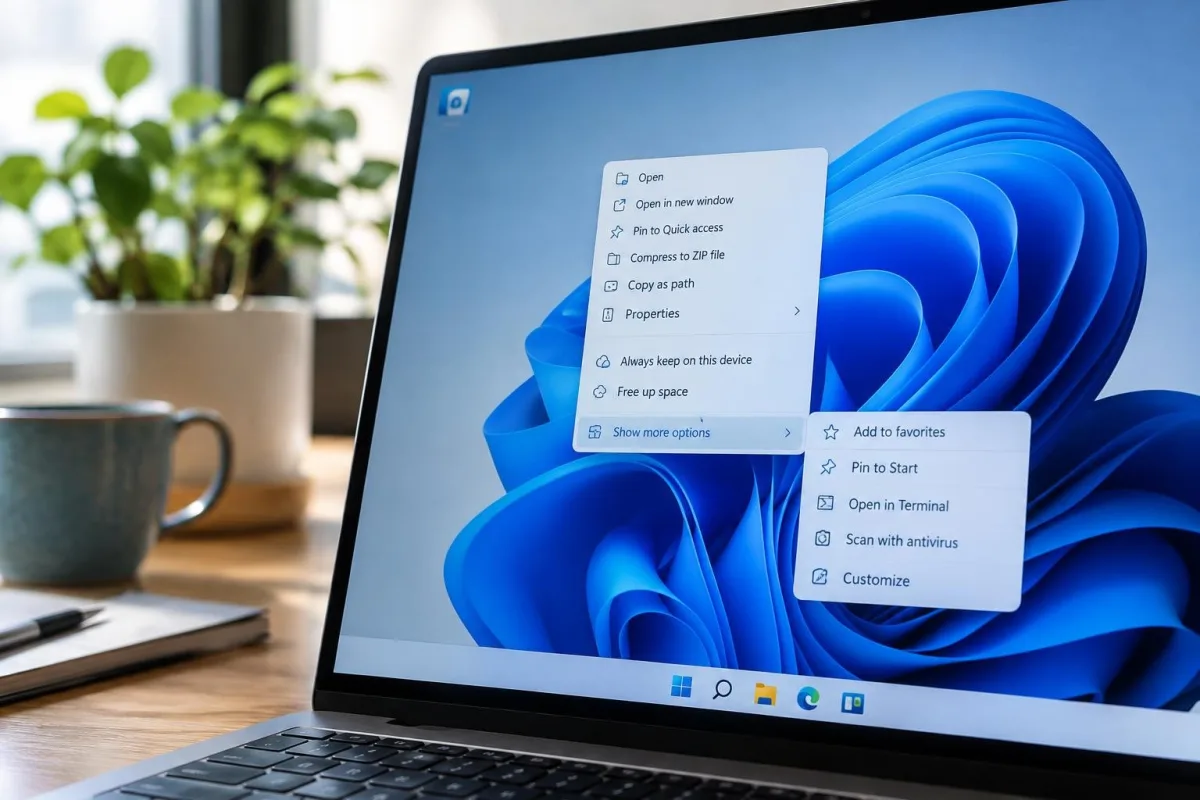
The most significant change is the redesign of the right-click menu, which Microsoft claims is faster, simpler, and more customizable. Users can now open the menu more quickly and manage the commands and app extensions that appear when they right-click. According to Microsoft, “this update introduces an updated context menu that is faster, simpler, and more customizable.”
To customize the right-click menu, users can click the ‘Customize Menu’ button at the bottom of the menu. This feature allows them to select which commands and app extensions they would like displayed. By default, the menu retains its original configuration unless users opt to change it. There is also an option to access a legacy version of the menu by holding the Shift key while right-clicking.
Enhancements in this update include:
- New support for the tilde character in the File Explorer address bar for easier navigation.
- Improved dark theme support for the Folder Options dialog box.
- A revamped Xbox task view interface that aids gamers in accessing system options.
- Centralized privacy controls for camera, microphone, and location in the Settings app.
- Enhanced visual elements for taskbar animations and memory settings.
Not all users will receive the update immediately. Microsoft advises enabling the “Get the latest updates as soon as they’re available” toggle in Windows Settings to expedite the process. However, the update will not install automatically unless this setting is configured.
Microsoft has indicated that the new features will gradually reach all users, with a more extensive release planned for November 10, coinciding with the month’s Patch Tuesday. For users who prefer to install the update manually, direct download links for the KB5127936 offline installer are also available.
This update is part of Microsoft’s ongoing effort to address user feedback regarding Windows 11’s features and functionality. The company continues to prioritize customization options, reinforcing the importance of user preferences in its operating system design.
Sources

Bhupendra Singh Chundawat is a seasoned technology journalist with over 22 years of experience in the media industry. He specializes in covering the global technology landscape, with a deep focus on manufacturing trends and the geopolitical impact on tech companies. Currently serving as the Editor at Readhis insights are shaped by decades of hands-on reporting and editorial leadership in the fast-evolving world of technology.