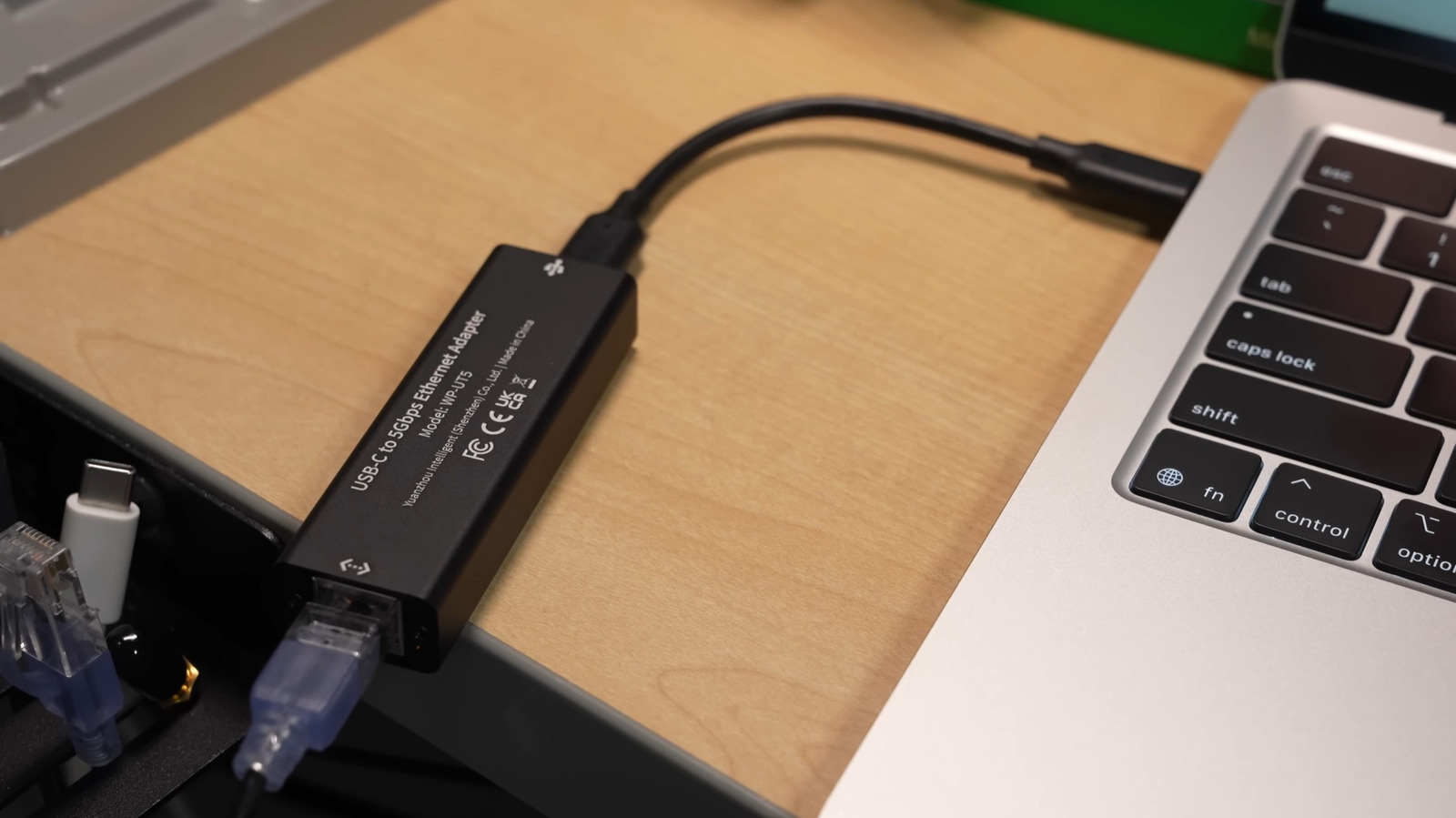
Not so long ago, most laptops featured an Ethernet port to allow wired connectivity. While home Ethernet has some disadvantages, you still get a more reliable, relatively faster connection with lower latency. But newer laptops, in a bid to achieve thinner, sleeker designs, generally don’t have Ethernet ports anymore. If that’s the case with your laptop, one of the most feasible and cost-effective options is a USB to Ethernet adapter. Keep in mind that the adapter’s use isn’t limited to computers. You can connect the USB-C to Ethernet adapter to supported smartphones, TVs, or gaming consoles for a more reliable connection.
However, when buying the right adapter, there are a lot of considerations that come down to your requirements and existing setup. Among these, speed is one of the most important factors. If you have a fast internet plan, say between 200 Mbps and 1 Gbps, get a Gigabit USB-C to Ethernet adapter. A Gigabit Ethernet adapter also ensures faster speeds for local transfers, provided you are using the correct Ethernet cables.
Another factor to consider is compatibility. While USB-C to Ethernet adapters generally offer plug-and-play functionality across operating systems, it’s something worth verifying. If the one you are planning to buy doesn’t support plug-and-play for your OS, you will need to manually install the relevant drivers, which can be a hassle for everyday users.
Other features and options to consider
Some Ethernet adapters have LED indicators to highlight active connections and data transfer. If you want to quickly find the network status, an LED indicator is a feature to look for. Don’t forget to check the adapter’s build quality as well. Since it is relatively small and likely to be used extensively, it’s vital that the USB-C to Ethernet adapter can withstand prolonged use and is durable, especially where the cable connects to the adapter.
When buying an Ethernet adapter, it’s just as important to consider the device you’re connecting to. For a standard USB-C to Ethernet adapter, make sure the device has an additional USB-C port. If there’s just one charging port, you will have to keep switching between the adapter and the charging cable. Some USB-C to Ethernet adapters support pass-through power delivery, allowing you to use a single USB-C port for both charging and wired internet connectivity.
Another option is to get a USB-A to Ethernet adapter, but you will still need an unused USB-A port on your device. You can also use USB-C to USB-A or USB-A to USB-C adapters, but those must allow for fast data transfer. Otherwise, they will act as a bottleneck.
Lastly, you should analyze your setup to determine whether a USB-C to Ethernet adapter is really the right choice for you. For example, if the device is already running low on ports, you may be better off with a USB-C dock or hub that includes an Ethernet port. This way, the device gets Ethernet connectivity alongside additional ports to connect other peripherals and gadgets. In the end, it’s all about finding something that fits your budget and complements your setup.