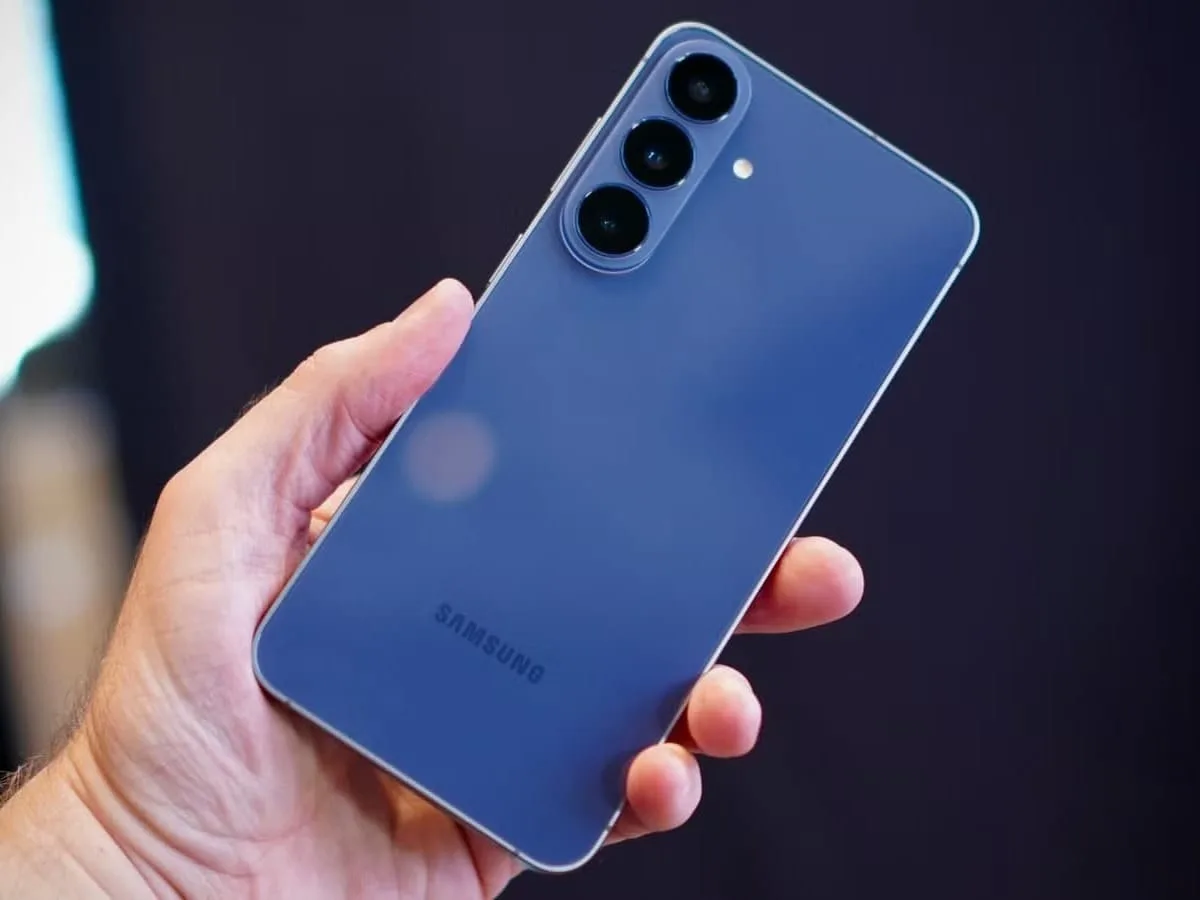
Udaipur, November 19: If you are a Samsung user looking to secure your WhatsApp, photos, or other private apps without downloading a separate App Lock, there is good news for you. Samsung has introduced a built-in App Lock feature in its new One UI 9.5 update. This allows users to secure various apps on their phones using fingerprint, face unlock, or screen lock. Additionally, notifications from locked apps will remain hidden. Samsung has launched the One UI 9.5 Beta program for the Galaxy S26 series phones in India.
Samsung Launches One UI 9.5 Beta in India
On November 18, 2026, Samsung initiated the One UI 9.5 Beta program. Besides India, select users in the United States, United Kingdom, South Korea, Germany, and Poland can also participate in this beta program. Currently, this update is available for the Samsung Galaxy S26, Galaxy S26+, and Galaxy S26 Ultra. The beta update allows users to experience new features before the official stable update is released.
Key Features of Samsung One UI 9.5 Update
1. The standout feature of this update is the built-in App Lock. Previously, many Samsung users had to rely on third-party apps to lock an app. With this feature, users can lock any supported app on their phone using fingerprint, biometric authentication, or the phone’s screen lock. Not only can users lock apps, but Samsung has also prioritized privacy. When an app is locked, the information in its notifications and related widget content will remain hidden. This means personal messages will not easily appear on the lock screen or home screen.
2. One UI 9.5 also brings several enhancements for camera users. Samsung has improved the Pro and Pro Video modes, allowing users to adjust camera settings according to their needs and use presets for different shooting scenarios. This will benefit those who take photos and record videos with their mobile devices. Users will have greater control over settings like shutter speed and frame rate. After the update, camera controls and the zoom bar will be easier to use on a single screen, reducing the need to switch between different settings while capturing photos or videos.
3. Samsung has added two new features to its health app. The first is Mindful Note, which allows users to write down their thoughts and feelings. Users can jot down notes or record their thoughts using provided questions and prompts. The second new feature in Samsung Health is Medications, which enables users to add information about their medications, vitamins, and supplements. Users can set reminders for taking their medications.