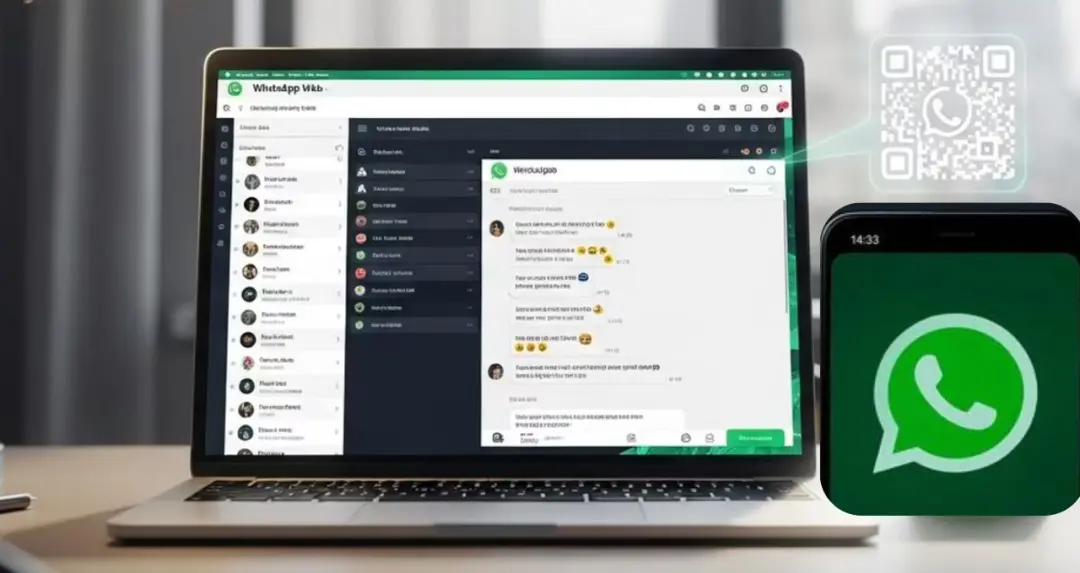
The Indian Cyber Crime Coordination Center (I4C) under the Union Home Ministry has issued a security alert for WhatsApp Web users. Users of WhatsApp Web are advised to remain cautious, especially on public computers and computers shared by others. That said, closing the browser should not be considered as terminating the WhatsApp account session. Due to this, there is a risk of personal messages and other sensitive information falling into the hands of others.
Government security warning for WhatsApp Web users
While working in office, many people use WhatsApp on computer instead of looking at mobile phone again and again. This makes it easy to send messages, share important files and communicate. However, leaving the computer after work without logging out of the account can cause security issues.
The National Cyber Crime Threat Analytics Unit of the Indian Cyber Crime Coordination Centre, working under the Union Home Ministry, has issued an advisory on this issue. Users of WhatsApp Web on computers shared by more than one person are advised to be especially cautious.
Closing the browser may not end WhatsApp session
Most people close browser tabs after using WhatsApp Web. Along with this, his account is also considered closed. However, in some cases the WhatsApp session may remain active on the computer. Then someone else using the same browser can access your WhatsApp account.
An active session allows others to see information shared in your personal messages, contact list, group chats, and conversations. Apart from this, you can also send messages to others from your WhatsApp account.
Cyber fraudsters can use this situation to their advantage. Friends or relatives can be contacted with your identity. When a message comes from an acquaintance's number, many people believe it without checking the facts.
Avoid using WhatsApp on public, shared computers
I4C advises to avoid logging in through WhatsApp Web in cyber cafes, business centers in hotels, on other people's computers. The browser can use a private window if there is a need to use WhatsApp for a short time on a trusted computer. However, it is mandatory to logout from the account as soon as you are done, even if using a private window.
It also advises against sharing bank account details, passwords and other sensitive documents through WhatsApp. Especially there is a need to be more careful while using other people's devices instead of your mobile or computer.
Also, computer operating system, browser, antivirus software should be updated from time to time. Avoid clicking on suspicious links from unknown people and downloading unknown apps.
You can logout from the linked device via mobile
If you forget to log out of WhatsApp Web at work or elsewhere, there's no need to go back to the same computer. Open WhatsApp on your mobile and go to Linked Devices option. There you will see details of the devices linked to your account.
You can select the computer you want to remove from the account and logout. If you see any unknown device in the list, remove it immediately. It is a good idea to check the linked device list from time to time to ensure account security.
Don't ignore messages you didn't send that appear to be sent from your account or unusual responses from acquaintances. Quickly check connected devices.
Complaints related to cyber fraud can be filed through the national cyber crime reporting portal cybercrime.gov.in. In case of financial fraud the helpline number 1930 can be contacted.